 S3 Enterprise
15 screens
Engineering
What each product is made of and how - its bill of material (BoM) - and every change to it, kept under control. Every page in the Engineering menu, what it is for, and where it leads; then the main records, tab by tab. The pictures are the demo company (Foundry Valves) after the test runs, so the names and numbers are made up. For the story, read How engineering works first.
How a product's design moves
A BoM is never edited once approved: a change makes a new version, and the old one stays as it was, so every work order shows what it was made by.
The work
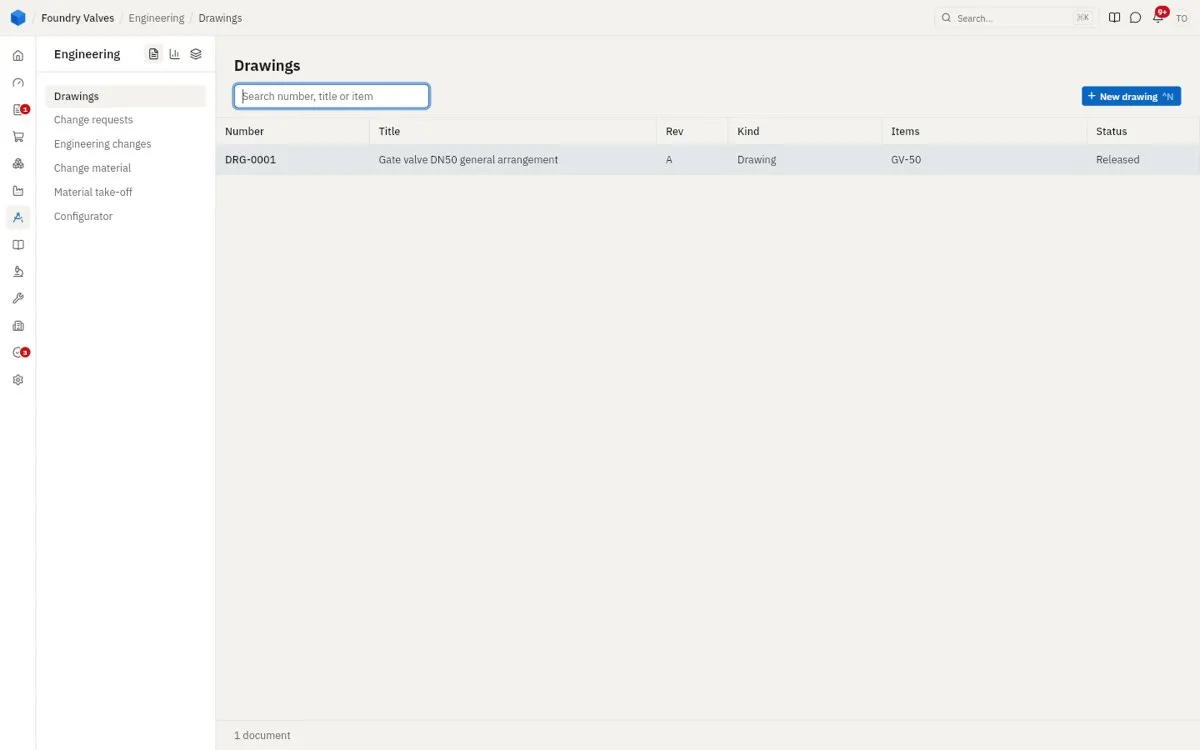
Drawings
Drawings and other engineering documents, each with its revisions (A, B, C...), the items it is for, and who has a copy. Released is the revision in use.
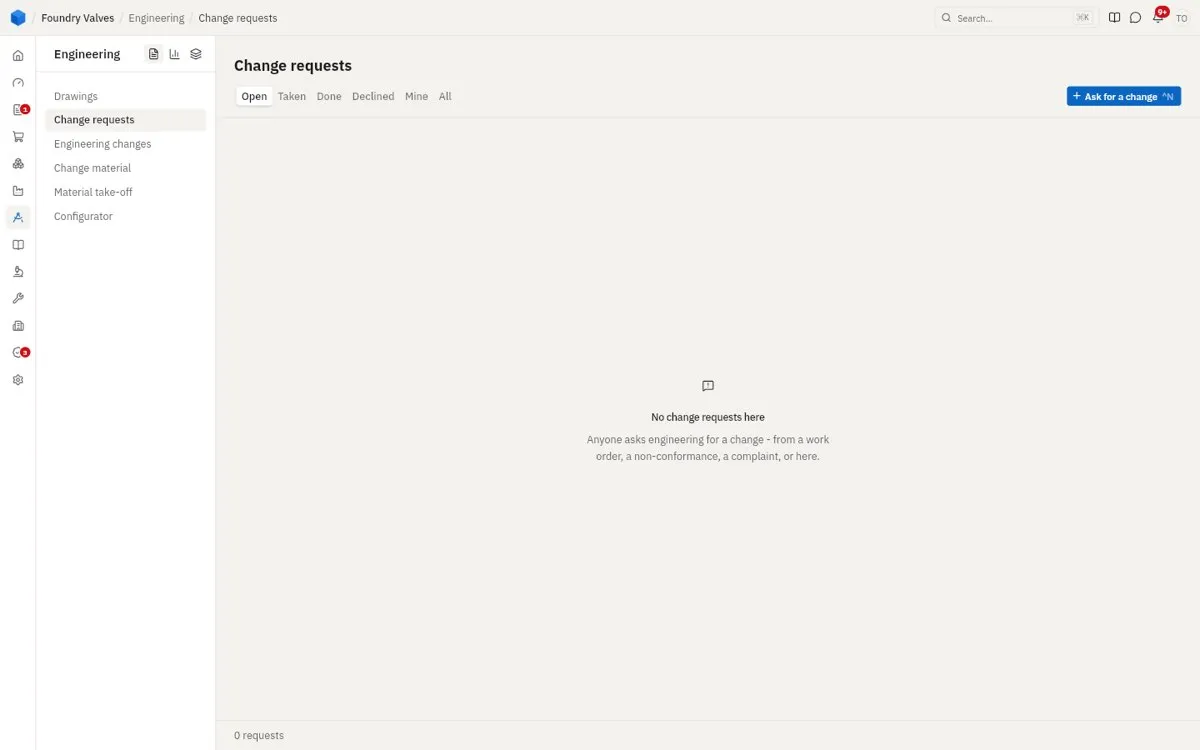
Change requests
Anyone can ask engineering for a change - from a work order, a non-conformance, a complaint, or here: what is wrong, on which item, how urgent. Engineering takes it, then answers it with a change, or declines it.
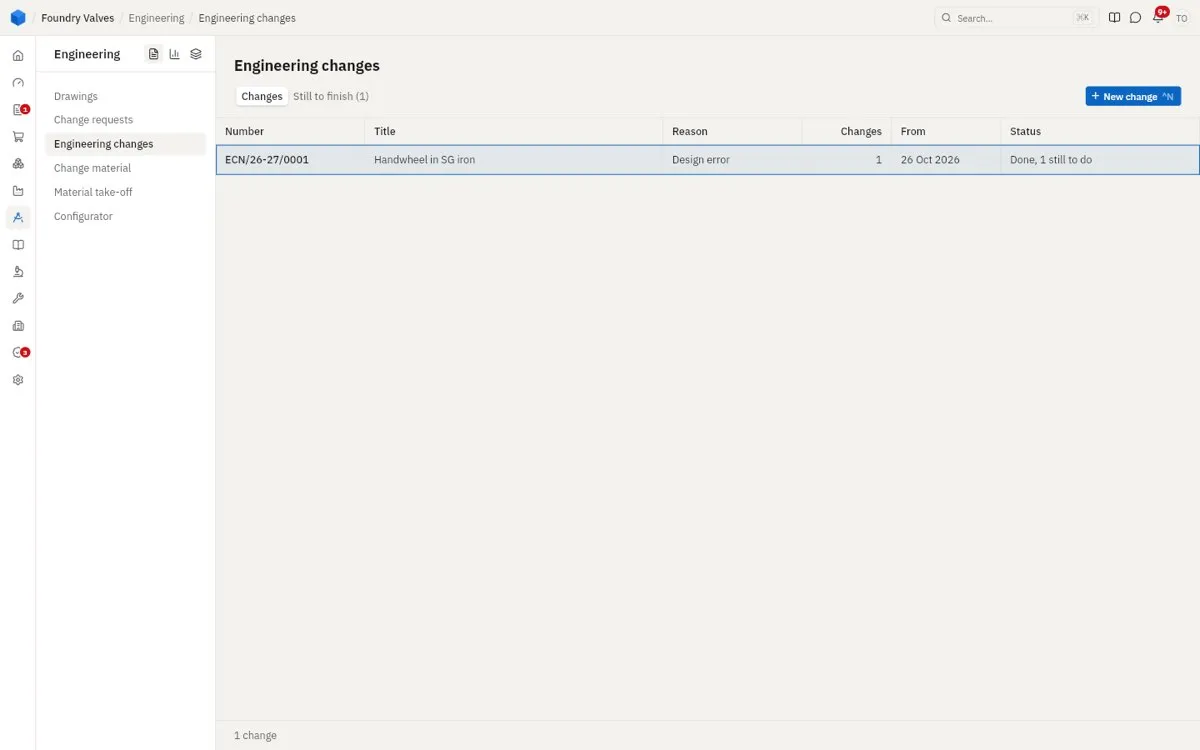
Engineering changes
An ECN: a change to one or more BoMs, with its reason and the date it takes effect - replace this part with that one everywhere it is used, change a quantity, add a step. Approving it makes the new BoM versions. Still to finish shows what is left to do with the old parts.
Change material
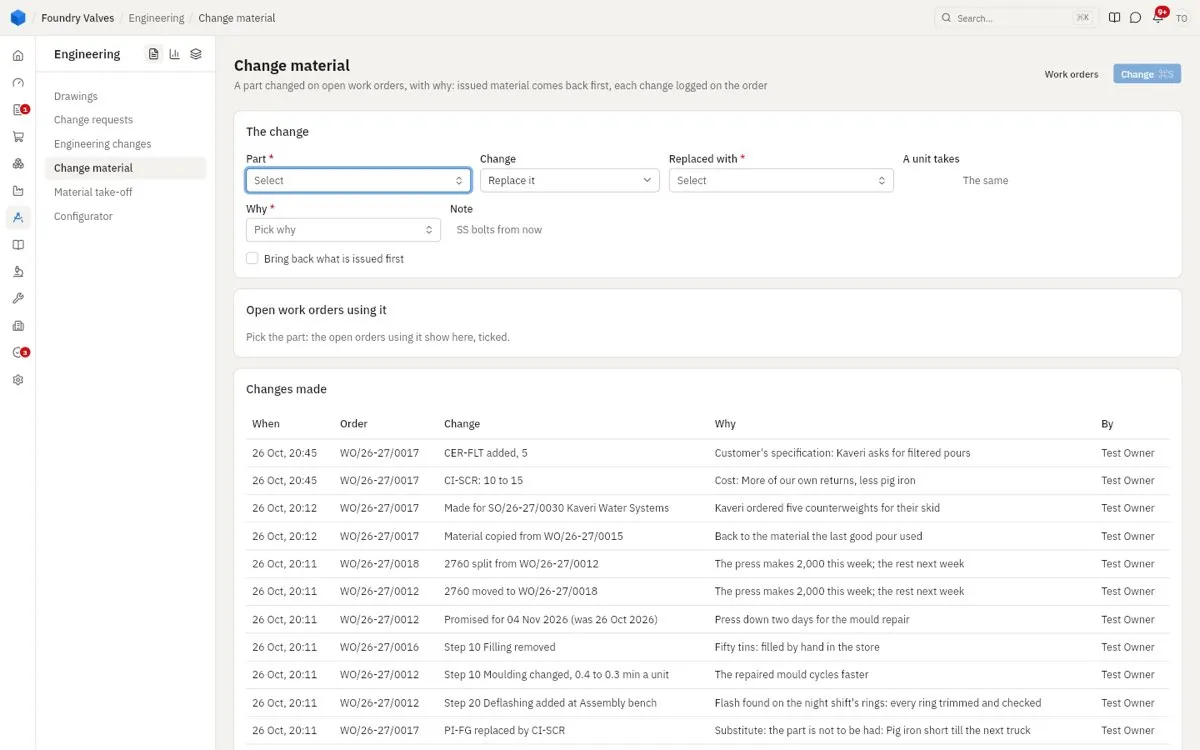
A part changed on work orders already open (not their BoM): pick the part, what replaces it and why; the open orders using it are ticked; issued material comes back first. Below, every change made on open orders.
Material take-off
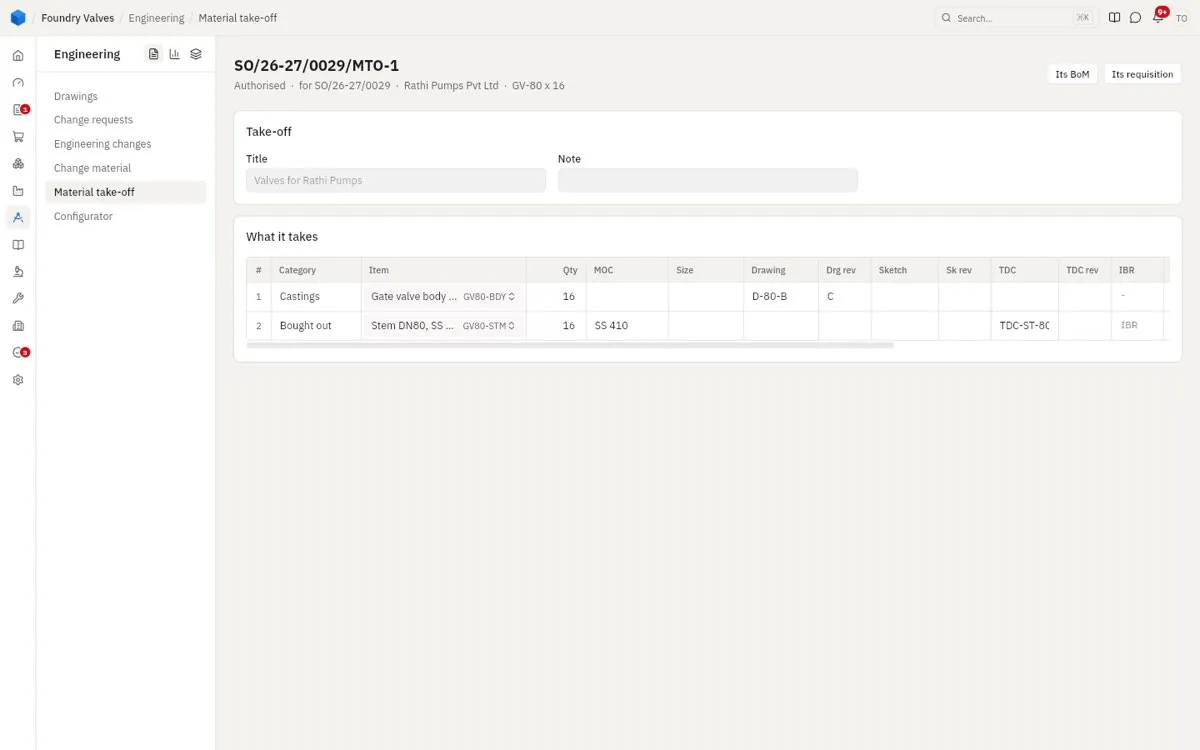
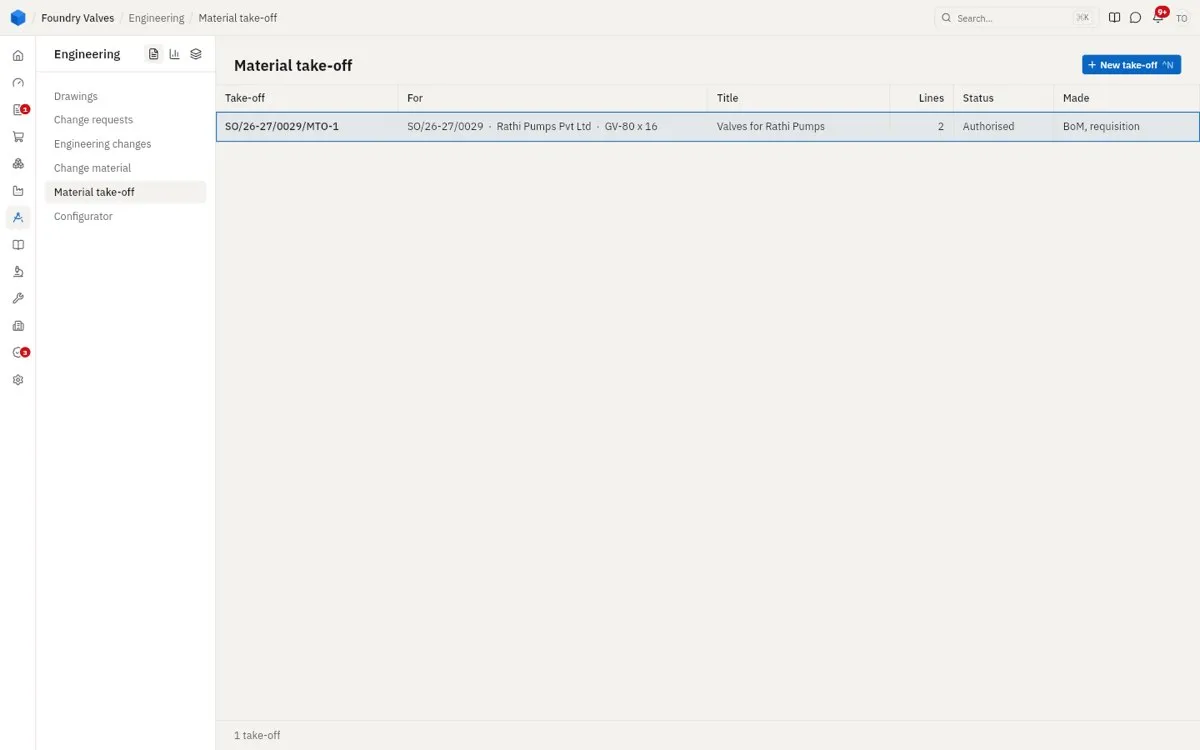
For a made-to-order sales order line: what it takes - castings, bought-out parts, with their material, drawing and test certificate needs. Authorised, it makes the order line's own BoM and the requisition for what must be bought.
Configurator
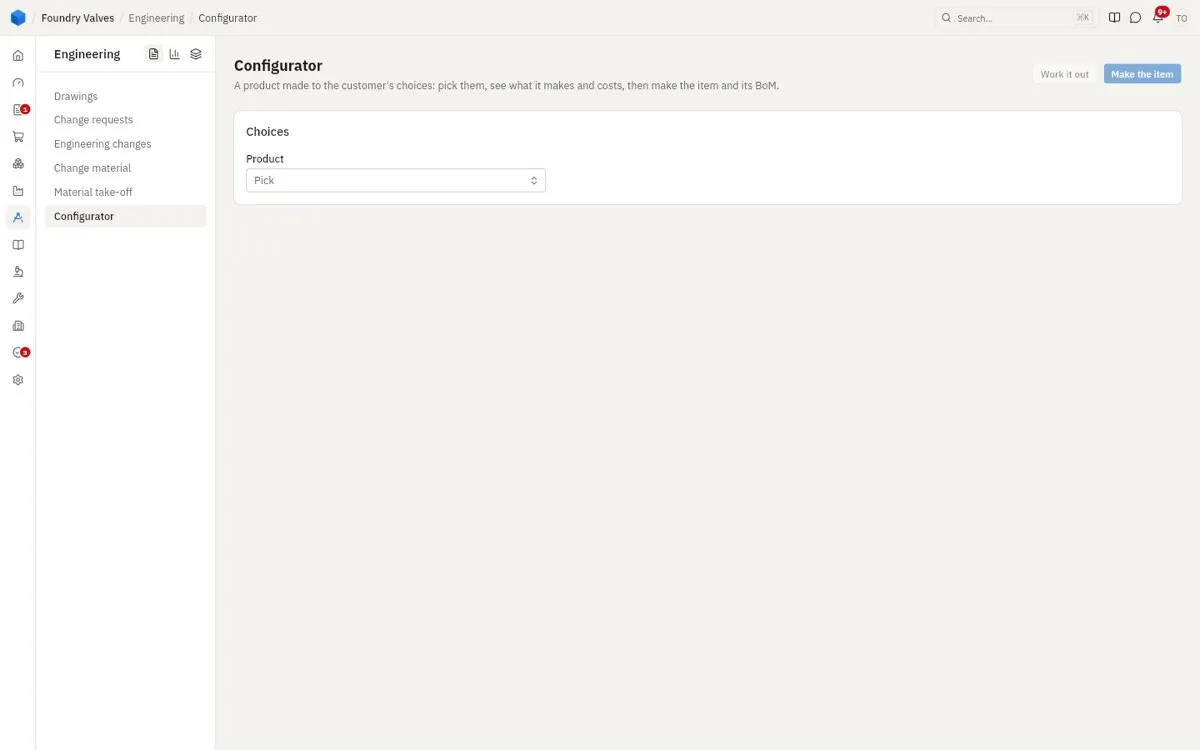
A product made to the customer's choices (size, pressure class...): pick them, see what it makes and what it costs, then Make the item and its BoM in one go.
Masters
Bills of material
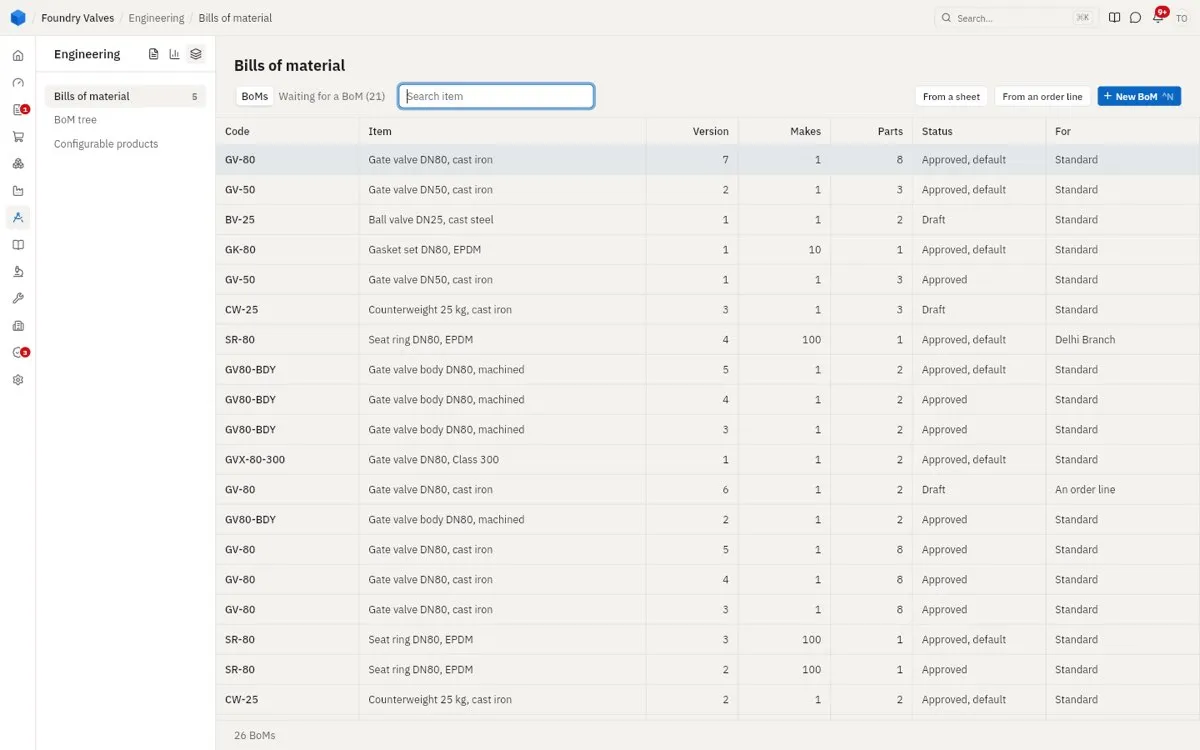
Every BoM: the item it makes, its version, how many one run makes, how many parts, its status (Draft, Approved, the default) and what it is for (standard, a plant, an order line). Waiting for a BoM lists made items that have none. From a sheet brings BoMs in from Excel.
BoM tree
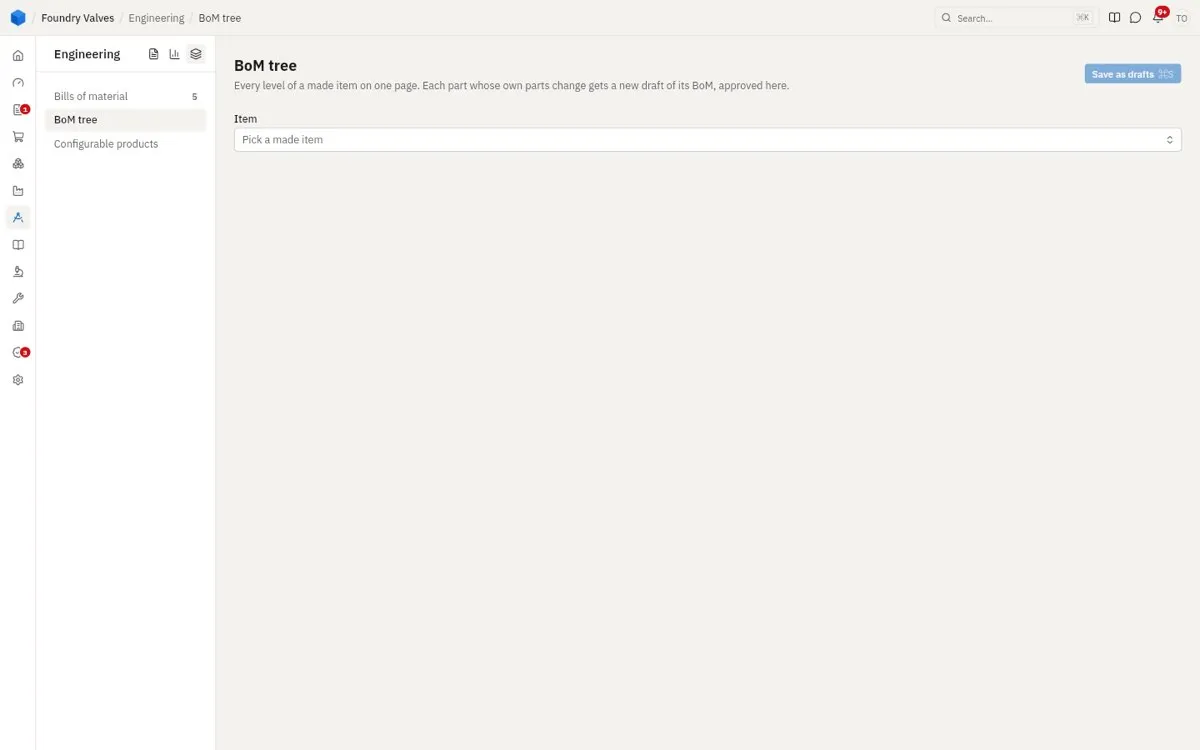
Every level of a made item on one page - the item, its parts, their parts - changed in place. Each part whose own parts change gets a new draft of its BoM, approved here.
Configurable products
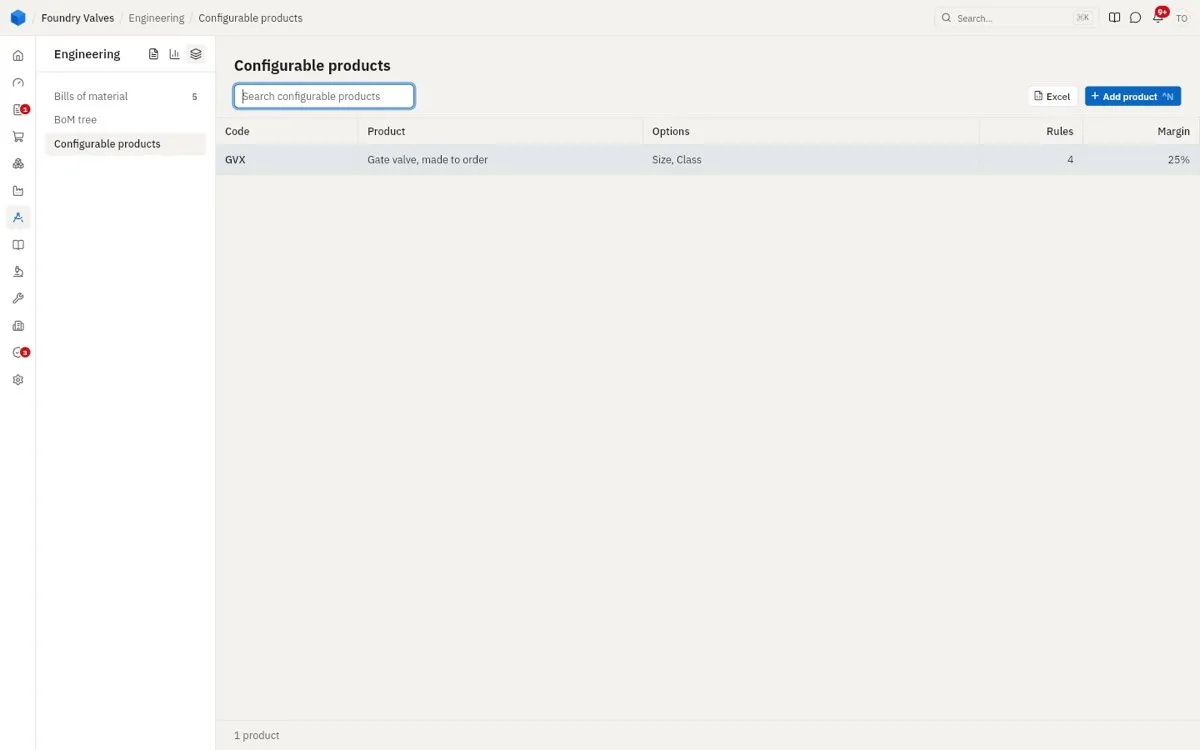
The products the configurator makes: their options (size, class), the rules between them, and the margin to price over cost.
Reports
Engineering reports
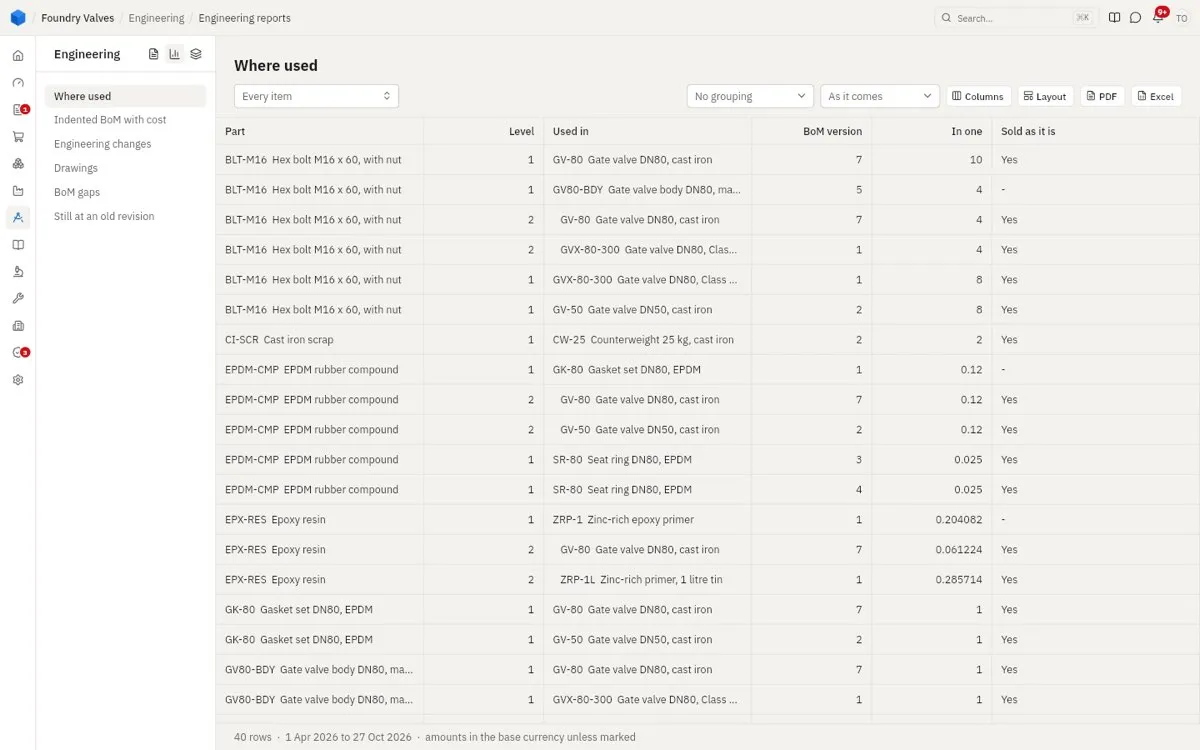
Every engineering report, down the left: where each part is used (every BoM it goes into, at every level), BoMs compared, costs rolled up, changes made, and the rest.
The main records, tab by tab
Bill of material
The header: the item, how much one run makes, the plant it is for, its drawing and revision, the batch limits, and the yield. At its foot: Make obsolete, New version, Compare (with another version), Change by ECN, Copy to another item. Tabs:
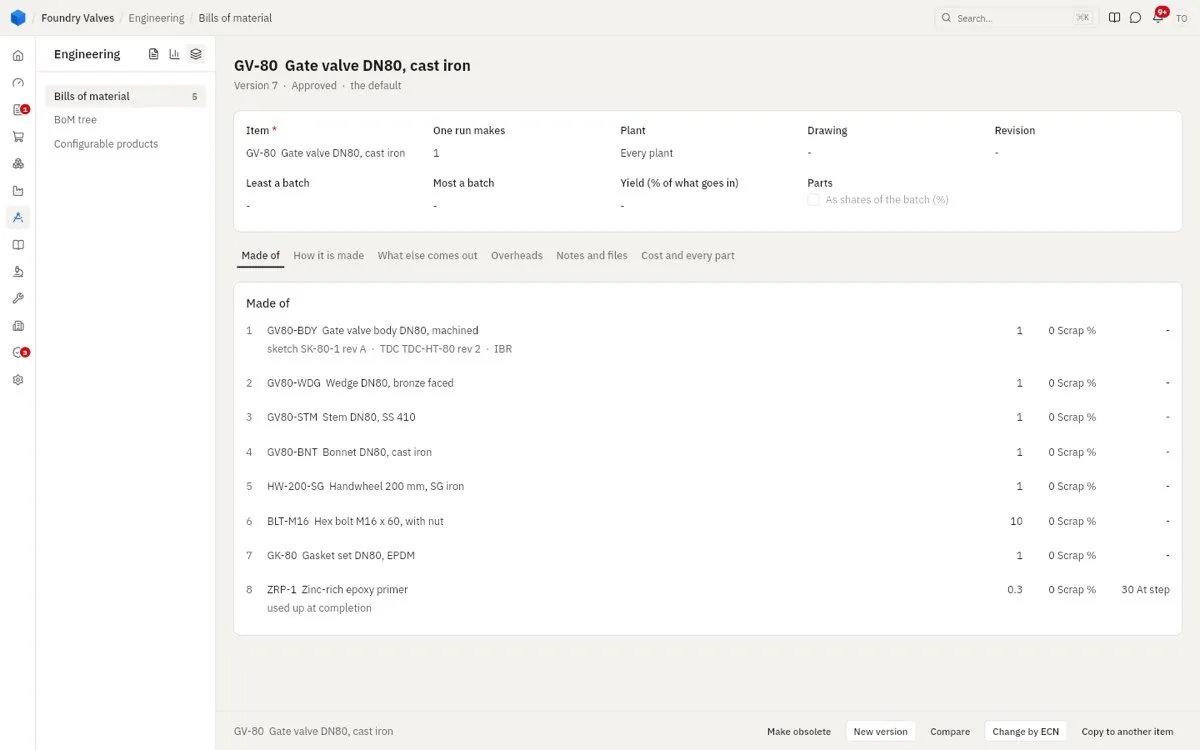
- Made of: each part, how many, its scrap %, the step it is used at, and whether it is used up as it is made
- How it is made: each step, the work centre it is done at, its set-up and minutes a unit, the people and tools it needs, whether it is inspected (and what passes), or done outside by a job worker
- What else comes out: by-products and scrap the making gives
- Overheads: overhead added on the material and steps
- Notes and files: its drawings, the customer's specification
- Cost and every part: what one costs, with every part at every level and whether it is made here
Drawing
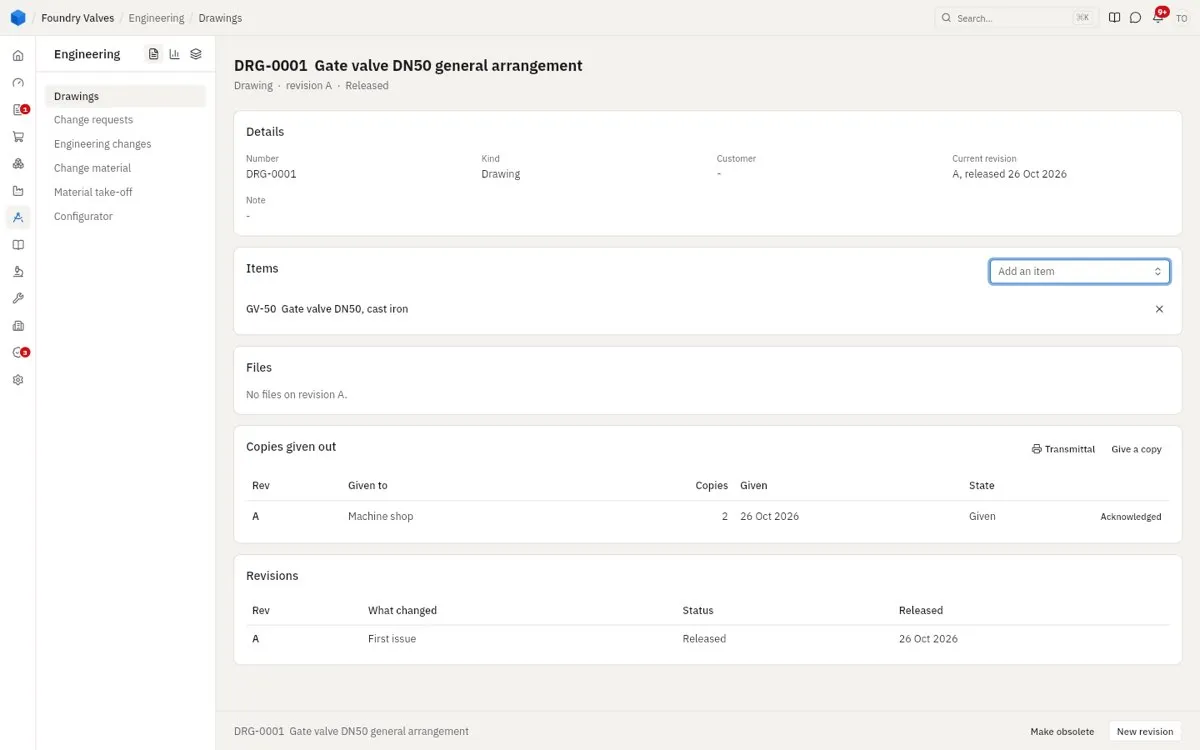
Its number, kind and customer; the items it is for; the files of each revision; the copies given out (to the machine shop, acknowledged) so an old copy can be called back; and its revisions with what changed. New revision at its foot.
Change request
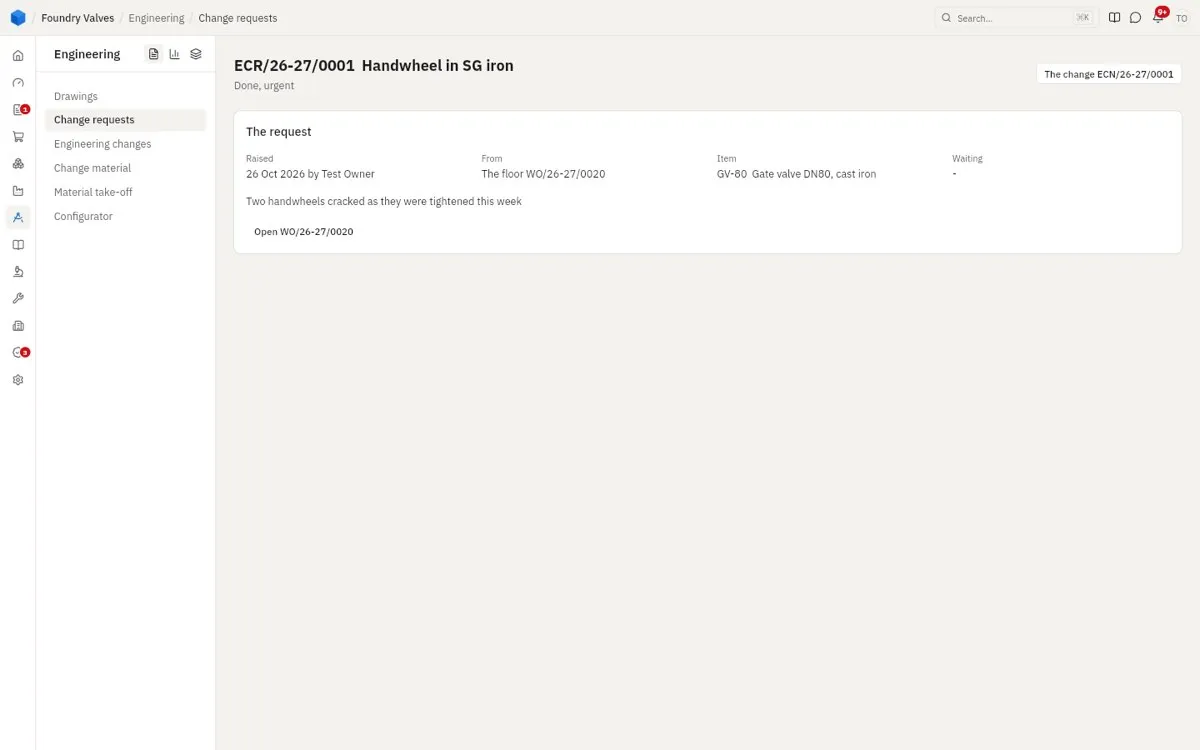
Who raised it, from where (a work order), on what item, what is wrong - and the change that answered it.
Engineering change
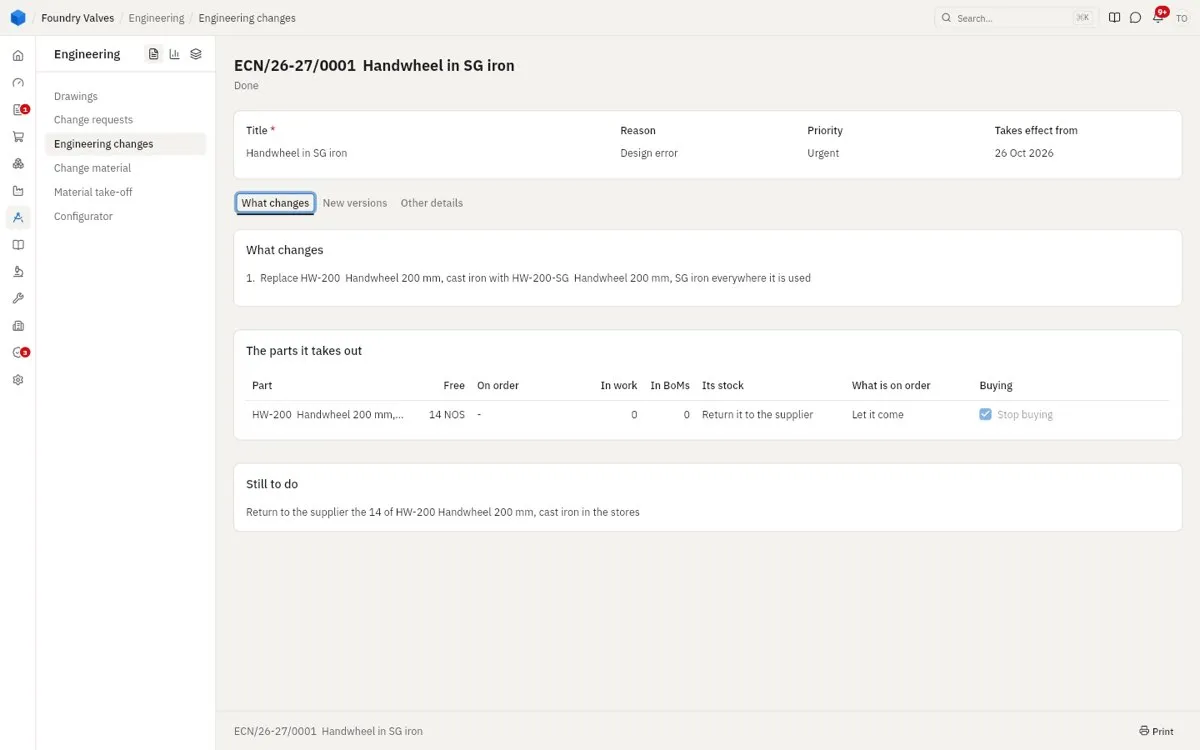
Its title, reason, priority and the day it takes effect. Tabs: What changes (each change, the parts it takes out - their stock, what is on order, in work, in other BoMs - what to do with each, and what is still to do) · New versions (the BoM versions it made) · Other details (who asked, and the requests it answers)
Material take-off
The order line it is for, then What it takes: each line's category, item, quantity, material, size, drawing and sketch with revisions, test certificate, and whether IBR applies. Its BoM and Its requisition open what it made.