 S3 Enterprise
67 screens
Sales
Every page in the Sales menu, what it is for, and where it leads; then the main records, tab by tab. The pictures are the demo company (Foundry Valves, a valve maker) after the test runs, so the names and numbers are made up. For the story of one sale from start to finish, read How a sale works first.
Finding your way
The Sales menu has four icons at its top. Each shows a part of the menu:
| Icon | Shows |
|---|---|
| Page | The work: leads, quotations, orders, challans, invoices, money in, after sales |
| Layers | Masters: the lists the work picks from - customers, prices, terms, transport |
| Chart | Reports |
| Gear | Settings for selling |
Every list works the same: search at the top, filters beside it, New ... (Ctrl+N) on the right, the count and total at the foot. Click a row to open it. Every document has the same bar at its foot: its status, Print, Make (the next document from this one) and ... for the rest (copy, cancel, revise).
The path a sale takes
Each arrow is the Make button on the document before it: the next one is filled in from it. A document's History tab shows what it was made from and made into, so you can walk the chain both ways.
The work
Enquiries
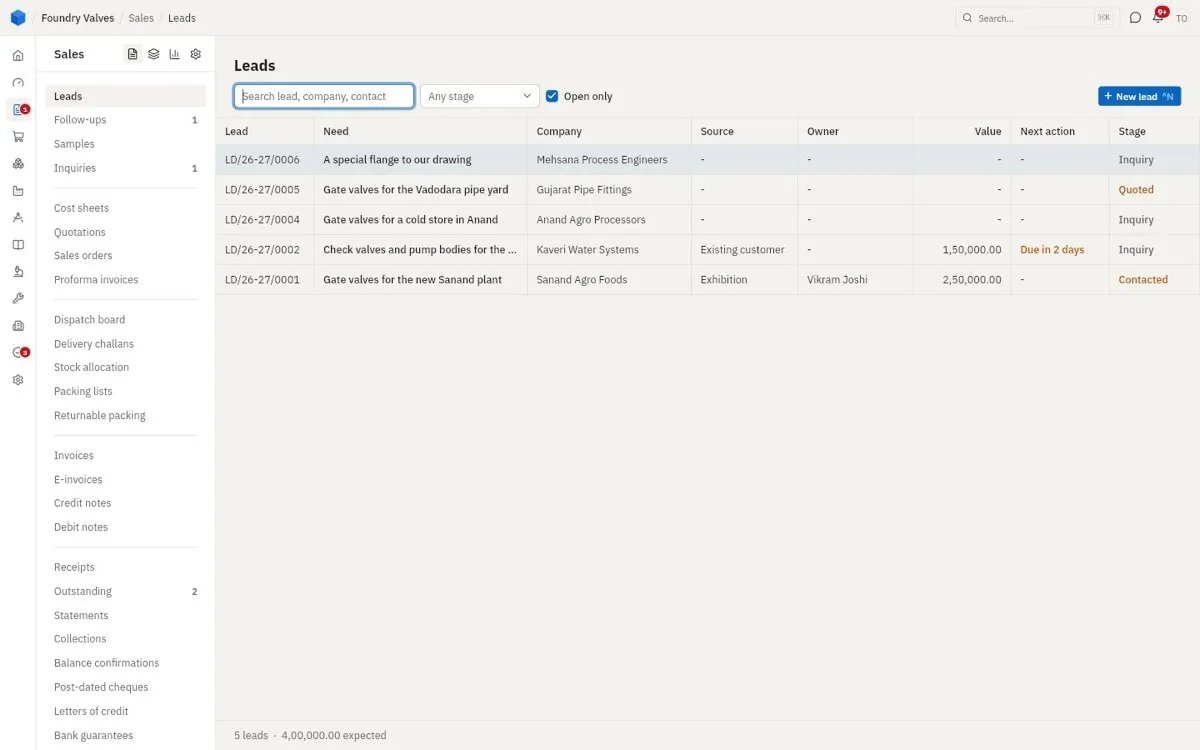
Leads
Someone who might buy: who they are, what they need, how much it may be worth, and how far it has got (its Stage: New, Contacted, Qualified, Inquiry, Quoted, Won, Lost, Dropped). Next action is the follow-up date - "Due in 2 days" means someone should call or visit them in two days. Use it when a name comes in from an exhibition, a call, a reference. Leads to: an inquiry or a quotation (buttons at the foot of a lead), and a customer when they buy.
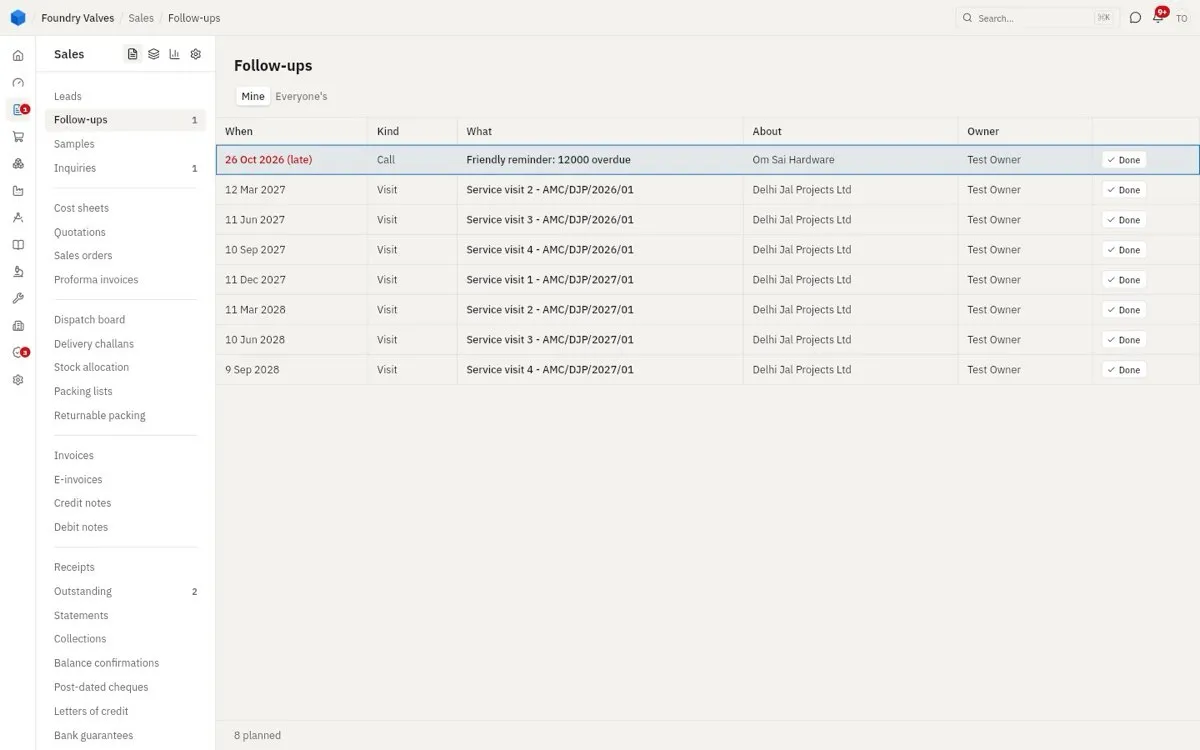
Follow-ups
Everyone's to-do list of calls, visits and emails, the late ones in red. Some are made by hand, some by the app (a payment reminder, an AMC's service visit). Mine shows yours, Everyone's the team's. Tick Done when it is done. The red count beside Sales on the left rail counts these.
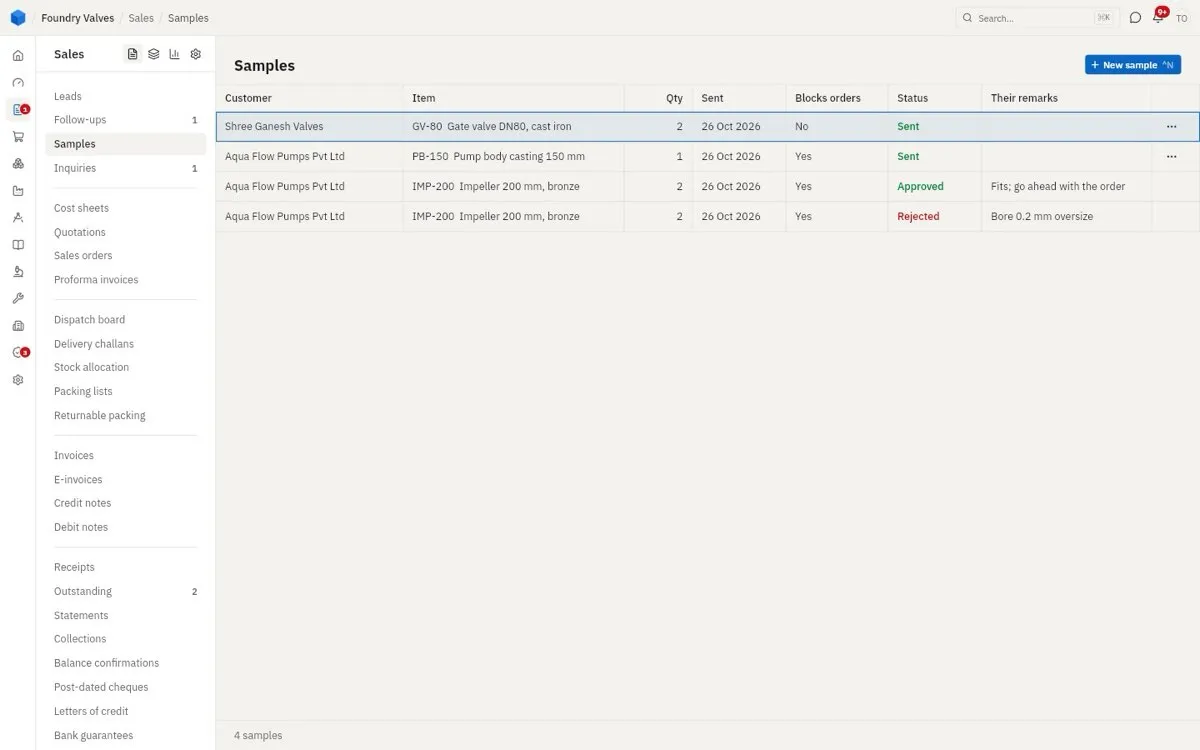
Samples
Pieces sent to a customer to try before they order: what went, when, and their answer (Approved, Rejected, their remarks). Blocks orders: Yes means no bulk order of that item for that customer can be confirmed until the sample is approved - so nobody ships 500 of something they have not passed.
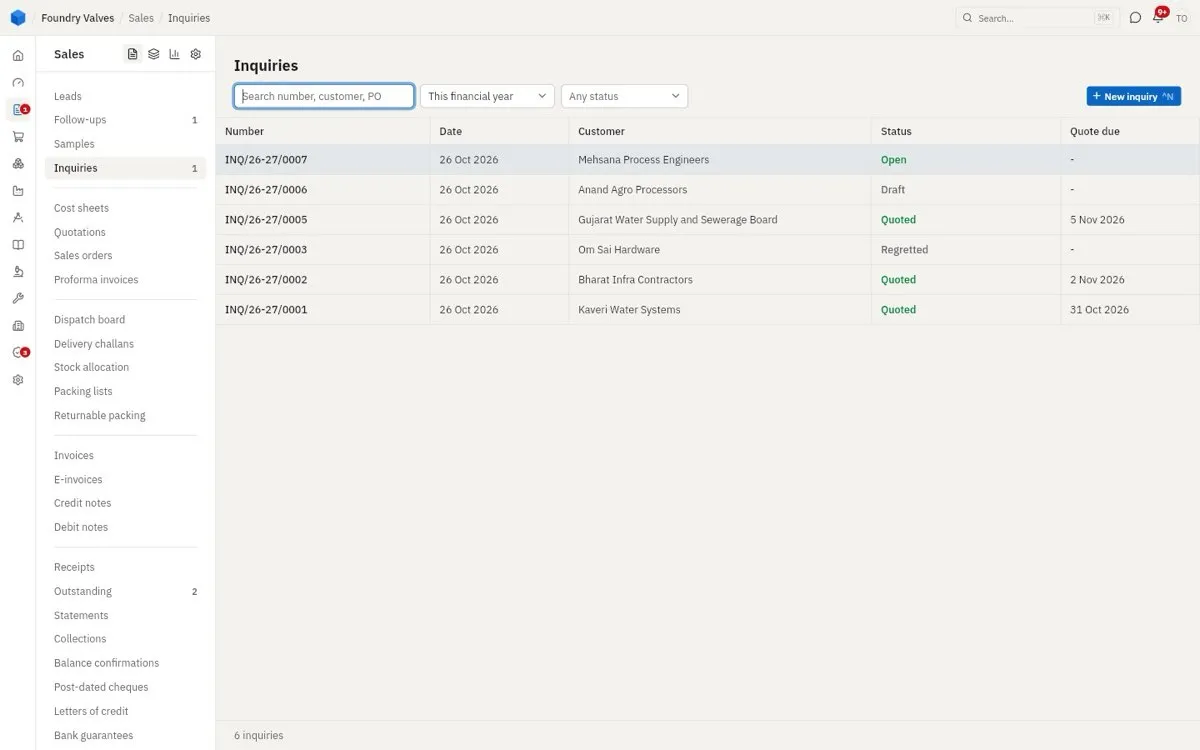
Inquiries
A customer's request for a price: these items, these quantities, by this date. Quote due is when they want the price. Statuses: Draft, Open, Quoted, Regretted (we said no). Leads to: a quotation.
Quotes and orders
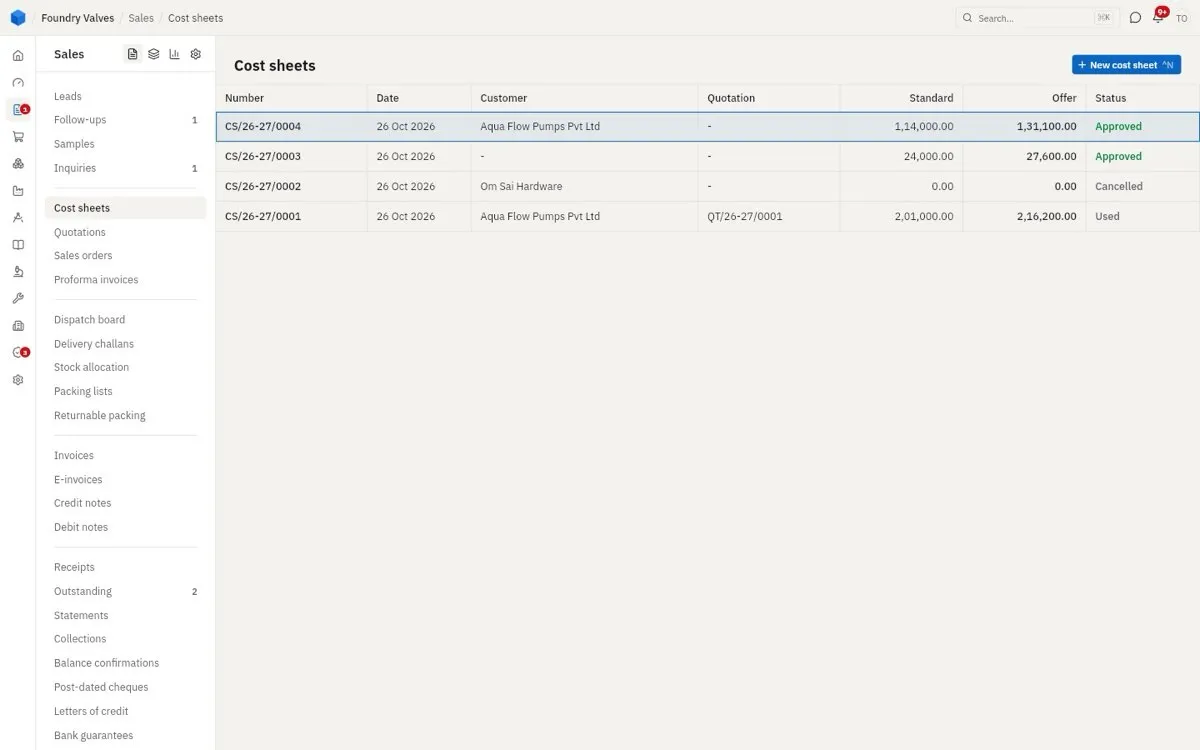
Cost sheets
For something non-standard (made to their drawing): what it costs us, line by line - material, process, other - then profit and discount, giving the rate to quote. Standard is our cost, Offer what we quote. Leads to: the quotation's rate.
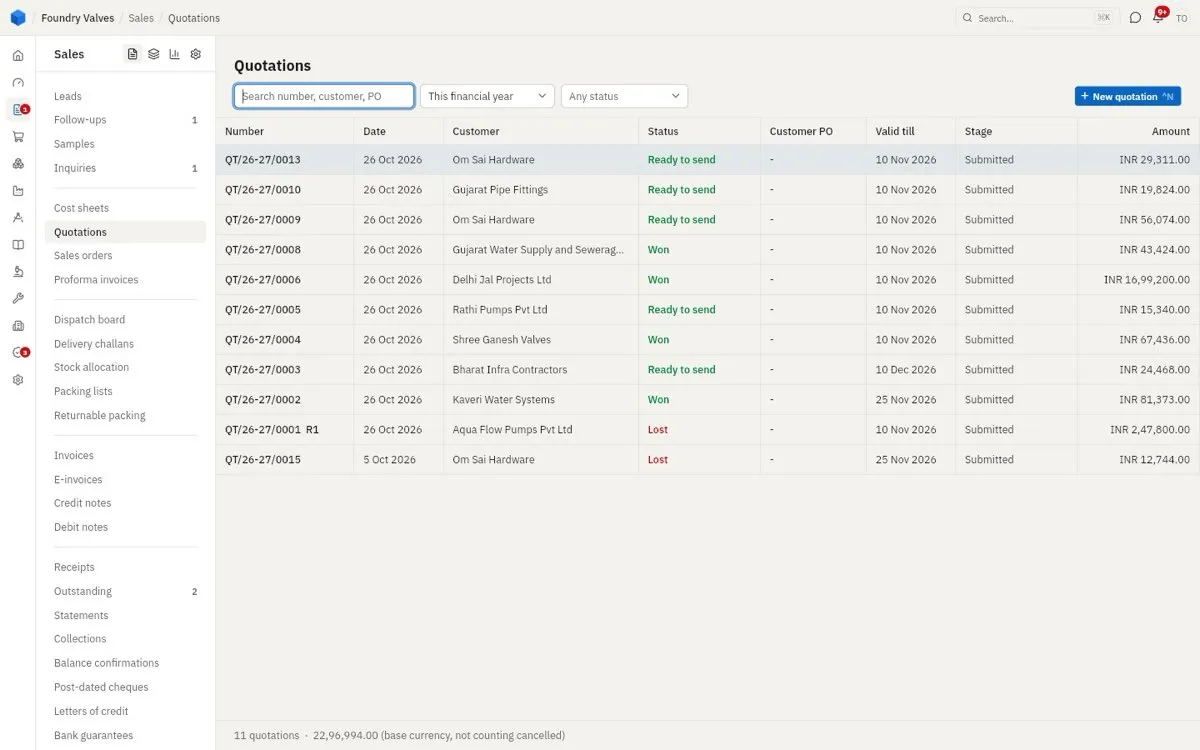
Quotations
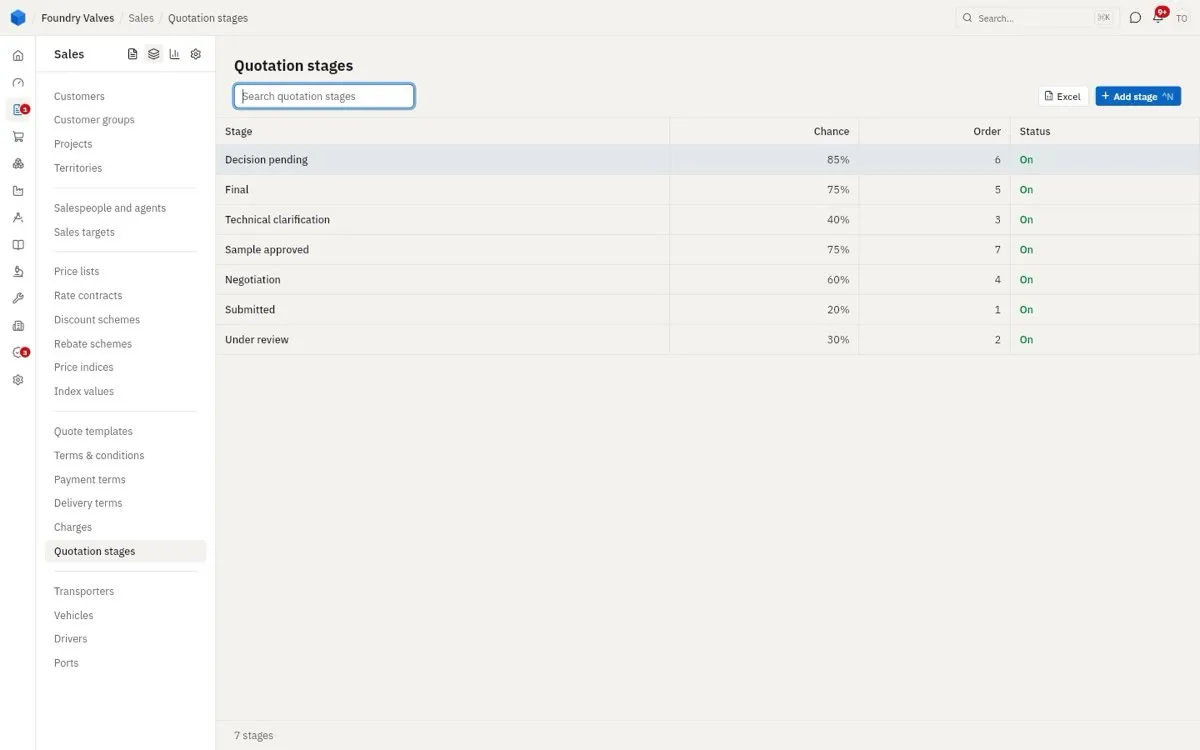
The price we offer. Status is ours (Ready to send, Won, Lost); Stage is where the customer is with it (Submitted, Under review, Negotiation...) and gives the chance of winning. Valid till is when the price ends. A revised quotation keeps its number with R1, R2. Leads to: a sales order when they accept.
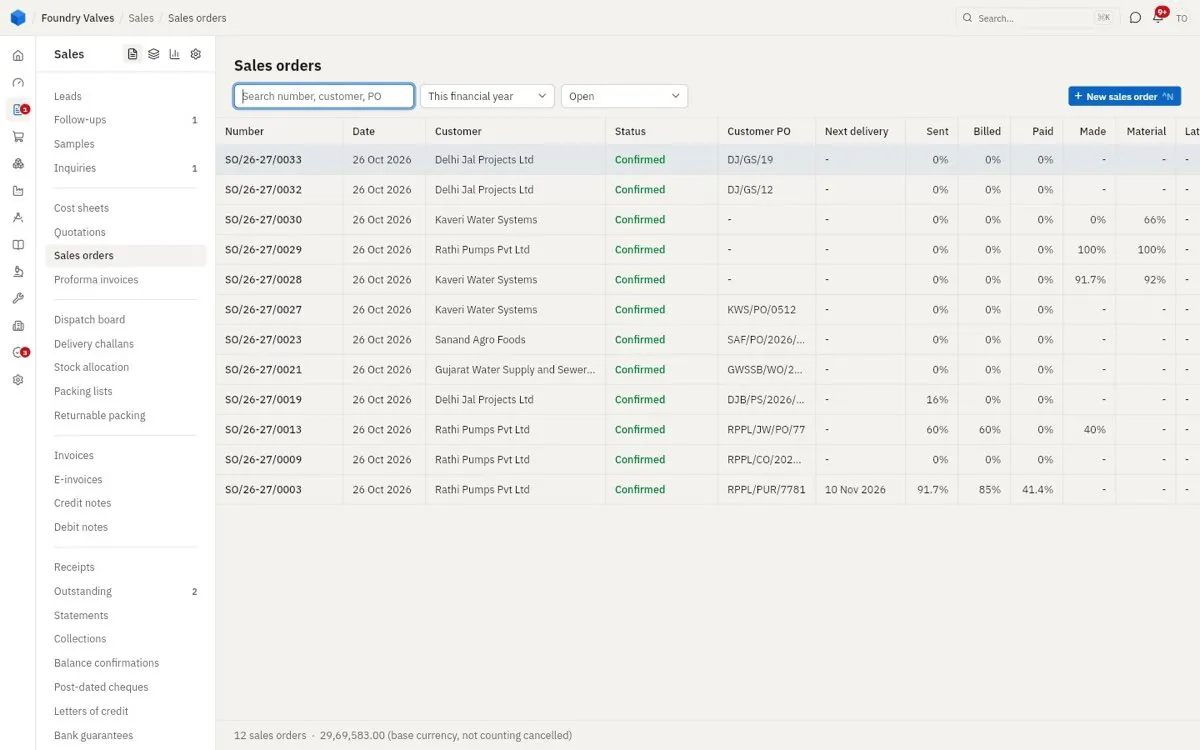
Sales orders
What we have promised: items, quantities, prices, delivery dates, against their PO. The columns show how far each is: Sent (dispatched), Billed, Paid, Made (production) and Material (what is in hand to make it). Leads to: challans and invoices; for items we make, work orders in Production.
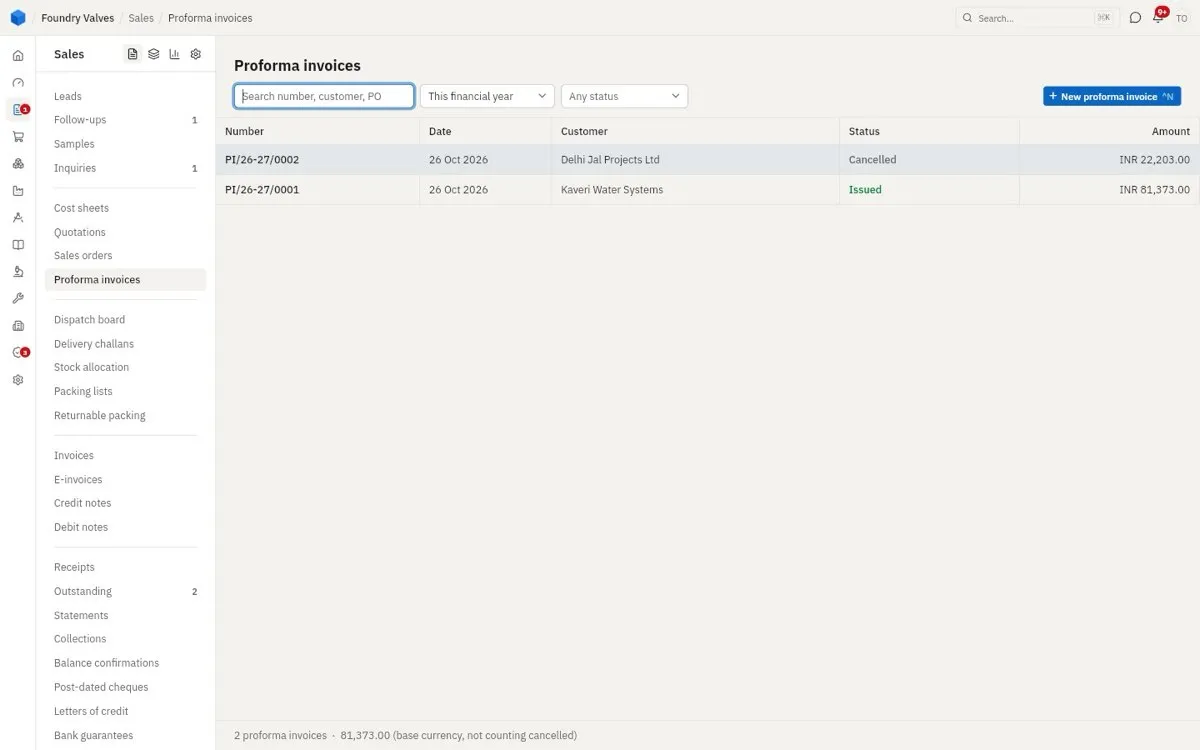
Proforma invoices
An "advance bill" so the customer can pay before dispatch or get their bank to open a letter of credit. It is not a tax invoice and does not count as a sale. Leads to: a receipt against it.
Dispatch
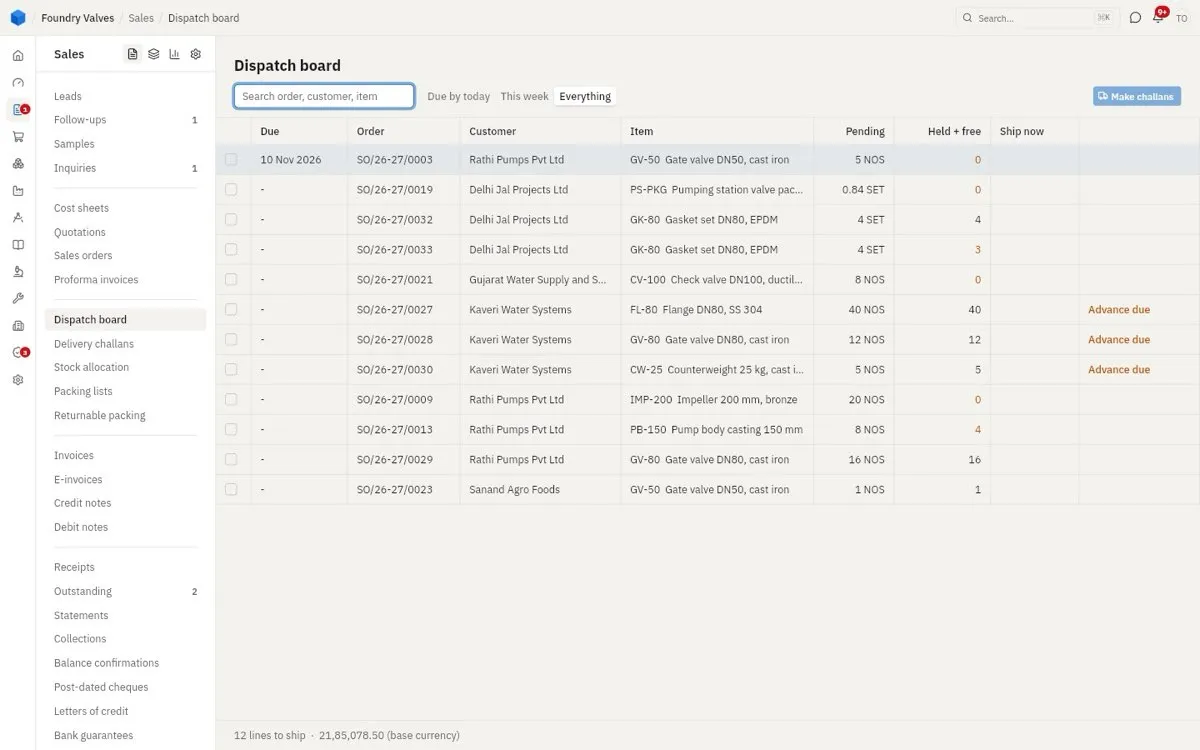
Dispatch board
Every order line still to ship, most urgent first, with what is held for it and free in stock. Advance due means the order wants money before it goes. Tick lines, press Make challans.
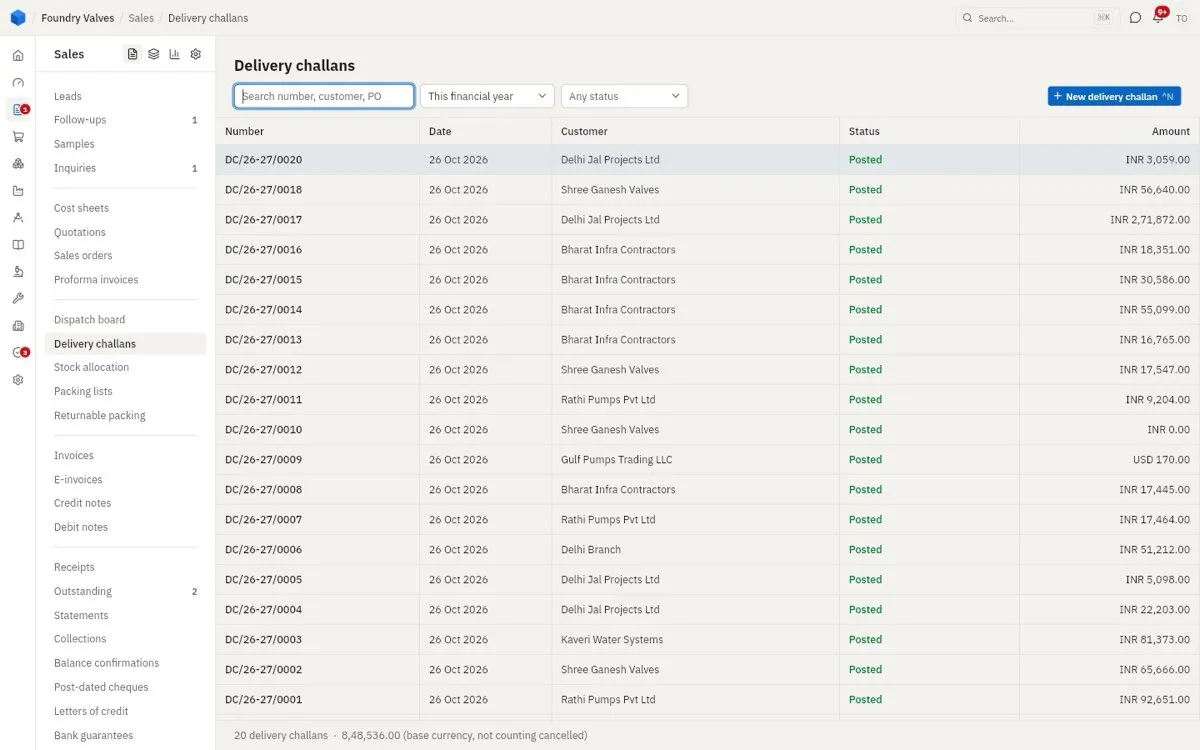
Delivery challans
The paper that goes with the goods: what left, on which truck, to where. Posting it takes the stock out. Leads to: the invoice (or the invoice is made with the goods, by the setting).
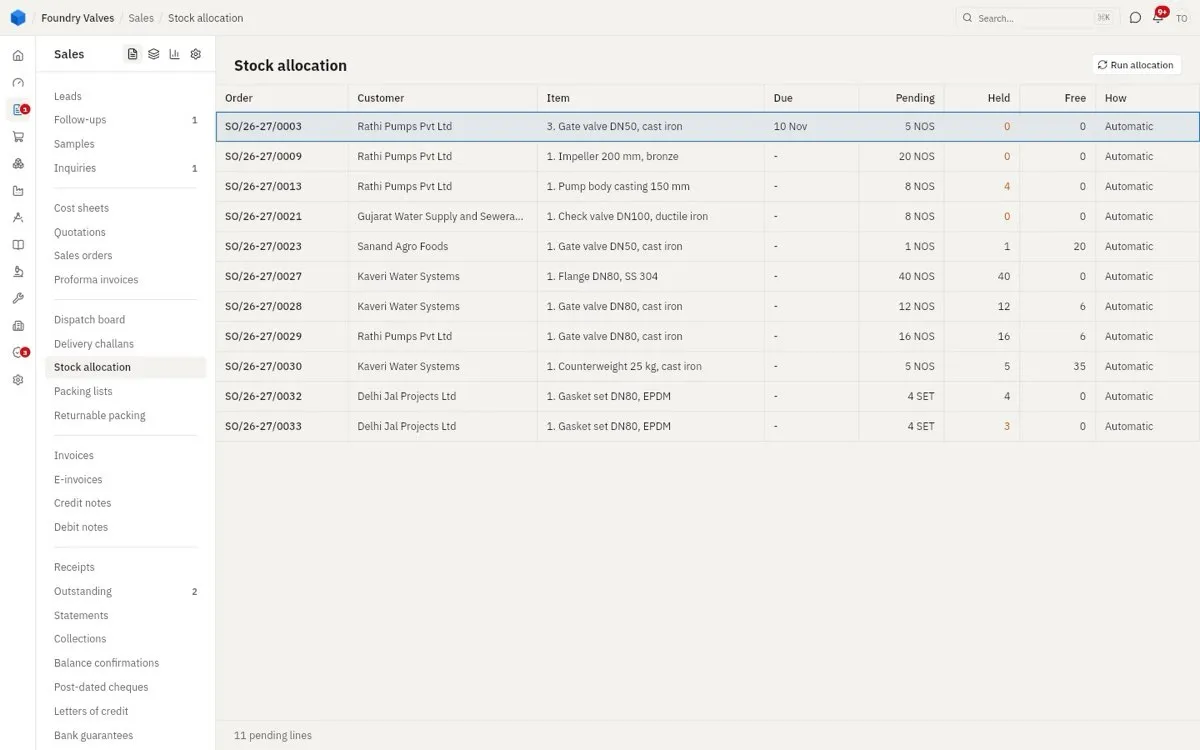
Stock allocation
When stock is short: which order gets it. Orders hold stock automatically as it comes in (How: Automatic); here you move it by hand when one customer must wait for another. Run allocation shares it out again.
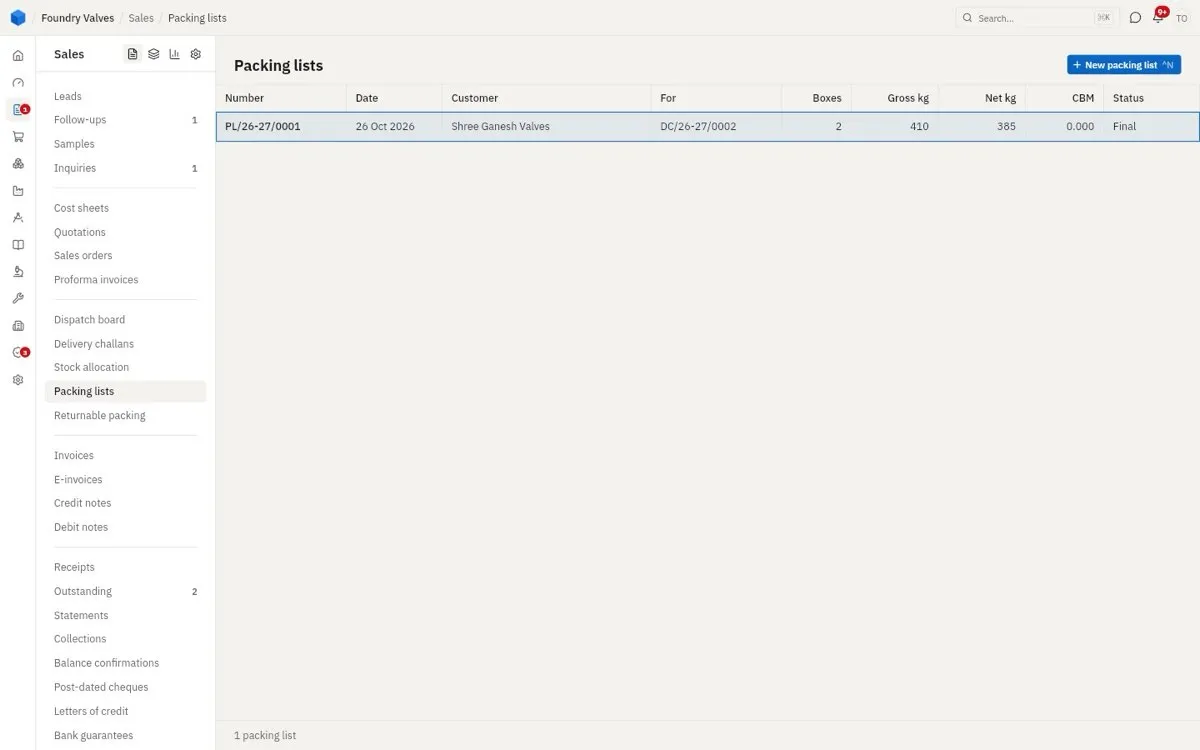
Packing lists
What is in each box of a challan or invoice, with sizes and weights - for the transporter and for customs.
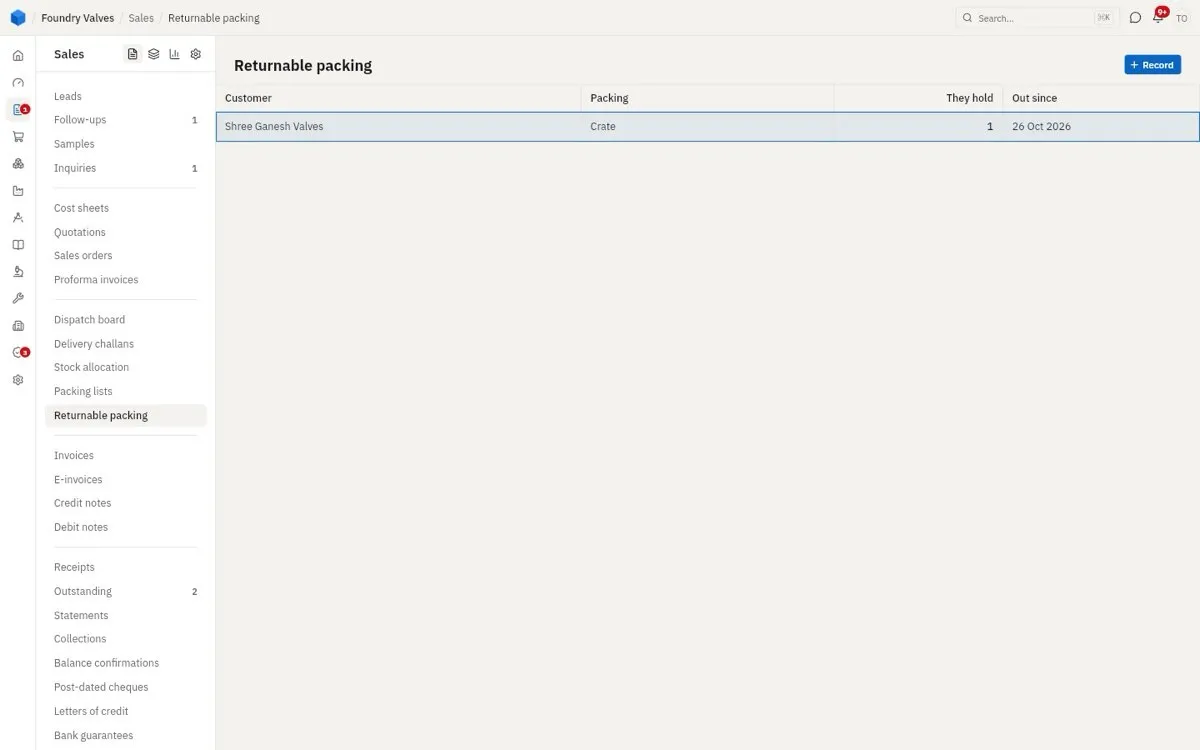
Returnable packing
Crates and pallets that went out with goods and must come back: who holds how many, since when.
Billing
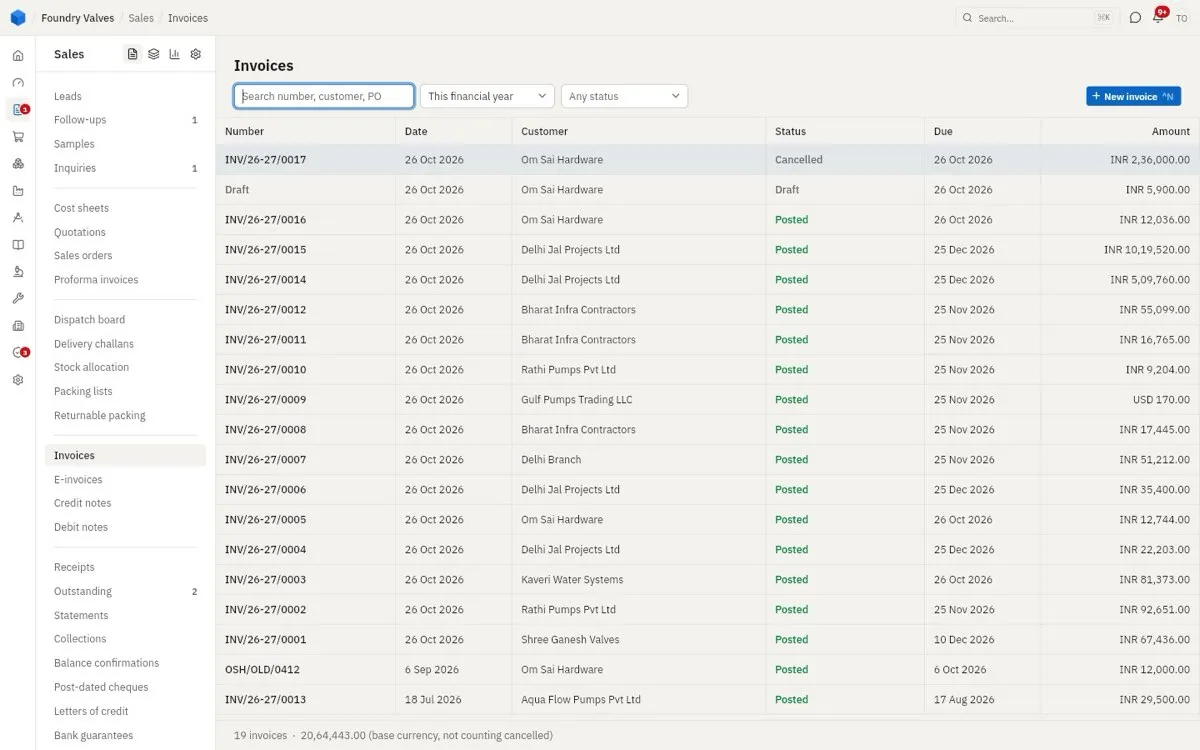
Invoices
The tax invoice: what the customer owes, with GST. Due comes from the payment terms. Posting it books the sale. Leads to: a receipt, or a credit / debit note.
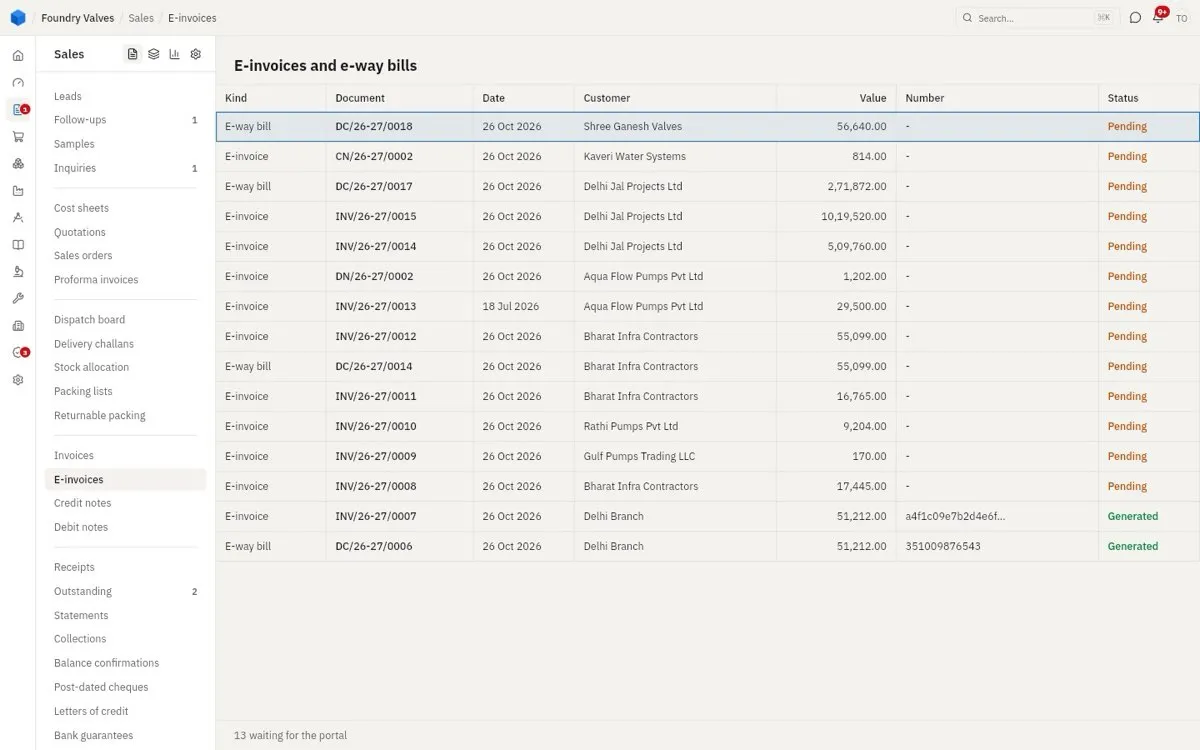
E-invoices
The government portal's side: each invoice's IRN (e-invoice number) and each challan's e-way bill. Pending is waiting for the portal, Generated has its number.
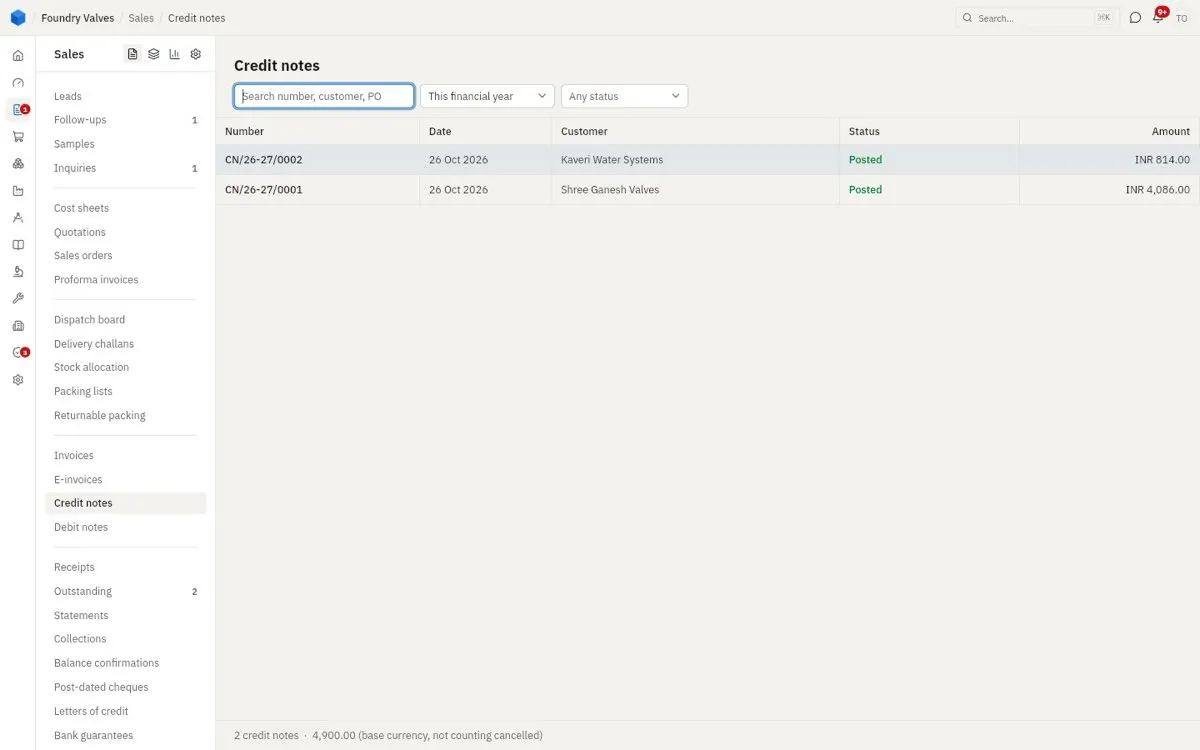
Credit notes
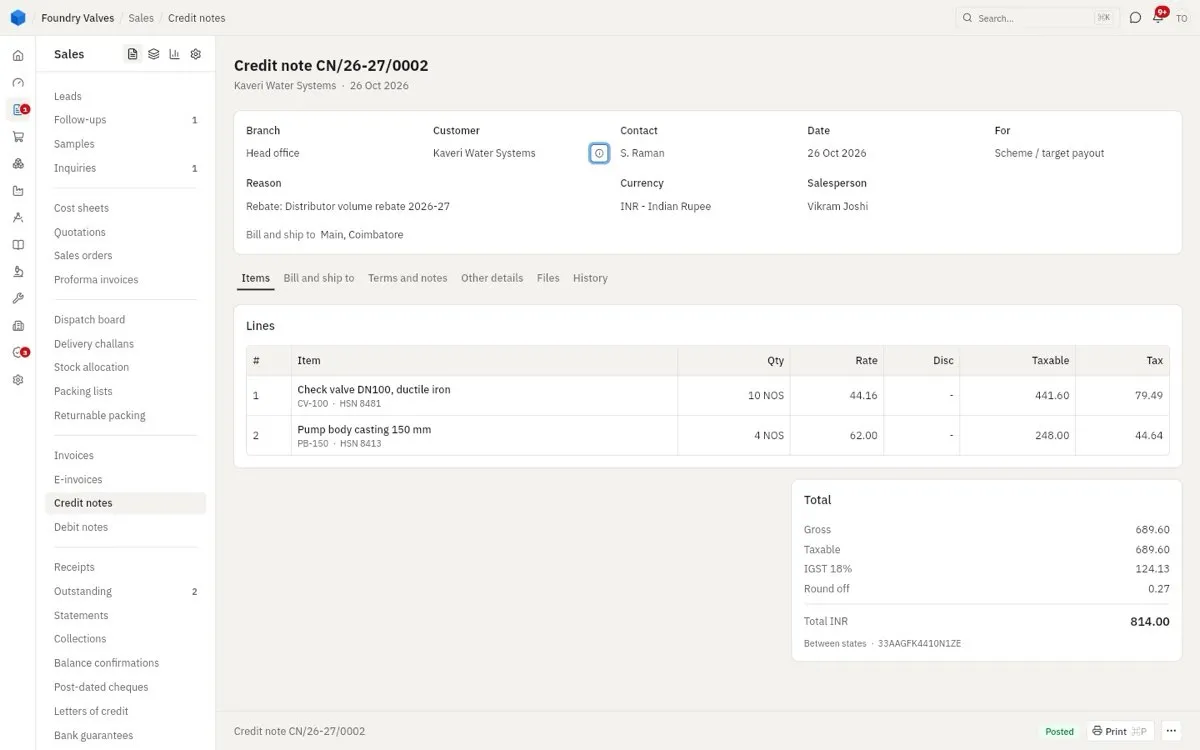
Lowers what a customer owes: goods returned, a rate charged too high, a discount after the bill.
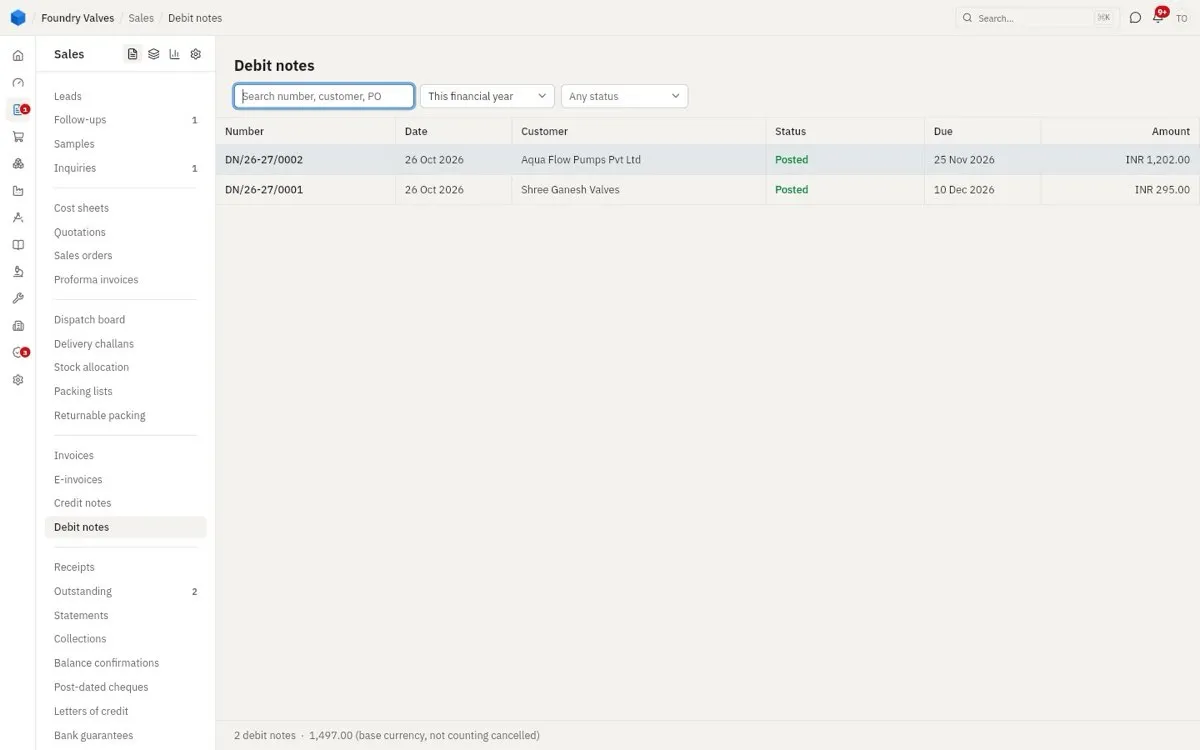
Debit notes
Raises what a customer owes: freight left off, a rate charged too low.
Collections
Receipts
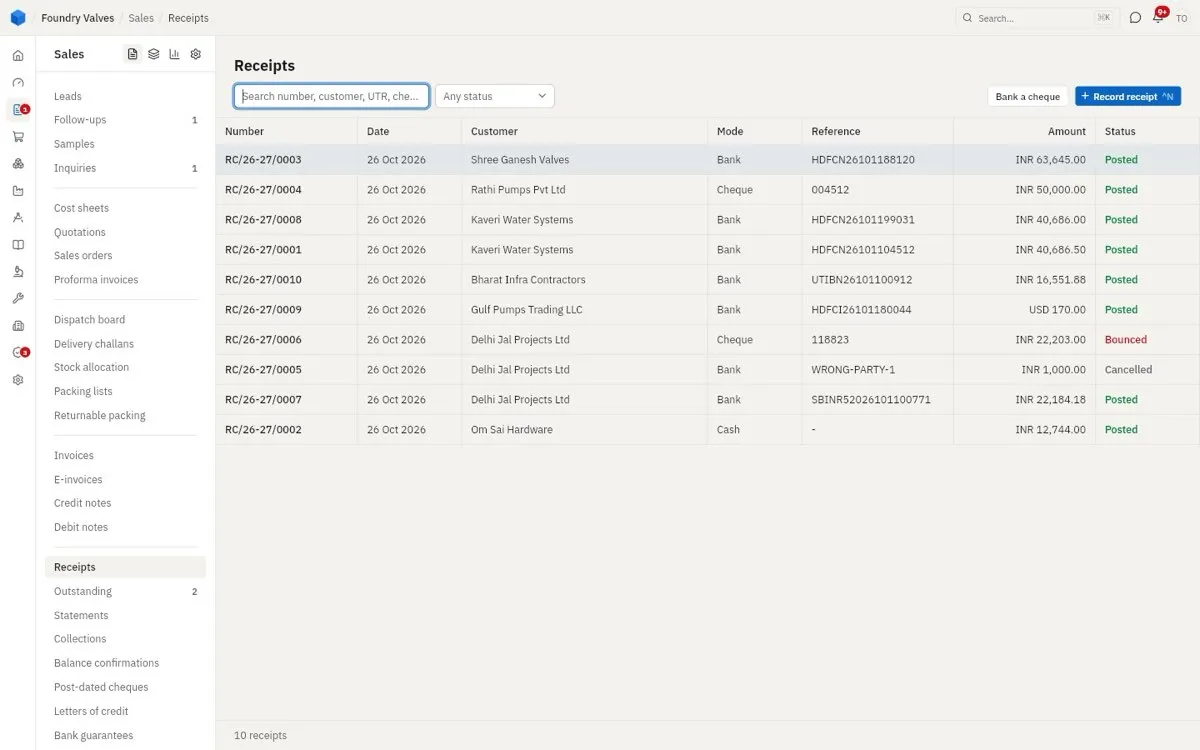
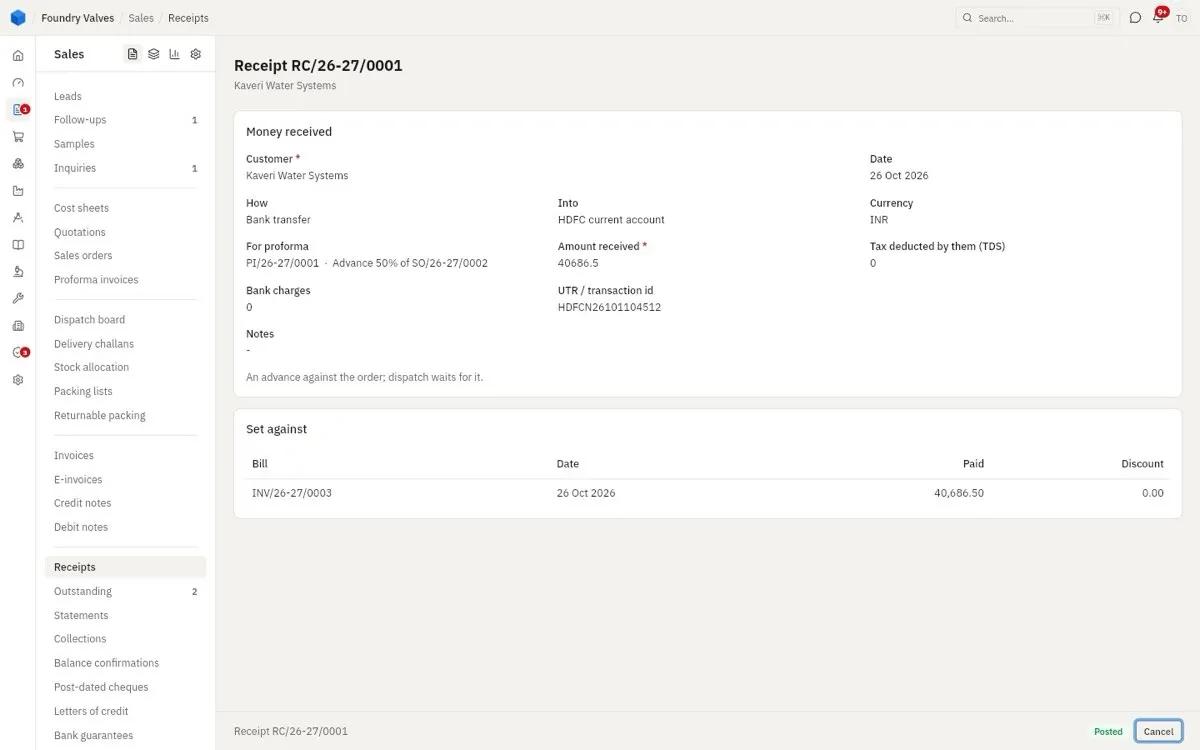
Money received, by bank, cheque or cash, set against the bills it pays. Bounced is a cheque that came back. Bank a cheque deposits a post-dated cheque that has come due.
Outstanding
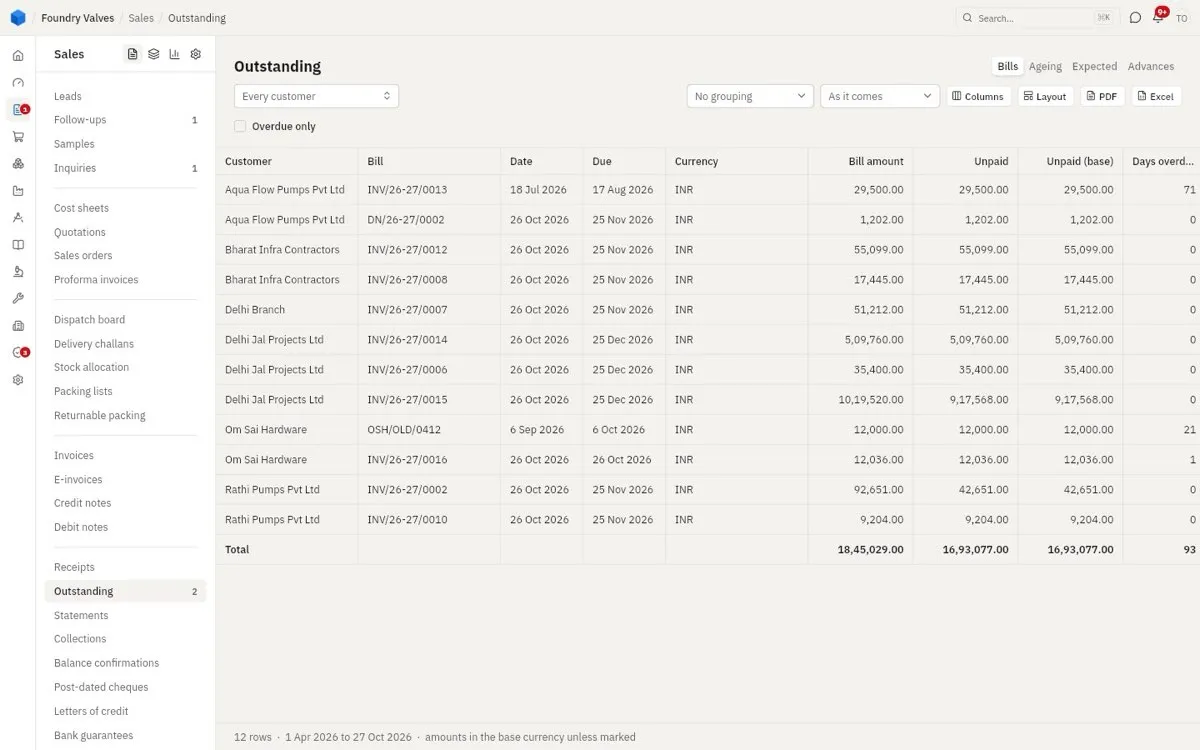
Who owes what, bill by bill, and how many days late. Ageing groups it by how old; Expected shows when money should come; Advances shows money taken before the bill.
Statements
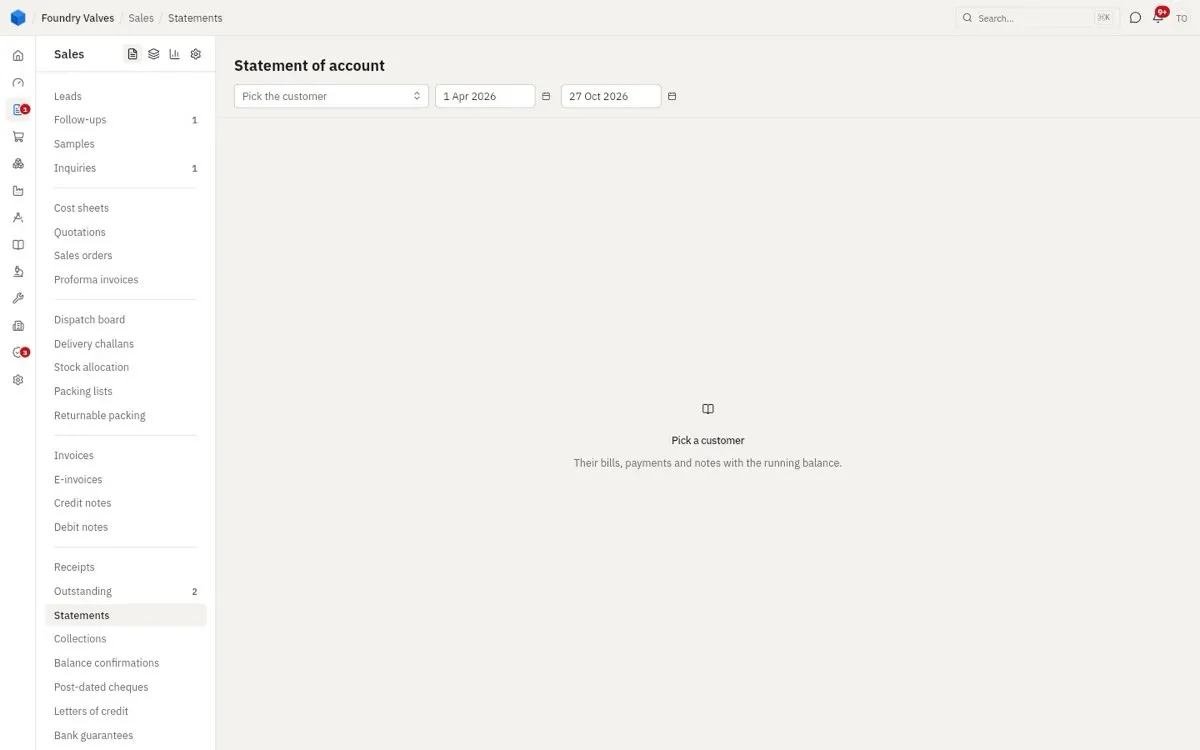
A customer's account for a period: bills, payments and notes with the running balance - to send them.
Collections
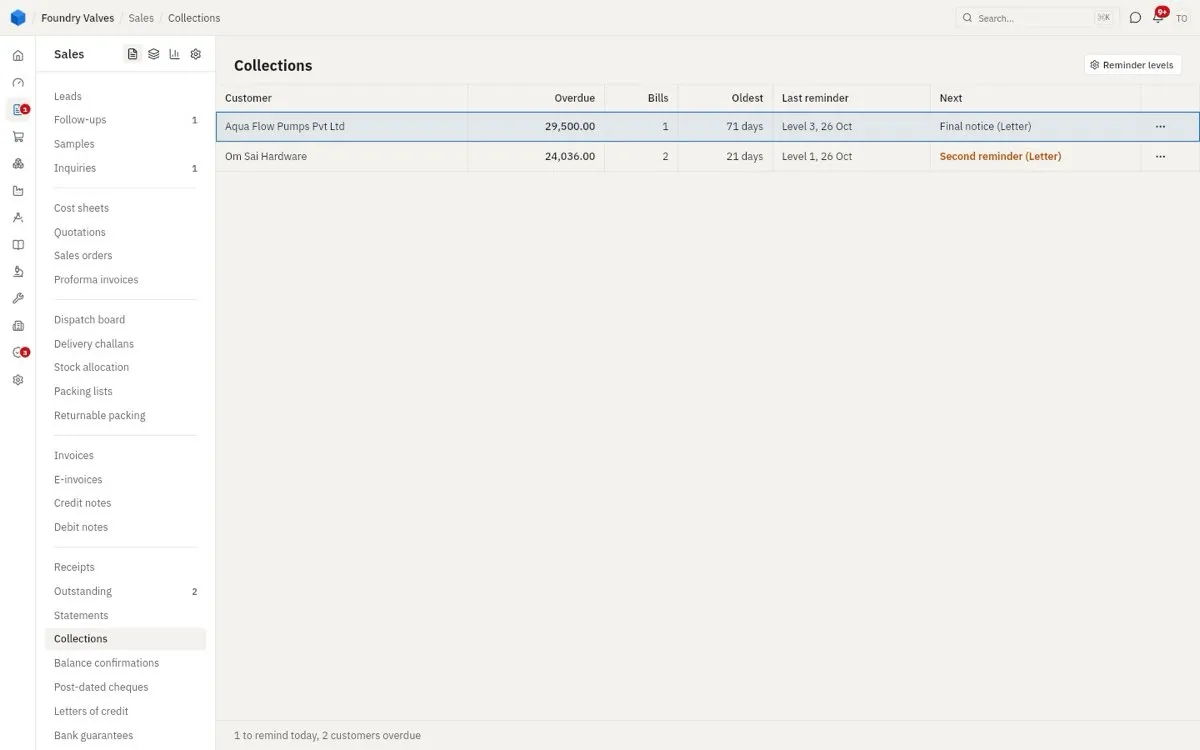
Today's chase list: overdue customers, their last reminder, and the next one due (call, letter, final notice) as the reminder levels say.
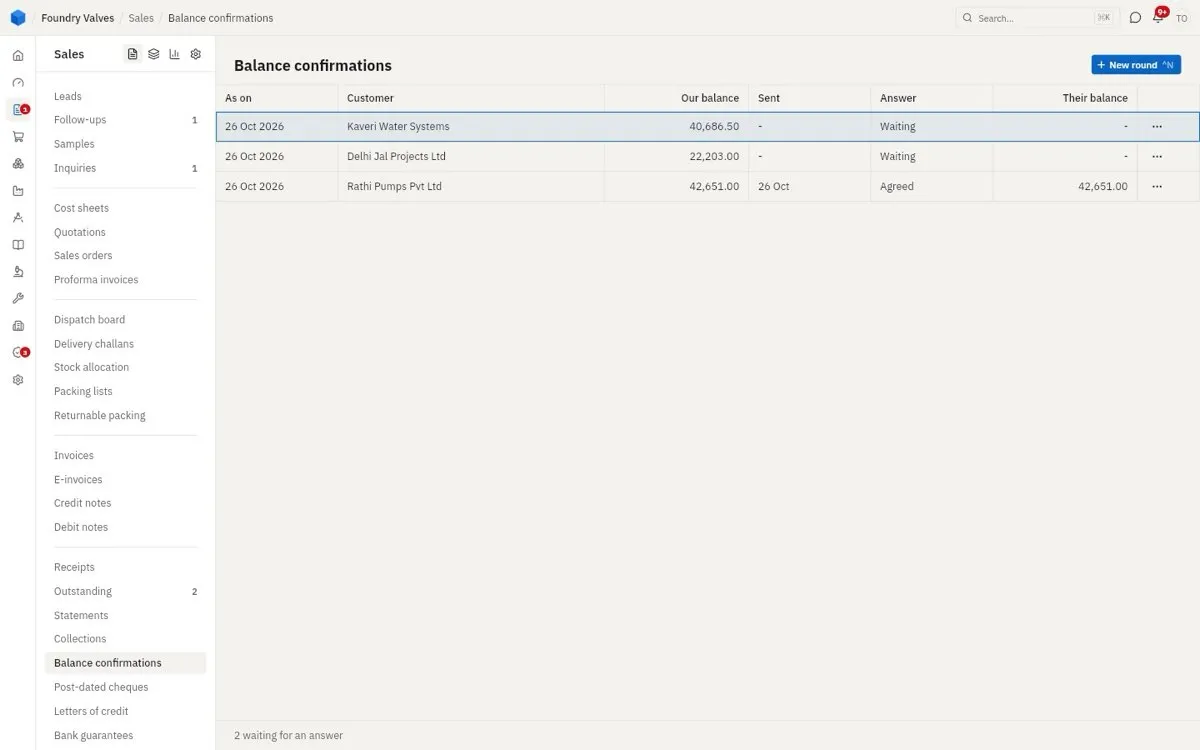
Balance confirmations
"You owe us this much as on 31 March - do you agree?" sent to customers, and their answer. The auditors ask for it.
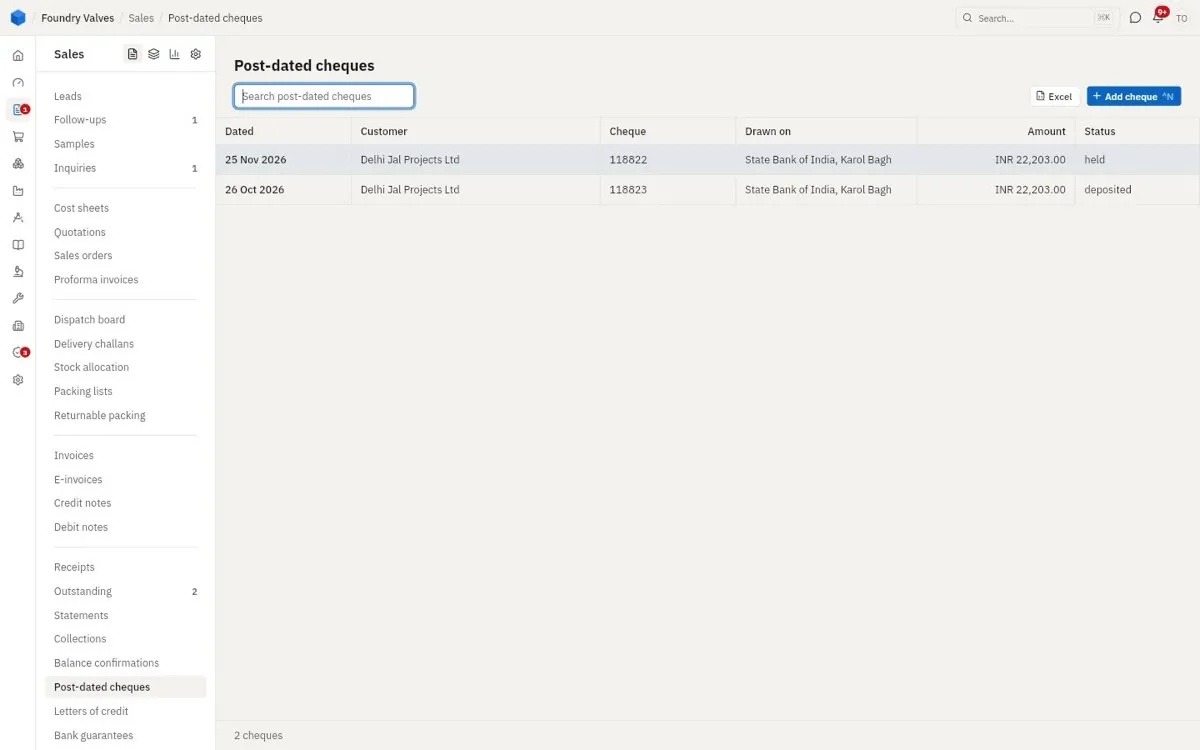
Post-dated cheques
Cheques dated in the future that we are holding, and when each goes to the bank.
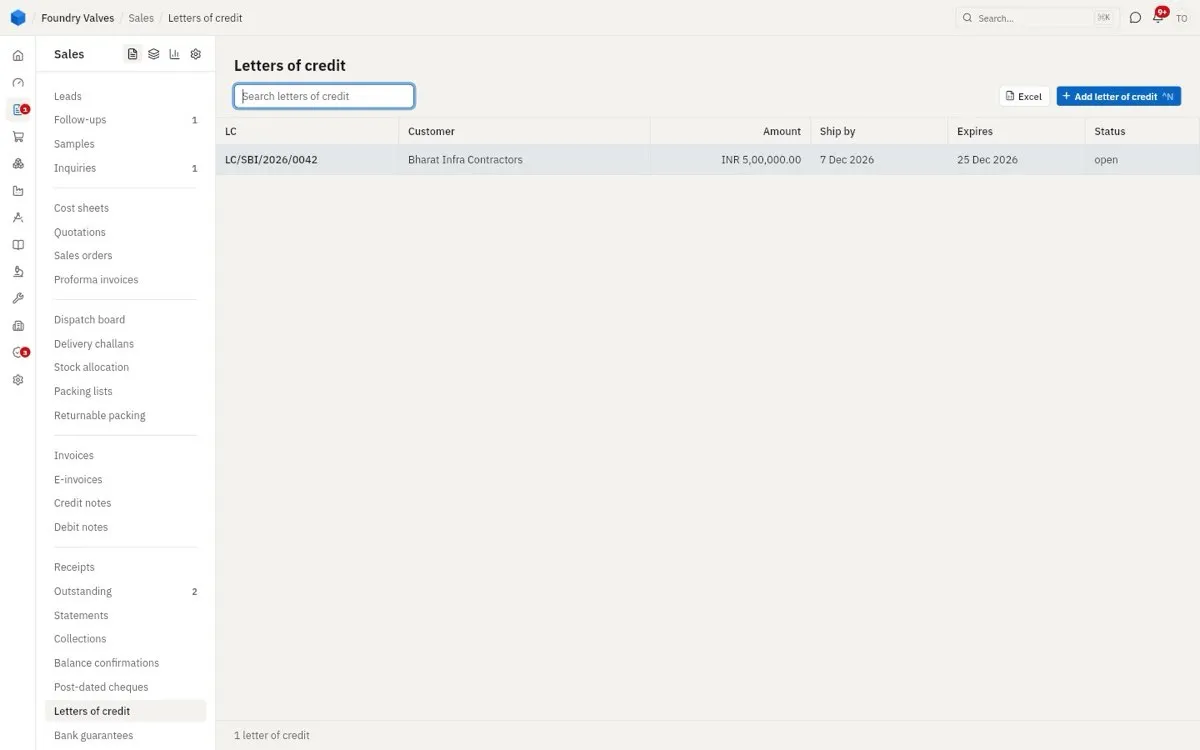
Letters of credit
A bank's promise to pay us once we ship on time with the right papers. Ship by and Expires are its dates.
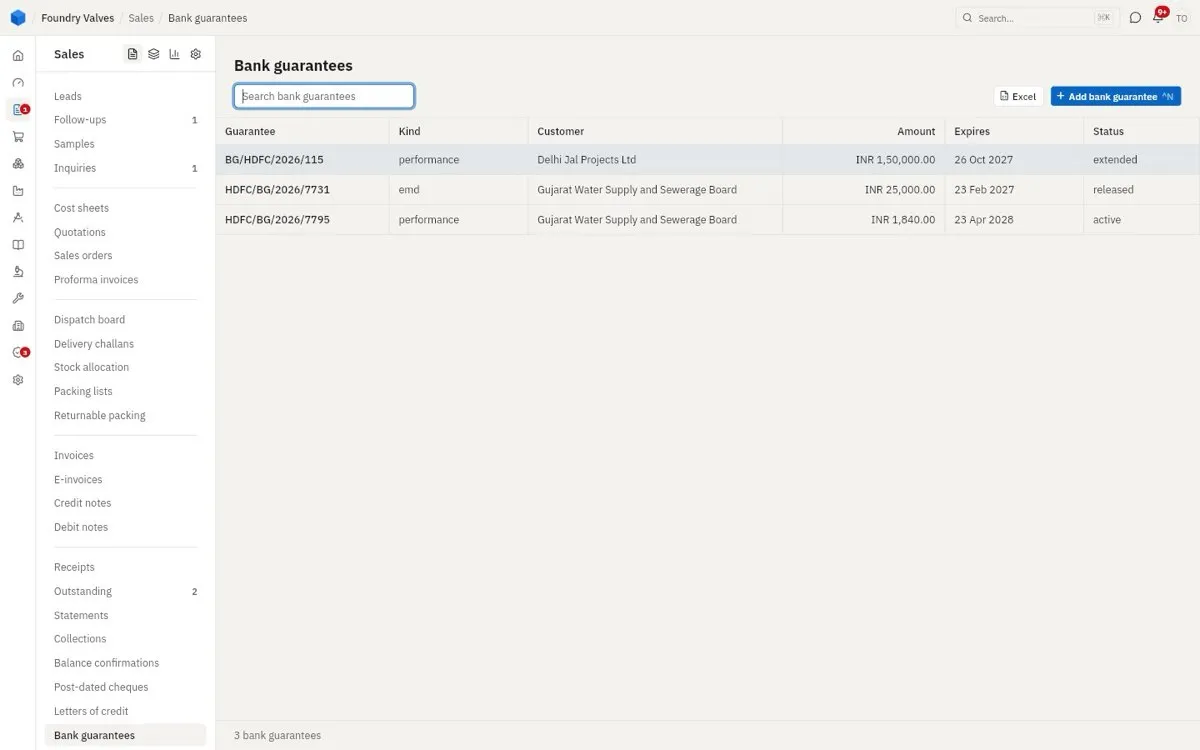
Bank guarantees
Guarantees given through our bank: an EMD for a tender, a performance guarantee for a contract. Status: active, extended, released.
After sales
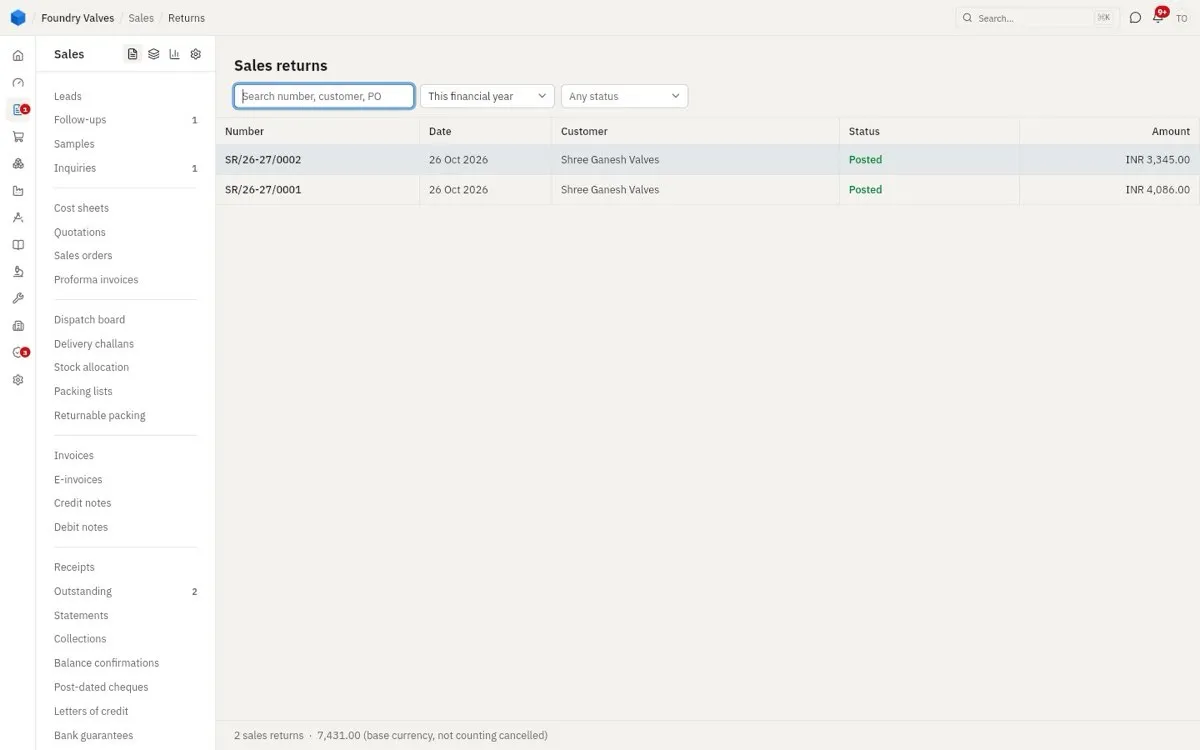
Returns
Goods coming back from a customer, against the invoice, back into stock (or to rejection). Leads to: a credit note.
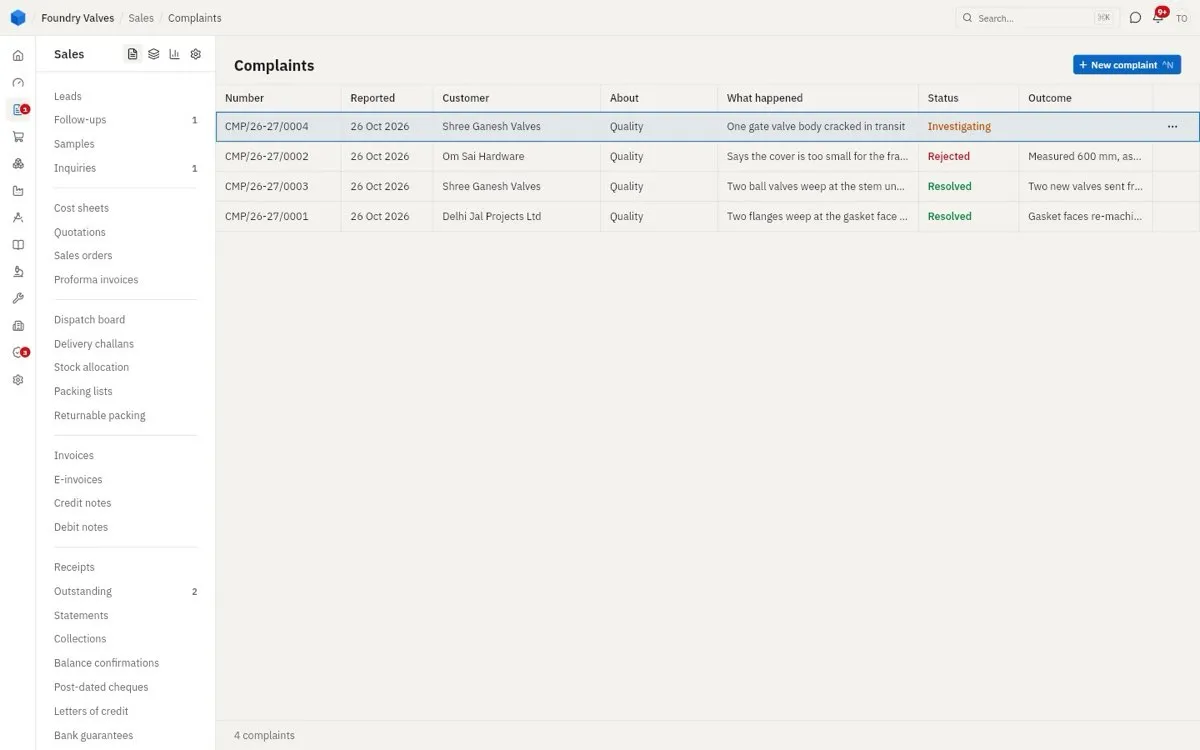
Complaints
A customer's problem logged and followed to its end: what happened, Investigating, Resolved or Rejected, and the outcome.
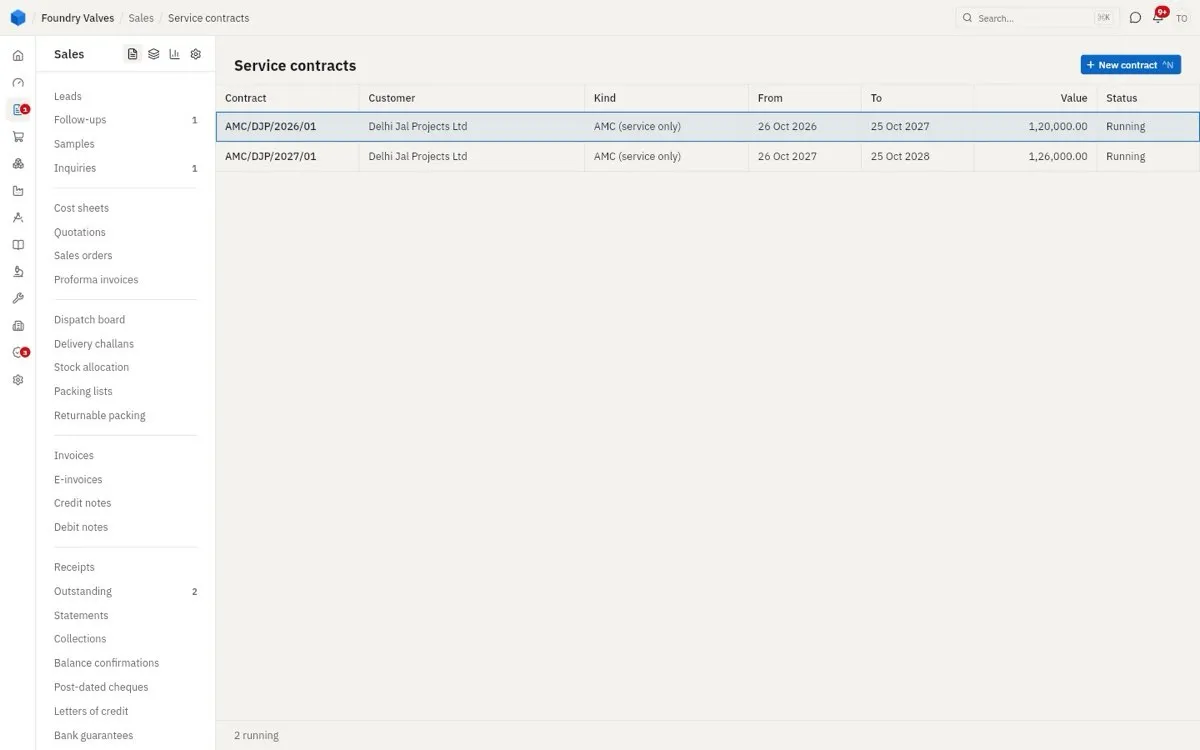
Service contracts
AMCs: what is covered, from when to when, the visits planned (they appear in Follow-ups) and the bills made.
Masters
Customers
Customers
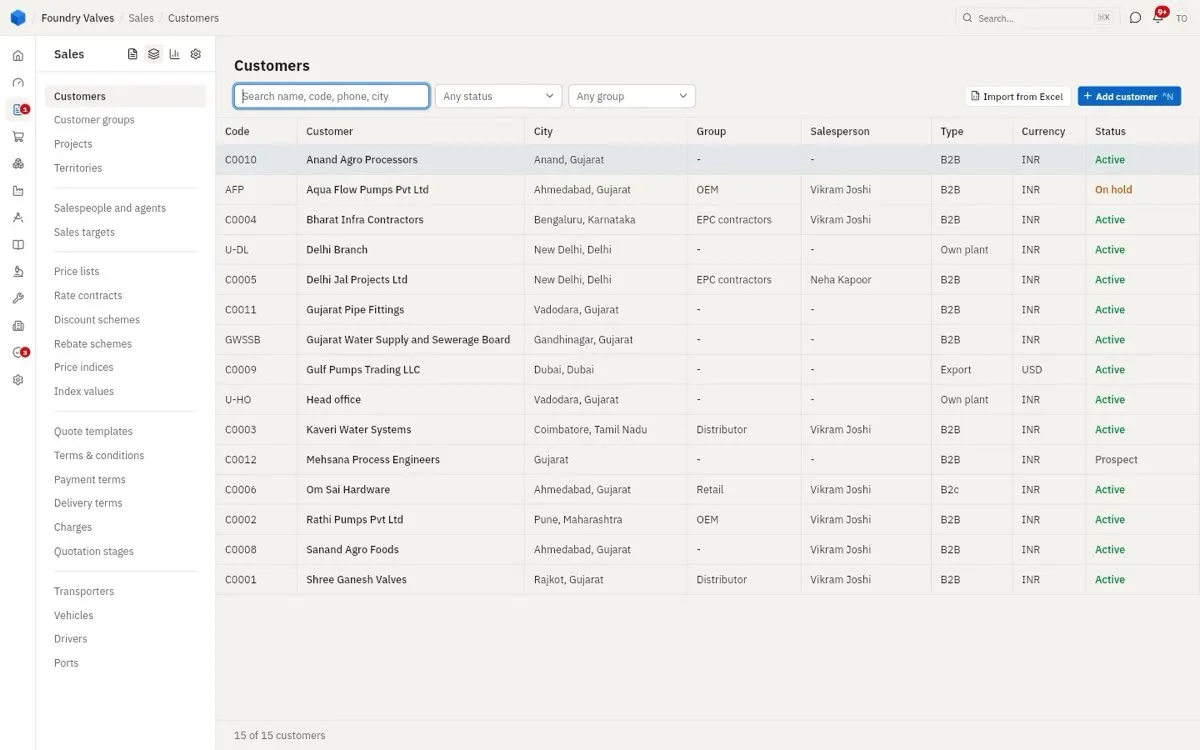
Everyone we sell to. Type is B2B, B2C, export, government and so on, or Own plant (our other plants, for transfers between them). Status: Prospect (quotations only, until the address and GSTIN are in), Active, On hold. Import from Excel brings a list in.
Customer groups
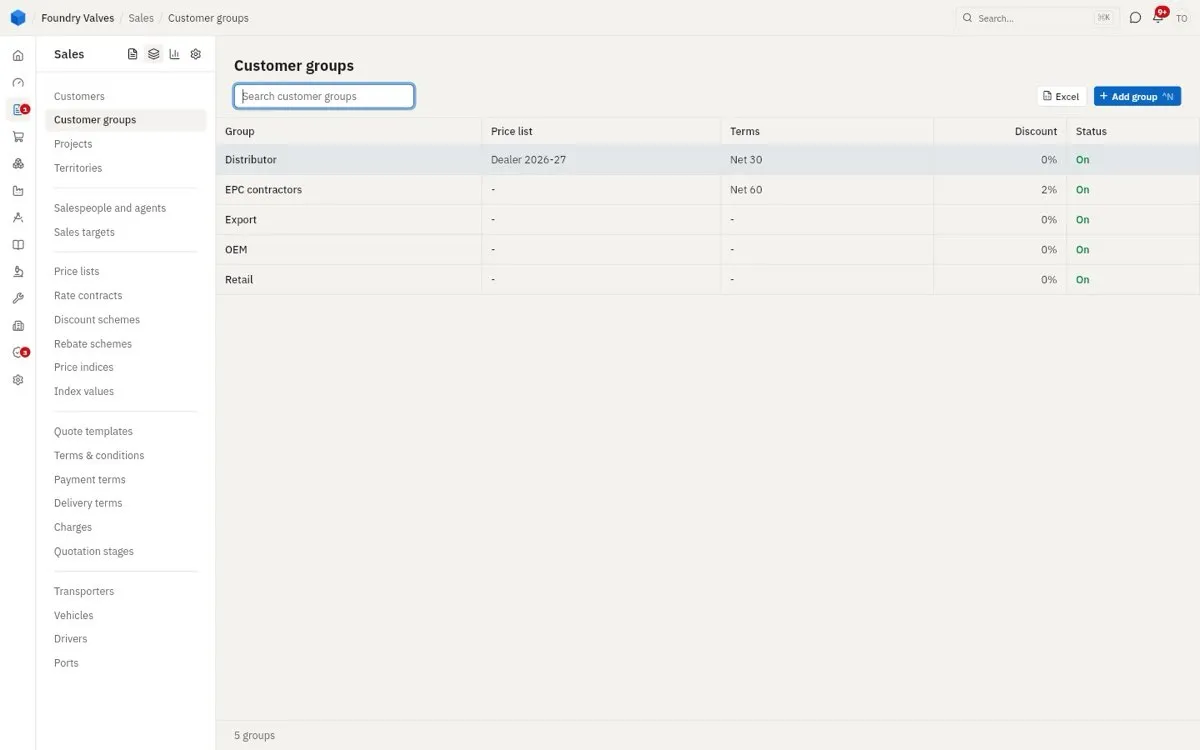
Buckets of customers (Distributor, OEM, Export...) that can carry a price list, payment terms and a discount for everyone in them.
Projects
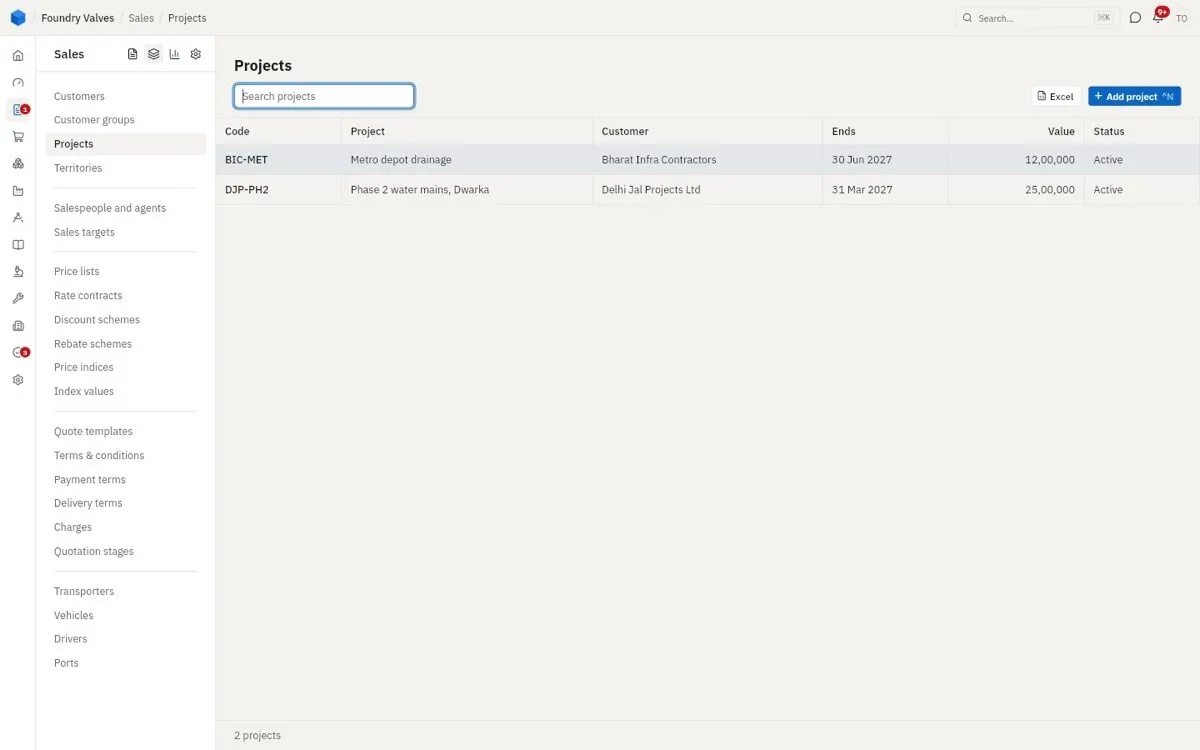
A big job for one customer, over many orders and months (a metro depot, a water main phase): its orders, deliveries and money gathered under one name.
Territories
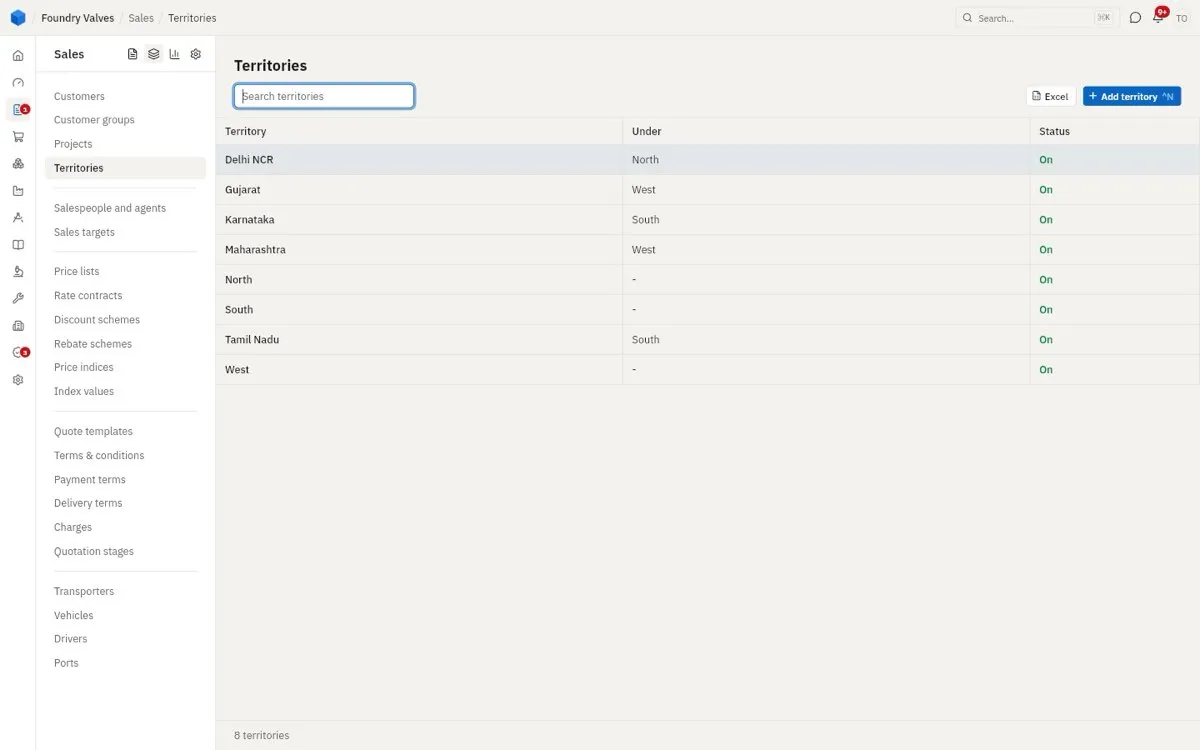
Areas, one inside another (Gujarat under West), for splitting customers among salespeople and for reports.
Sales team
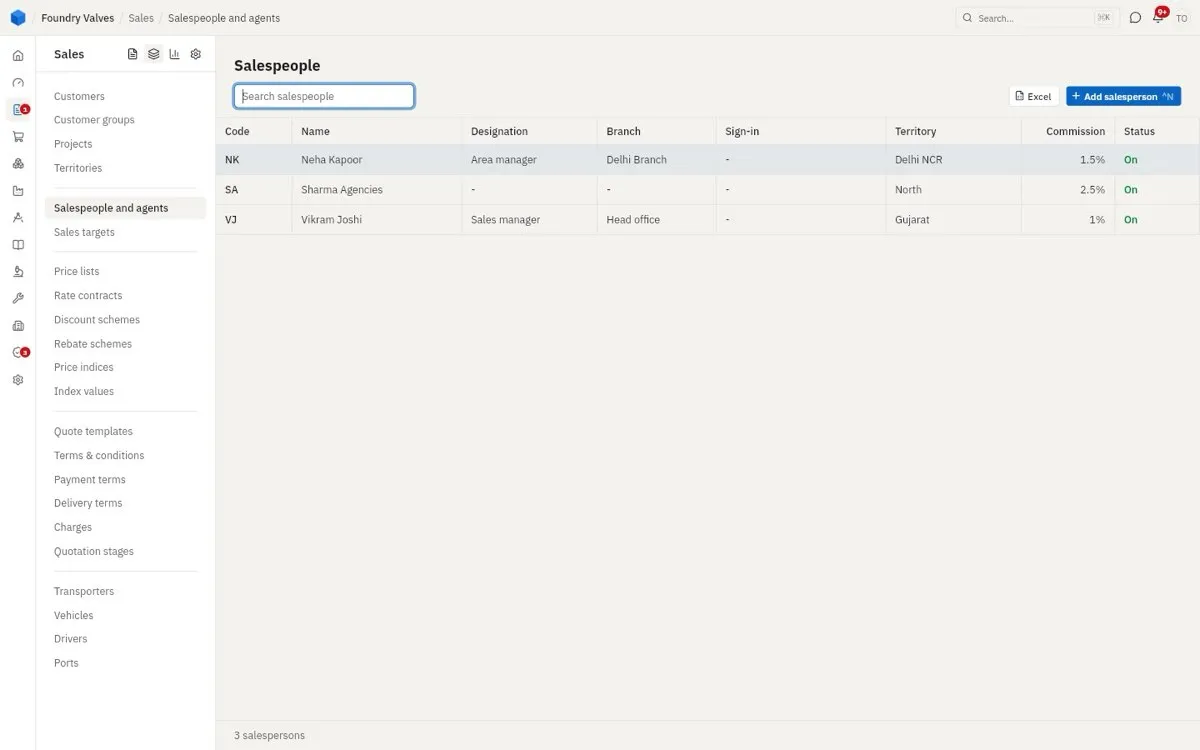
Salespeople and agents
Our salespeople and outside agents, their territory and commission %.
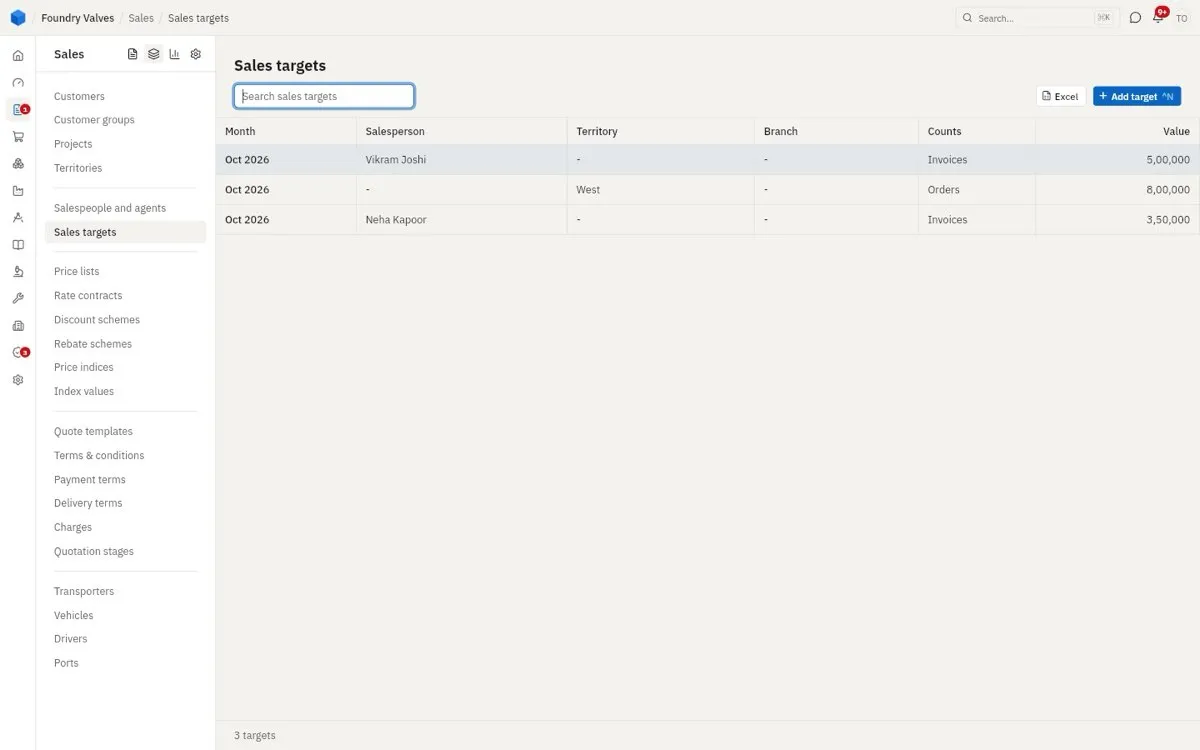
Sales targets
A month's target for a salesperson, territory or plant, counted on orders or invoices, checked against actuals.
Pricing
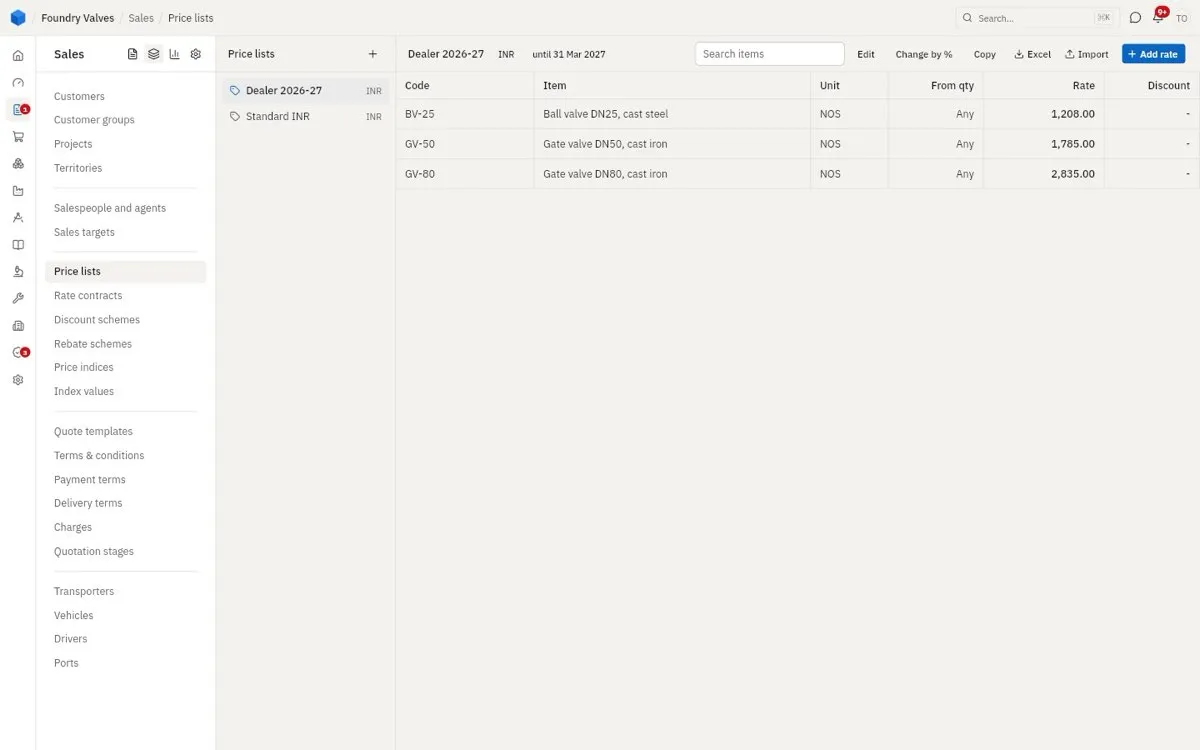
Price lists
Standard rates by item (Dealer, Standard...), with quantity breaks (From qty). A quotation fills its rates from the customer's list. Change by % moves the whole list at once.
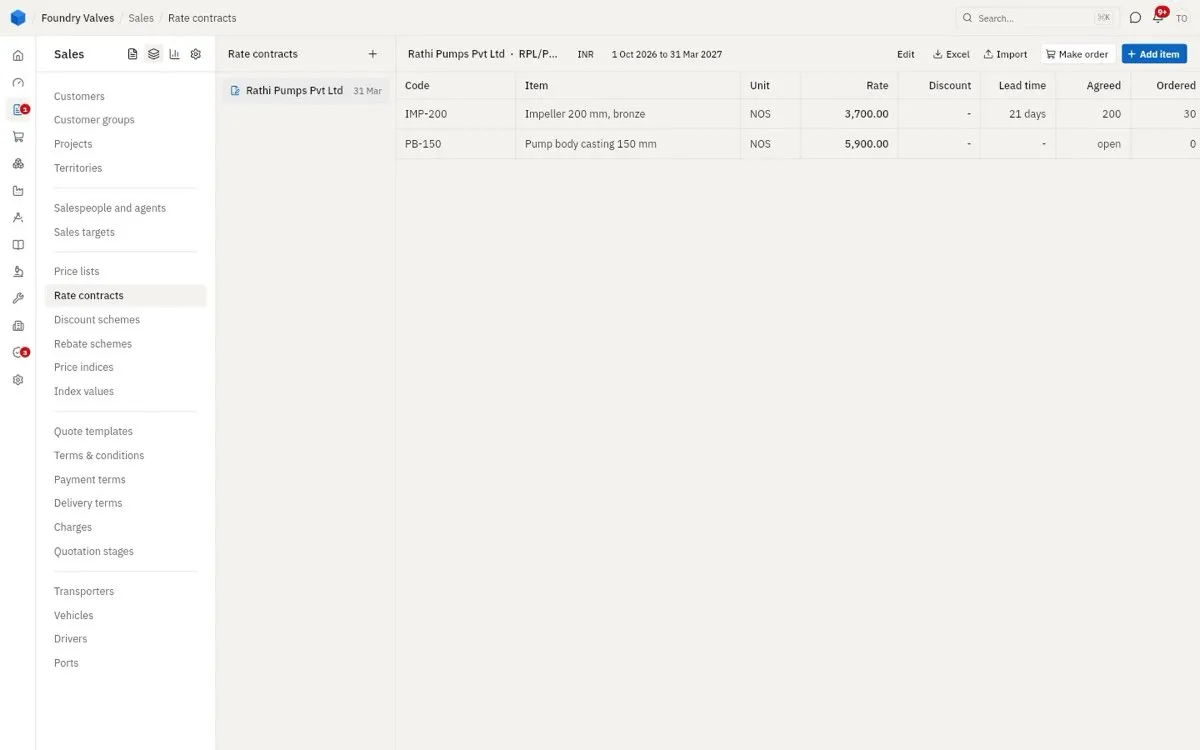
Rate contracts
A fixed rate agreed with one customer for a period, with how much they agreed to take and how much is ordered so far. Make order calls off against it.
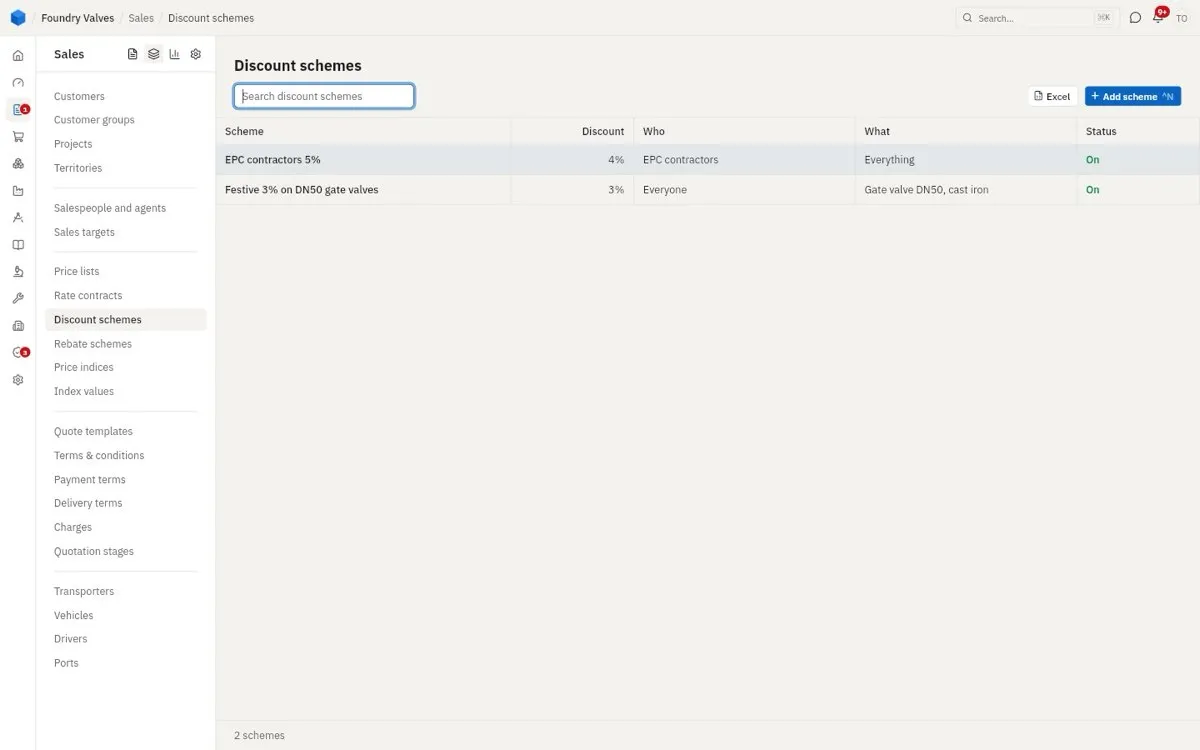
Discount schemes
Automatic discounts: for whom (a group, everyone), on what (everything, one item), how much.
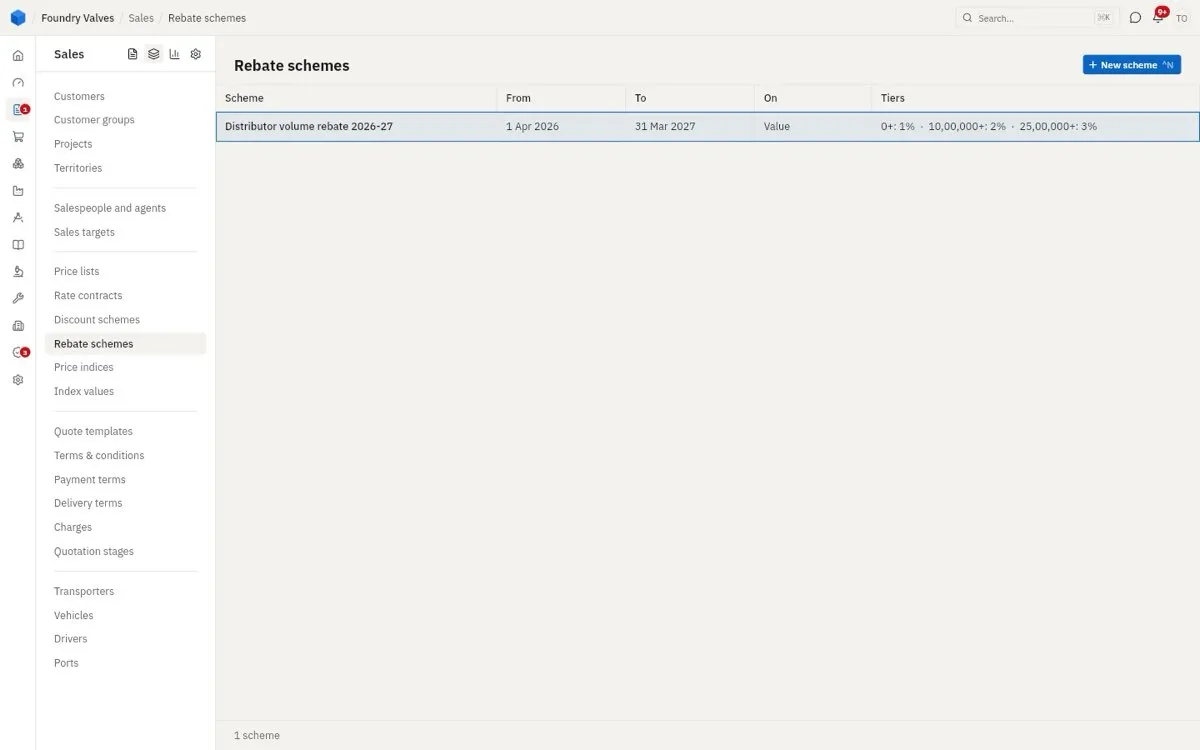
Rebate schemes
Money back after the period if a customer buys past a level (1% above 0, 2% above ₹10 lakh...): who earns what, what is paid, what is owed.
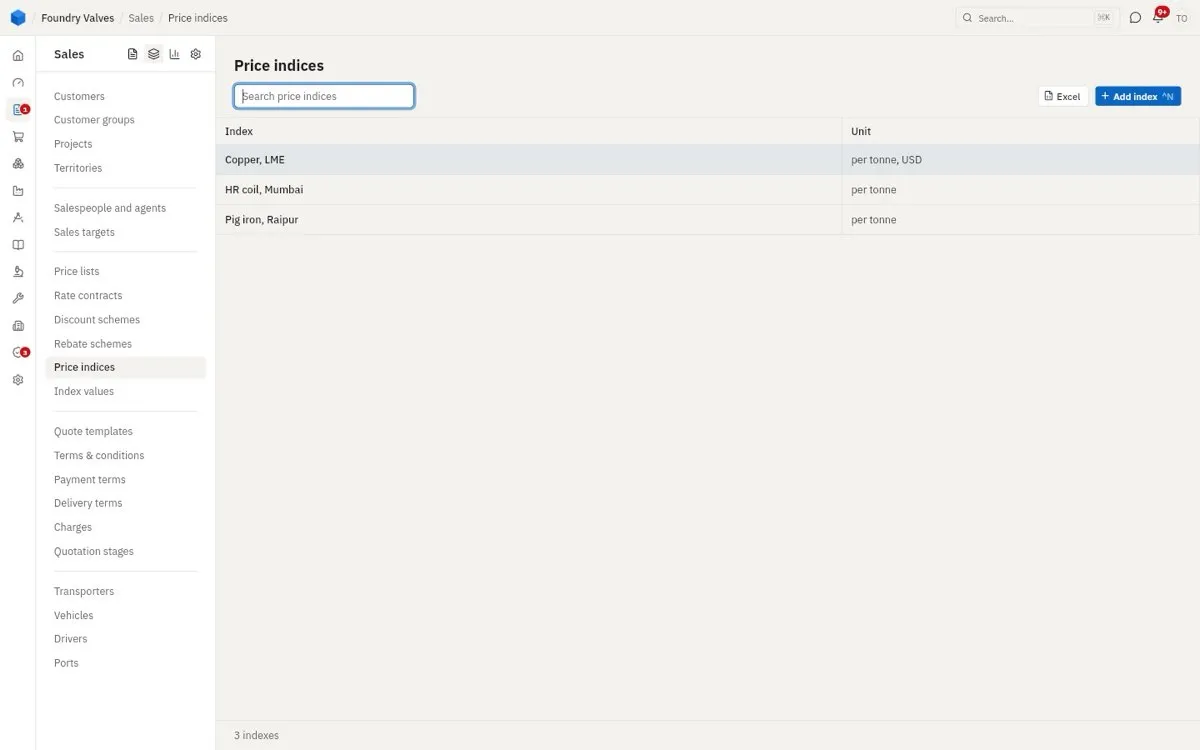
Price indices
Published prices our rates move with (pig iron, HR coil, copper) - for contracts with a price variation clause.
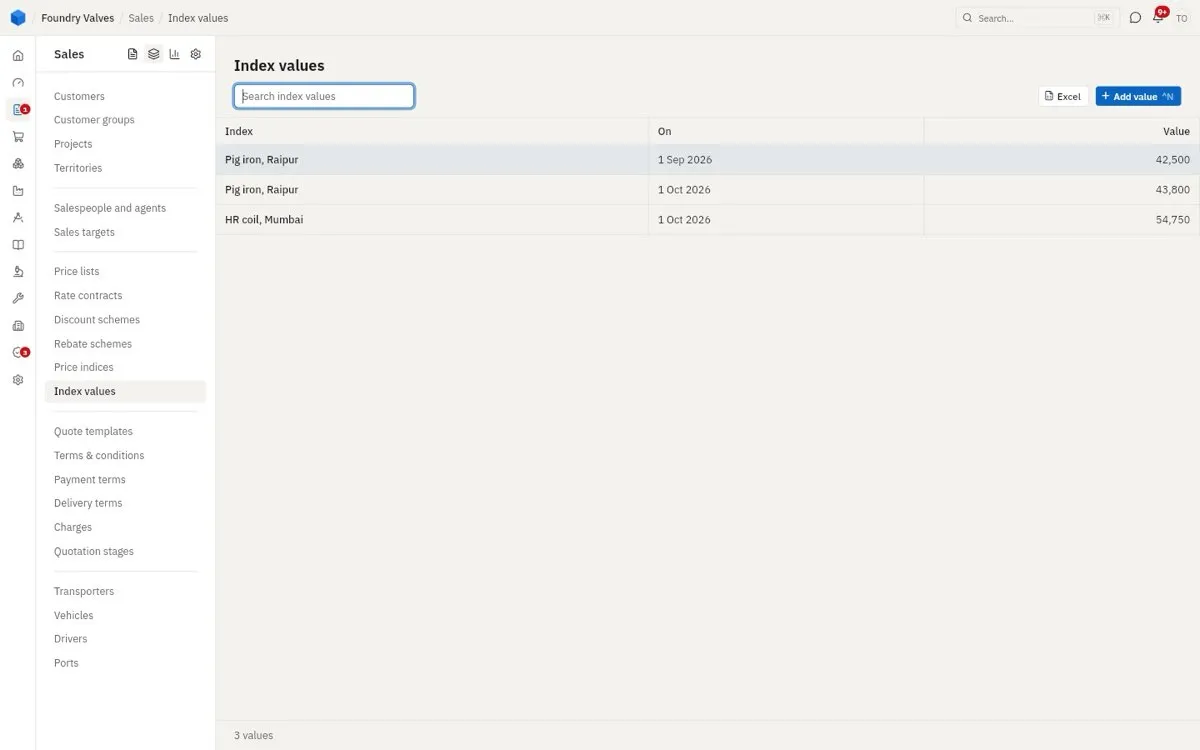
Index values
Each index's figure by month, which the price variation is worked from.
Documents and terms
Quote templates
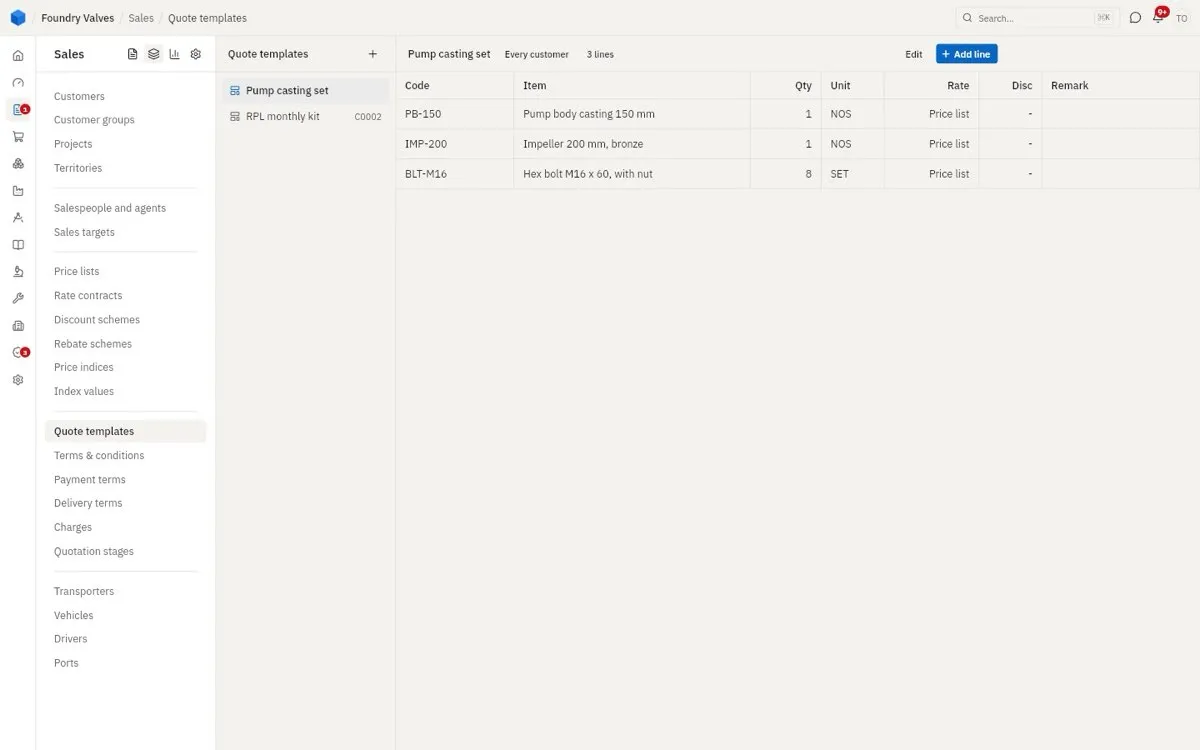
A ready set of lines (a pump casting set, a customer's monthly kit) to start a quotation from.
Terms & conditions
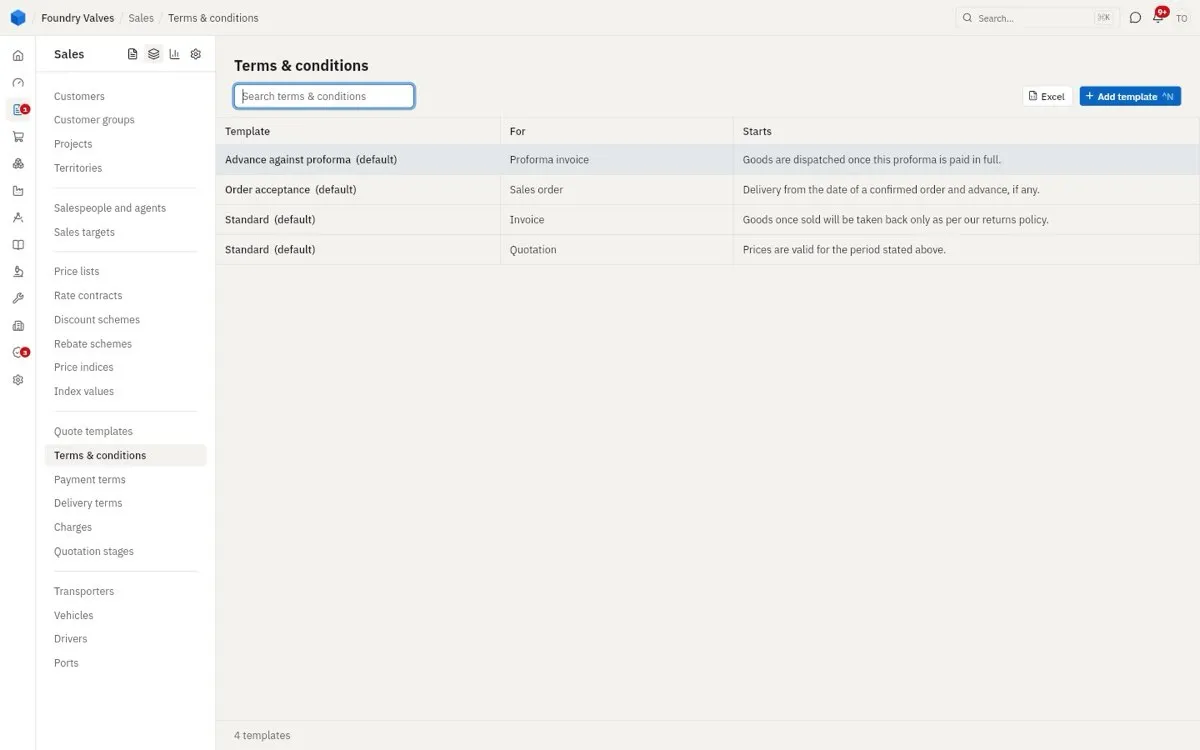
The small print each kind of document starts with (validity, delivery, returns), one marked default for each.
Payment terms
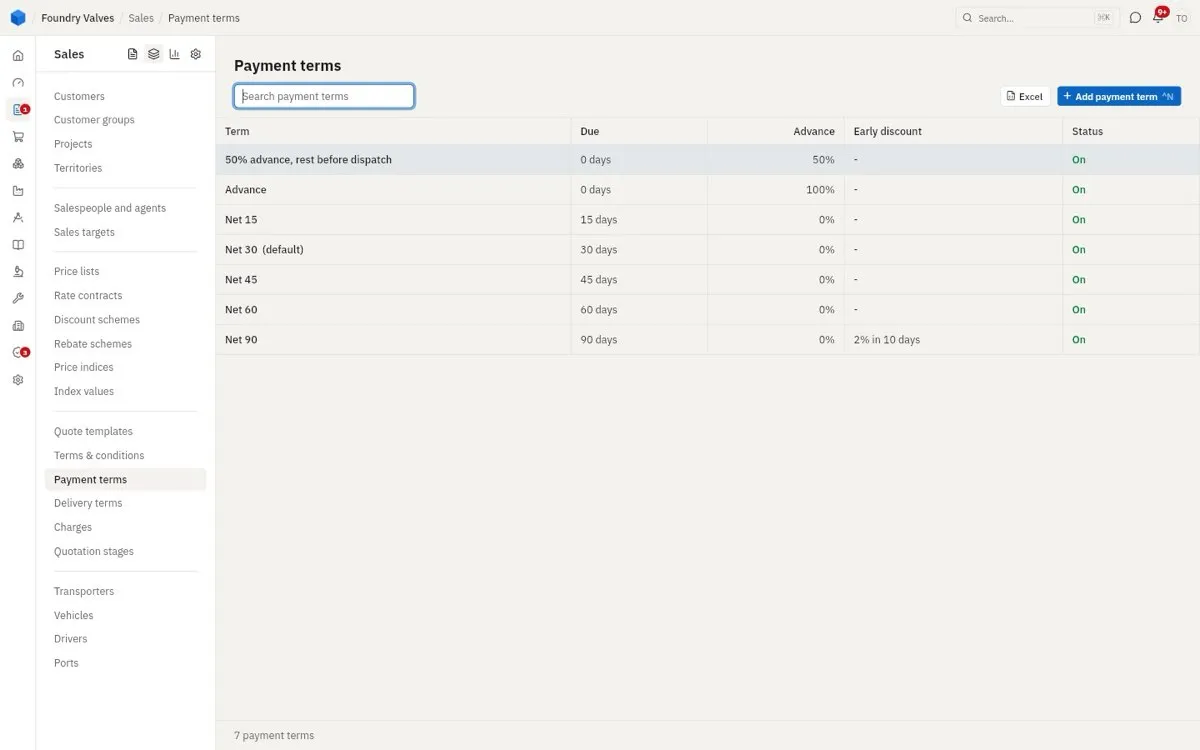
When a customer pays: Advance, 50% advance and the rest before dispatch, Net 30... and early-payment discounts.
Delivery terms
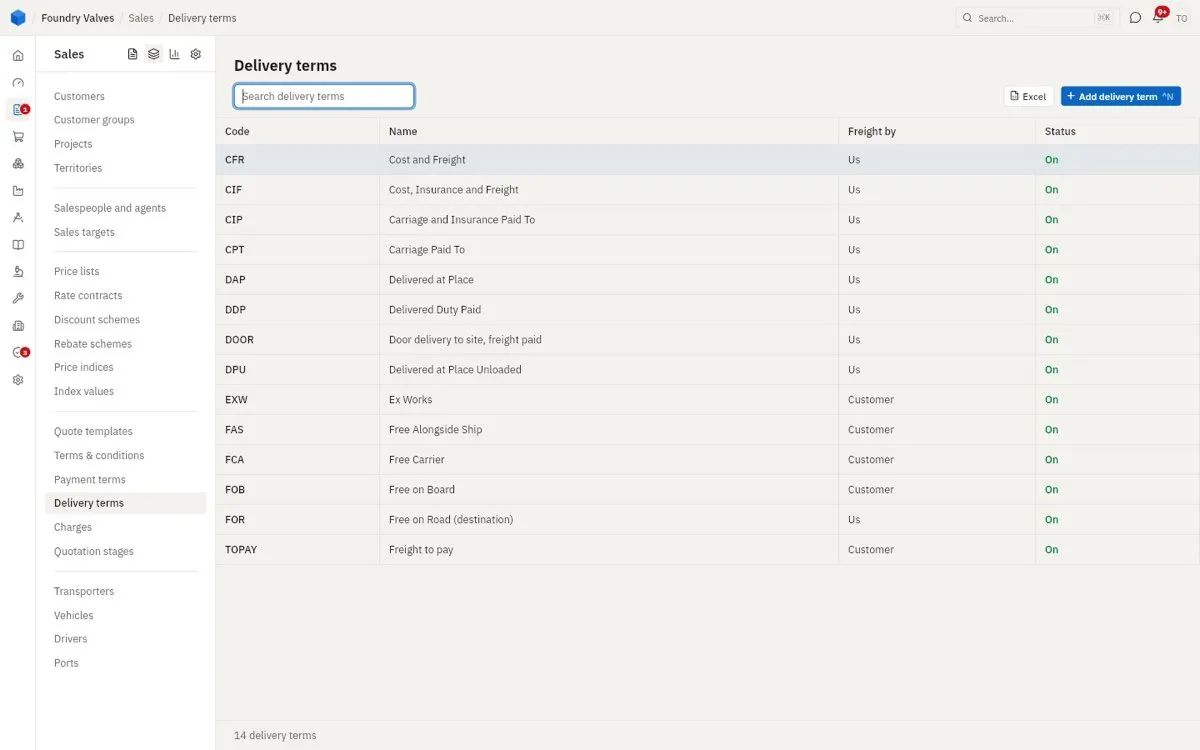
Who pays freight and takes the risk: Ex works (the customer), FOR / door delivery (us), and the export terms (FOB, CIF...).
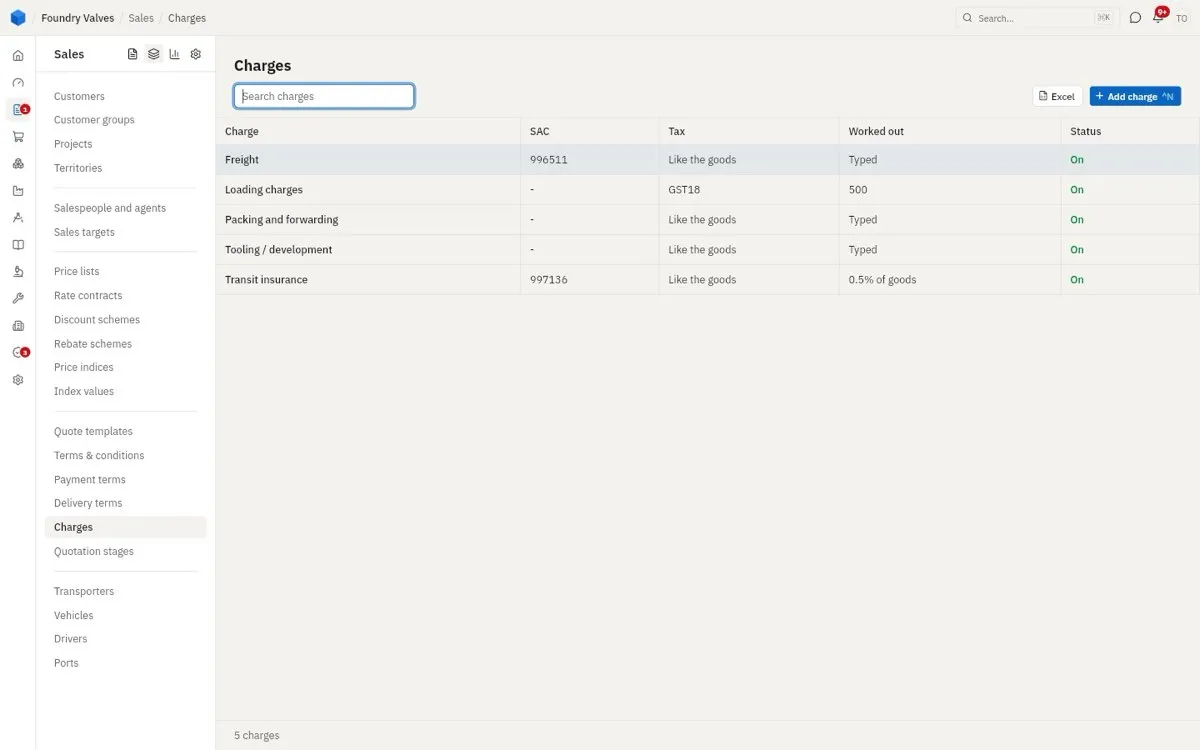
Charges
Extras a document can carry - freight, packing, insurance, tooling - with their SAC code and tax, typed or worked out (0.5% of the goods).
Quotation stages
The steps a quotation goes through with the customer, each with its chance of winning - this is what the pipeline is weighted by.
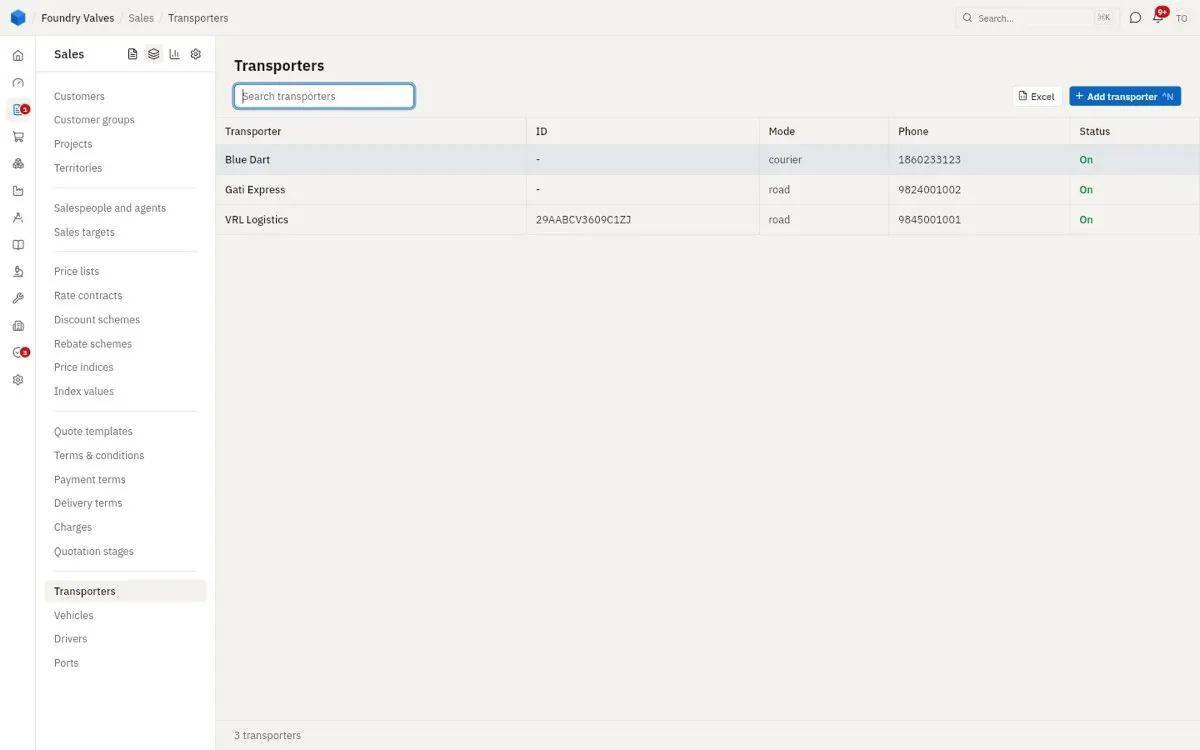
Transport
Transporters
Who carries our goods (road, courier), with their GST transporter ID for e-way bills.
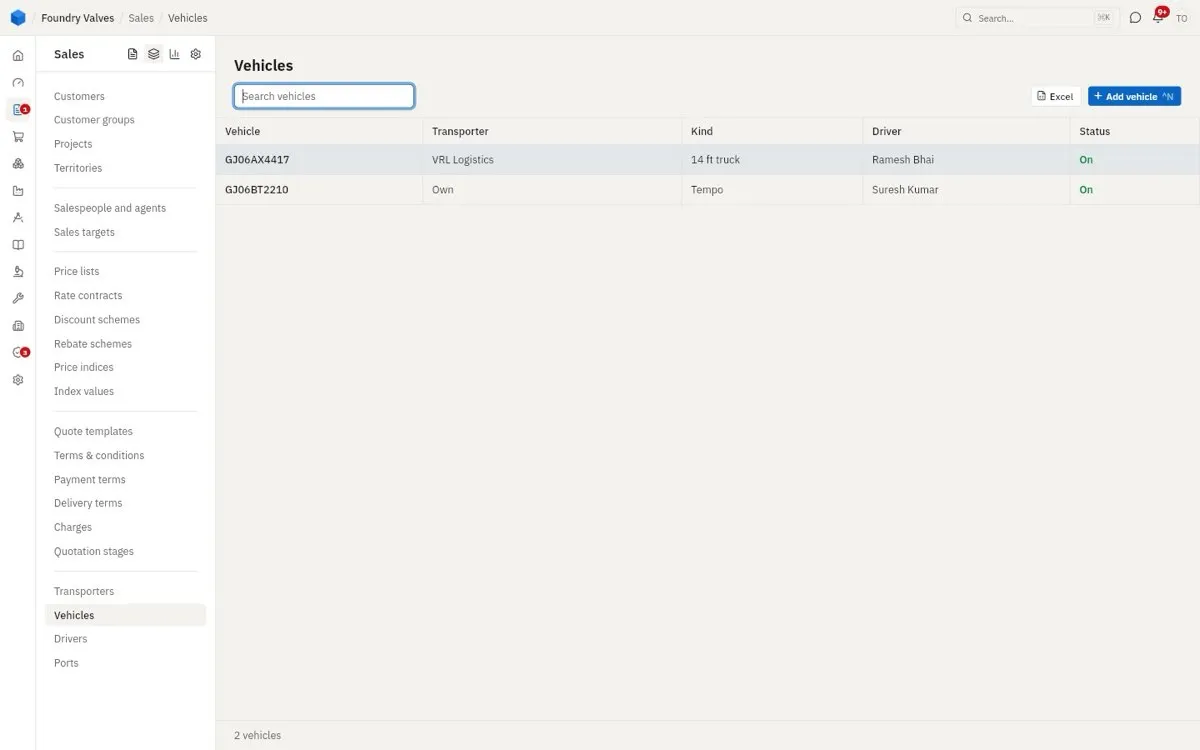
Vehicles
Trucks - our own or a transporter's - and their usual driver.
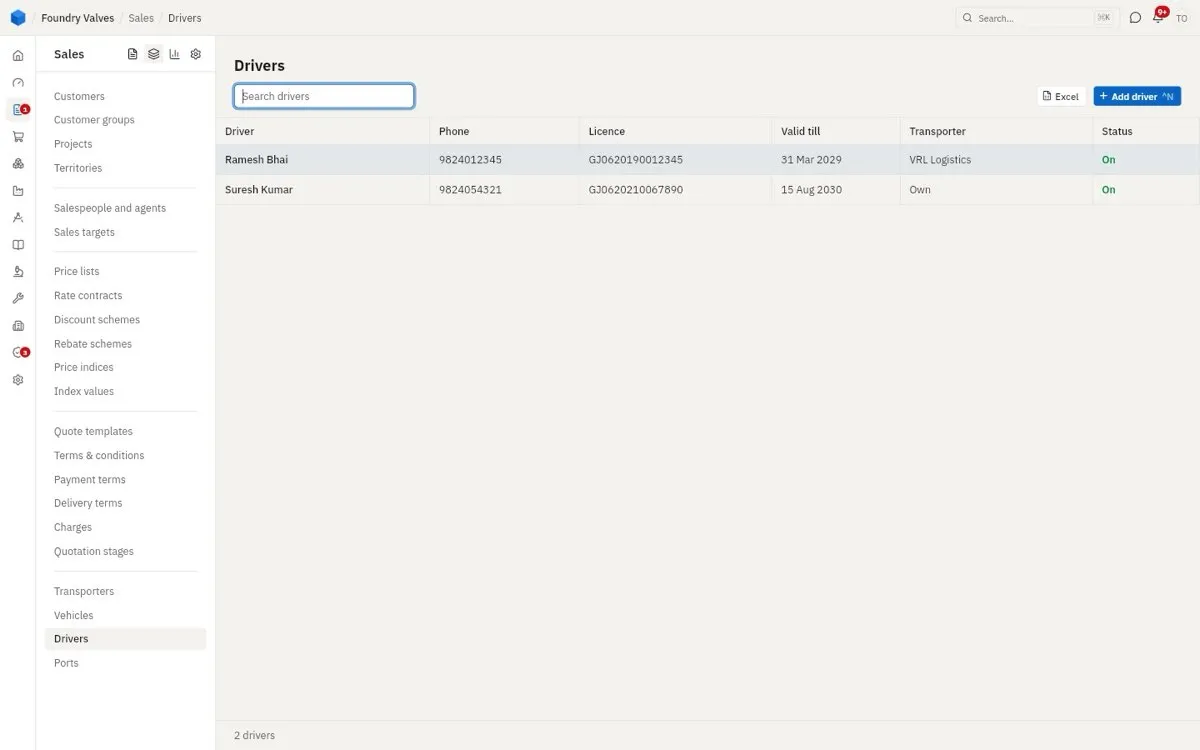
Drivers
Drivers and their licences, with the date each runs out.
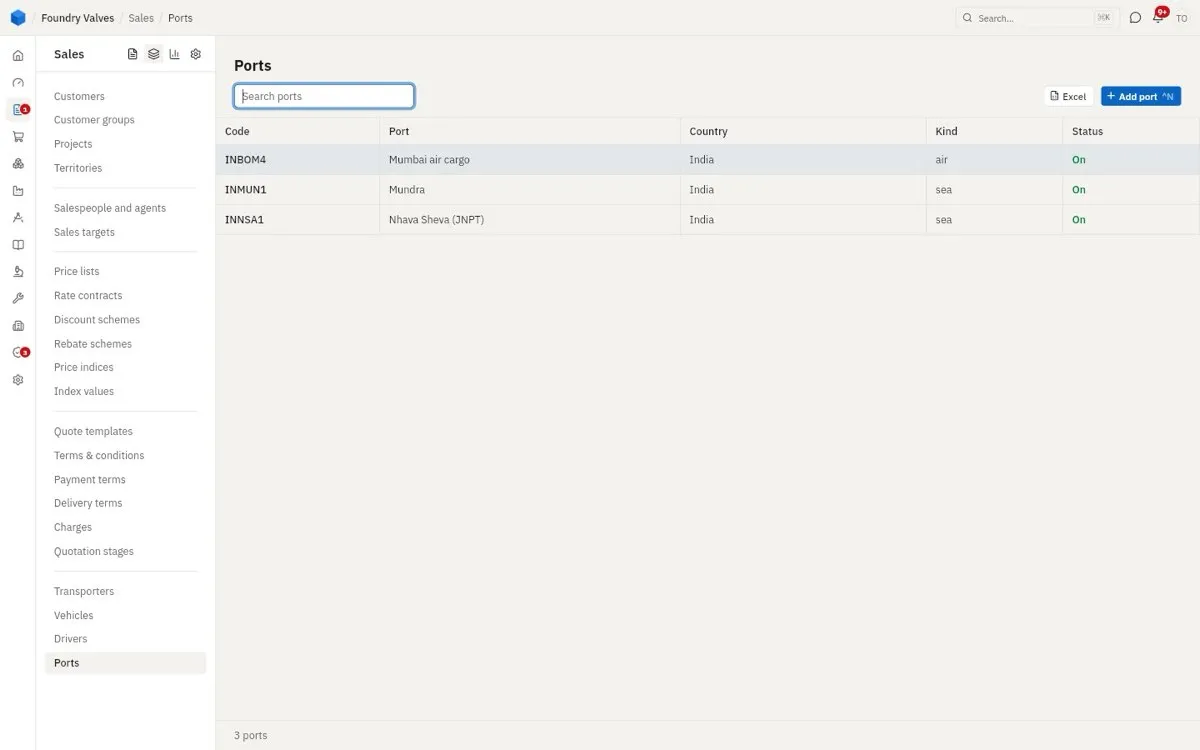
Ports
Ports and airports we export from, for export invoices and shipping bills.
Reports
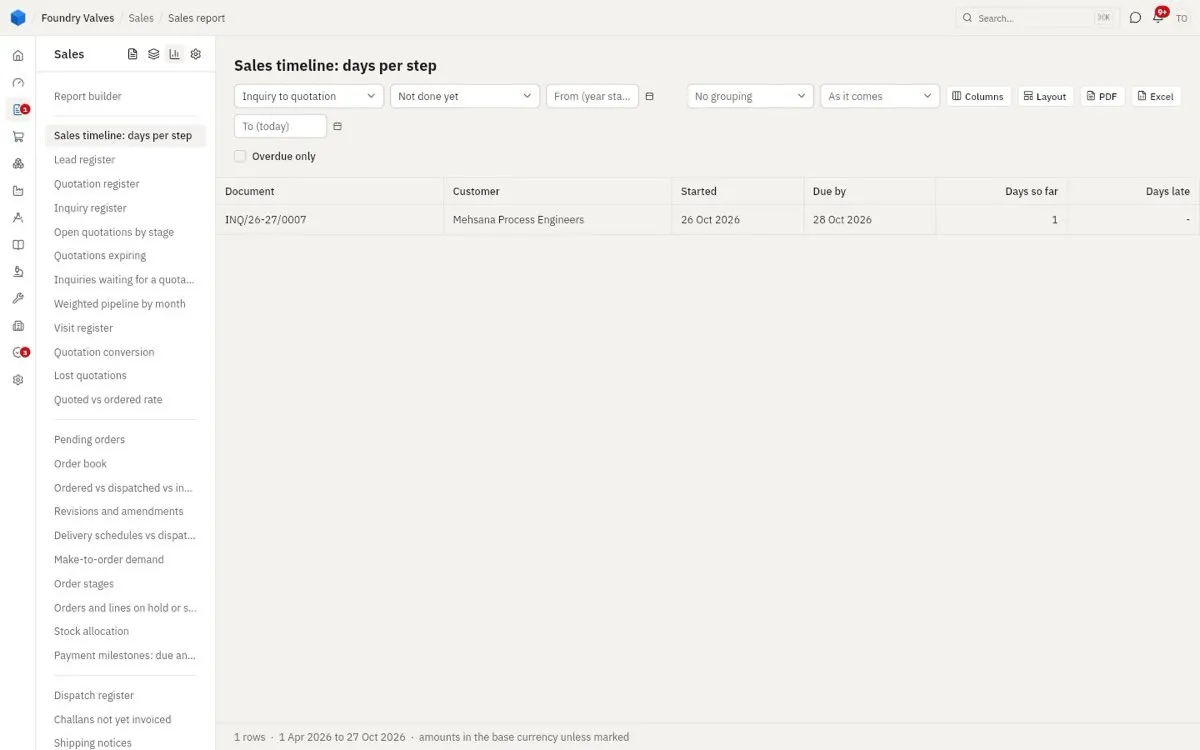
Sales report
Every sales report, down the left: registers (leads, inquiries, quotations, orders, dispatches, invoices), the pipeline and conversion, the order book, what is pending, what is late, what was lost and why. Each one filters, groups, picks its columns and goes to PDF or Excel. Report builder makes your own.
Settings
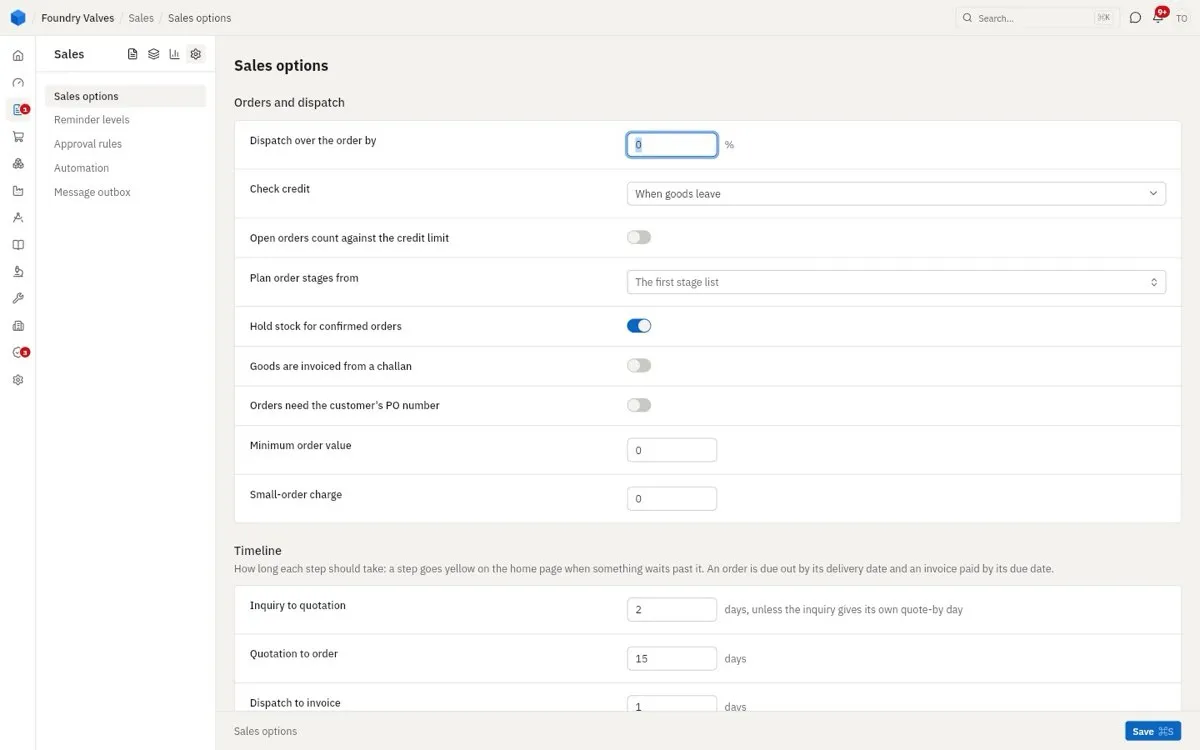
Sales options
Company-wide rules for selling: whether stock is held for confirmed orders, when credit is checked, whether orders need the customer's PO, the minimum order value, and how many days each step should take (a step that waits longer turns yellow on the home page).
Reminder levels
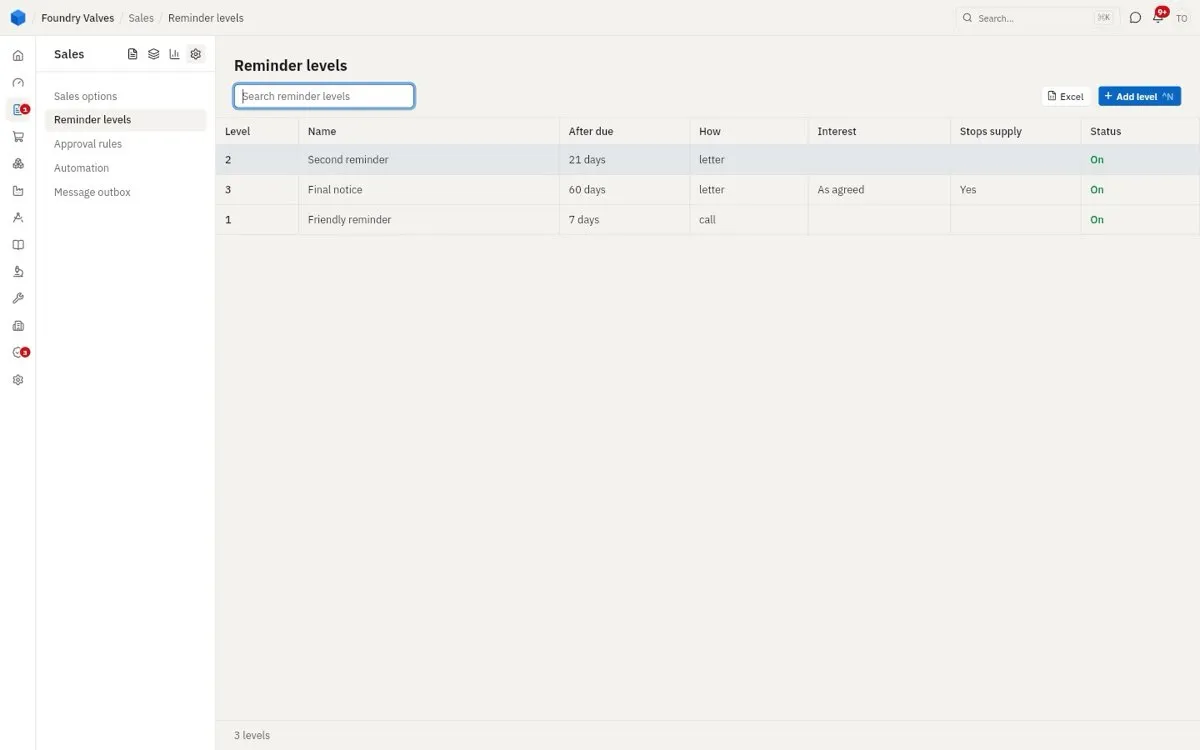
How payment reminders get firmer: a friendly call at 7 days late, a letter at 21, a final notice at 60 that stops supply and charges interest.
Approval rules
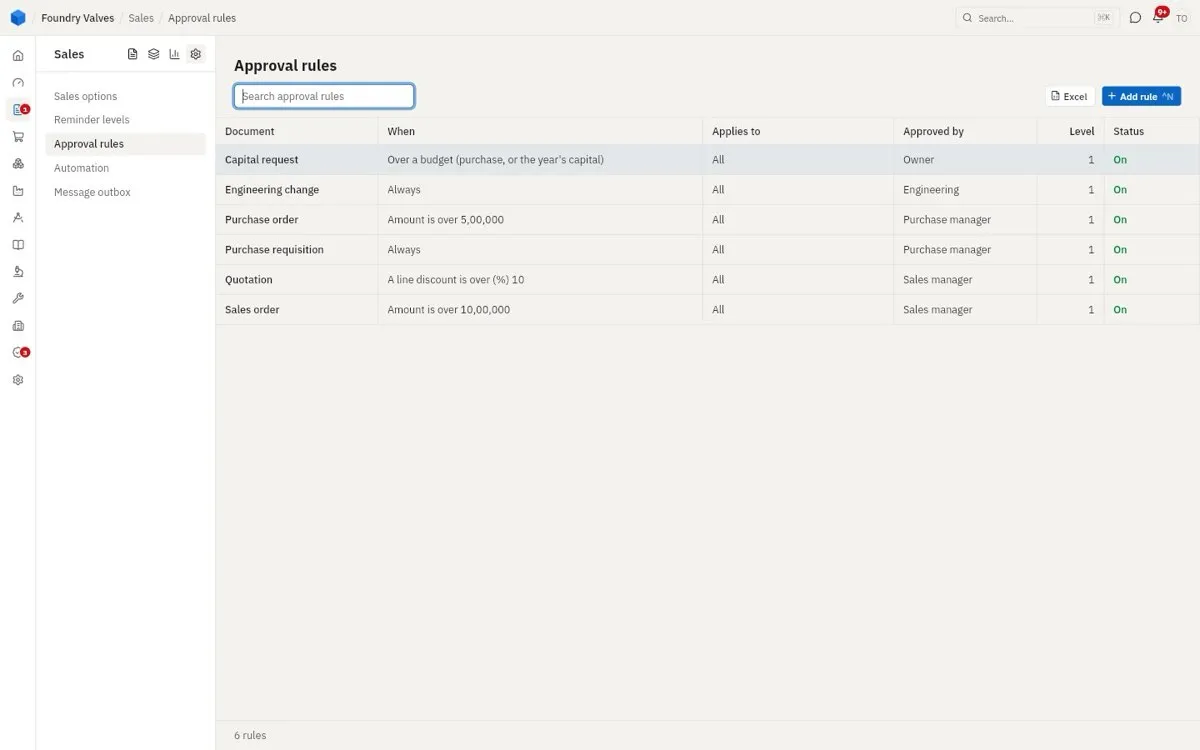
What needs someone's OK before it goes: a quotation with more than 10% discount, an order over ₹10 lakh. It waits in Approvals for that person.
Automation
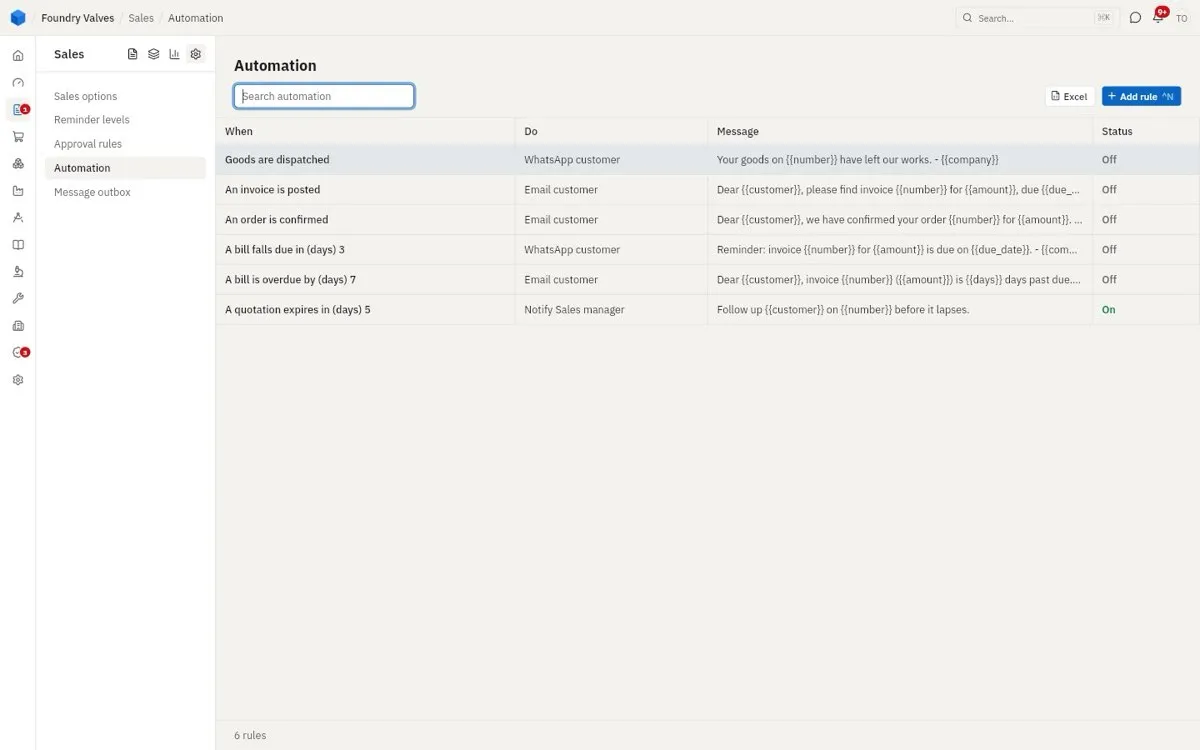
Things the app does by itself when something happens: email the customer when an invoice is posted, WhatsApp when goods leave, tell the sales manager when a quotation is about to lapse. Each one on or off.
Message outbox
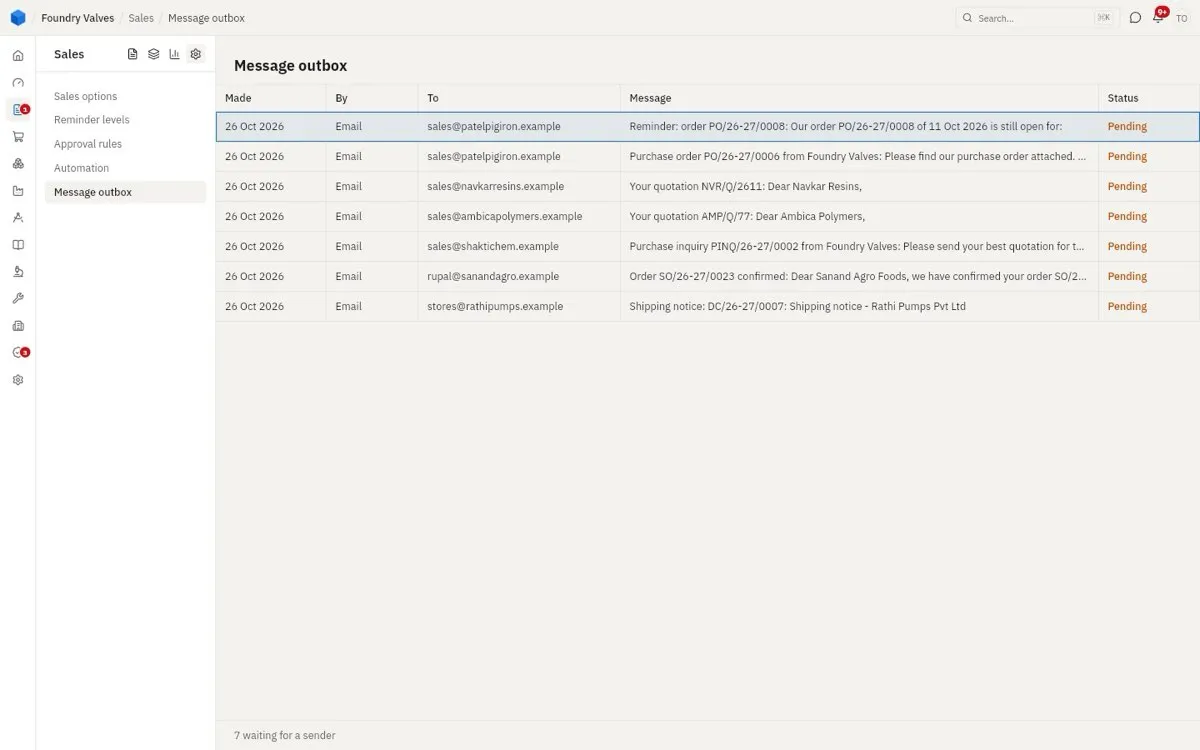
Every email and message the app has made, and whether it went. Pending waits for a mail sender to be set up.
The main records, tab by tab
Every sales document opens the same way: a short header up top (customer, dates, terms), then tabs, then the totals on the right. These tabs are on most of them:
| Tab | Holds |
|---|---|
| Items | The lines: item, quantity, rate, discount, tax, and what has happened to each (dispatched, invoiced, returned) |
| Bill and ship to | The addresses, and who is printed as billed, consignee and notify party |
| Payment | Our bank account to pay into, the advance, the payment schedule |
| Delivery | Delivery terms, the place, and whether to ship part as it is ready |
| Terms and notes | The terms printed on it |
| Printed texts | The subject, opening and closing lines, the "kind attention" |
| Other details | End user, project, commission agent, priority, letter of credit / bank guarantee needed |
| Files | Their PO, drawings, certificates |
| History | What it was made from and into, and every step with who did it and when |
Lead
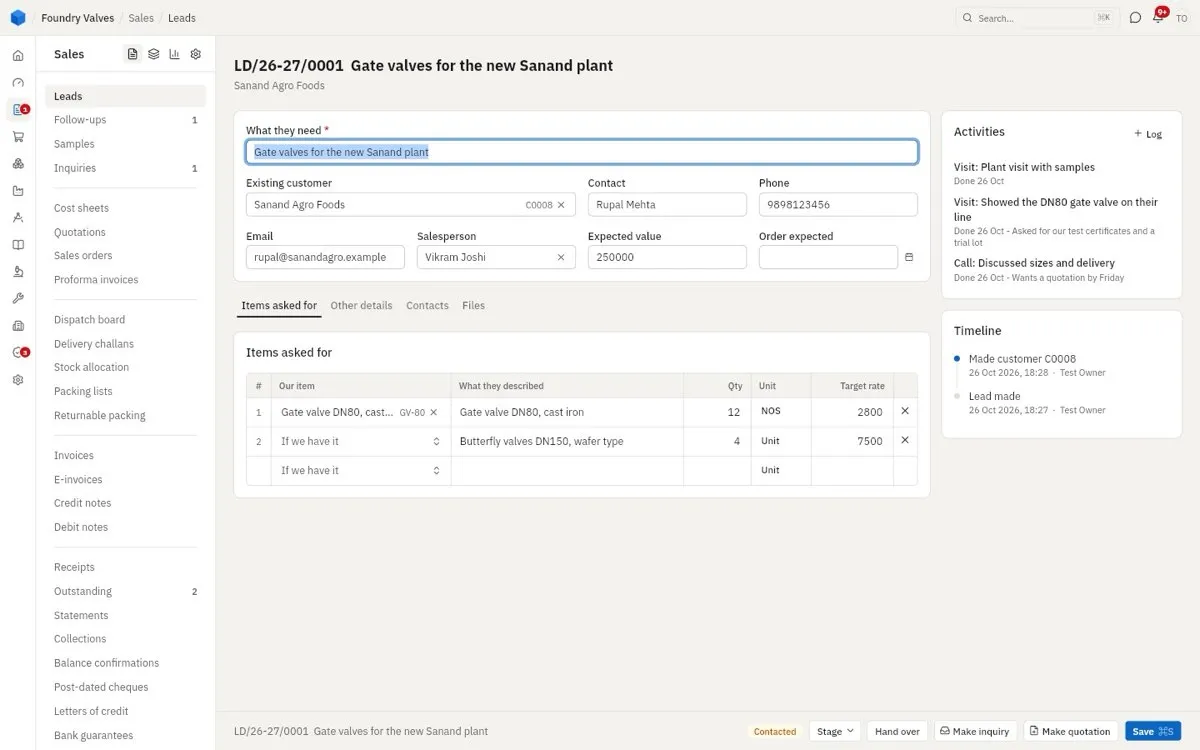
A lead's own page: what they need, the contact, expected value and date; Activities (calls, visits, with what was said) and the Timeline on the right. At its foot: its stage, Hand over to another salesperson, Make inquiry, Make quotation. Tabs: Items asked for · Other details (source, industry, needs costing) · Contacts · Files
Inquiry
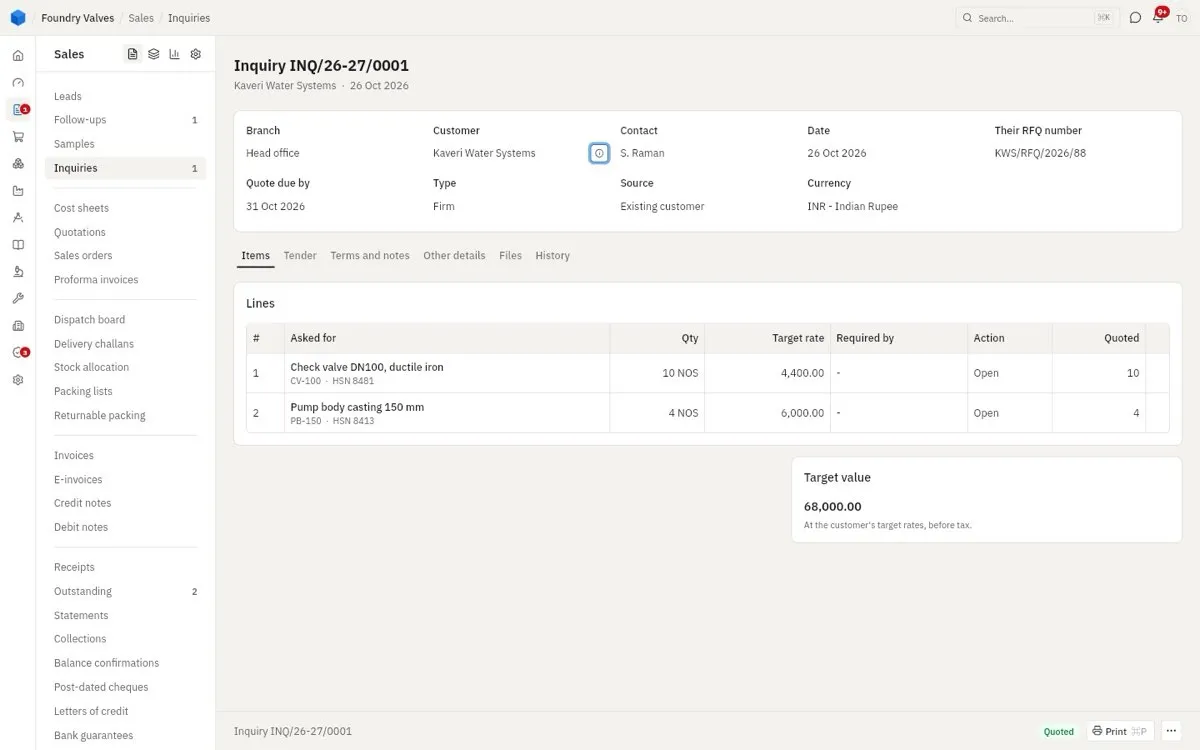
Each line's Action (open, quoted, regretted) and how much was quoted; the target value at the customer's rates. Tabs: Items · Tender (when it is a tender: its dates, EMD) · Terms and notes · Other details · Files · History
Cost sheet
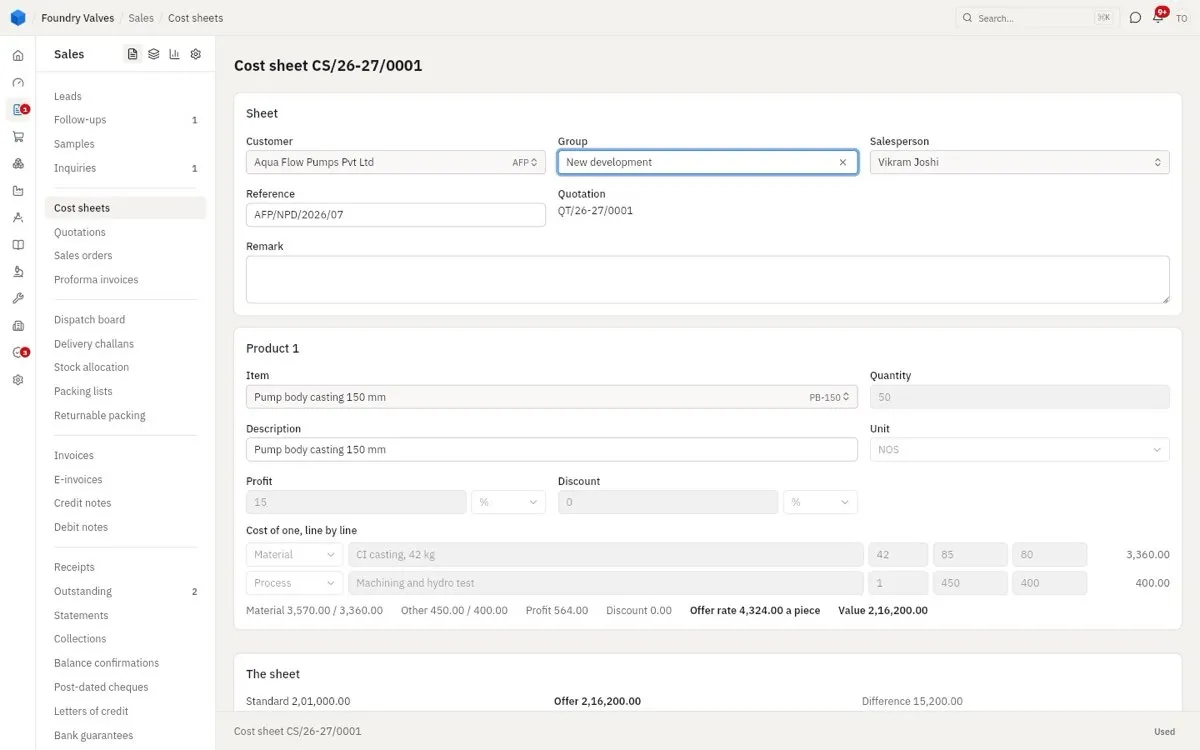
One sheet per inquiry or customer; a product at a time with its cost lines (material, process, other) for one piece, then profit and discount give the offer rate. The foot compares the standard cost with the offer.
Quotation
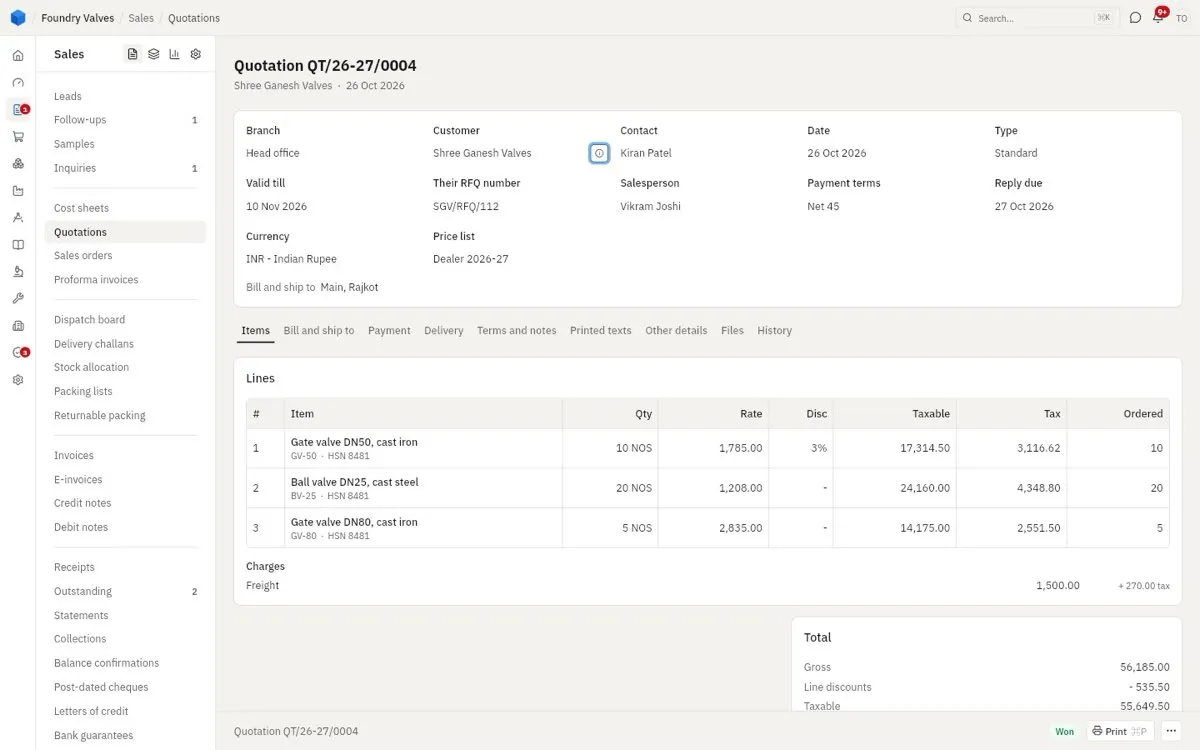
The header carries valid till, their RFQ number, payment terms and the price list the rates came from. Tabs: Items · Bill and ship to · Payment · Delivery · Terms and notes · Printed texts · Other details (competitors quoting, LD, retention) · Files · History (its stage and chance, what it became)
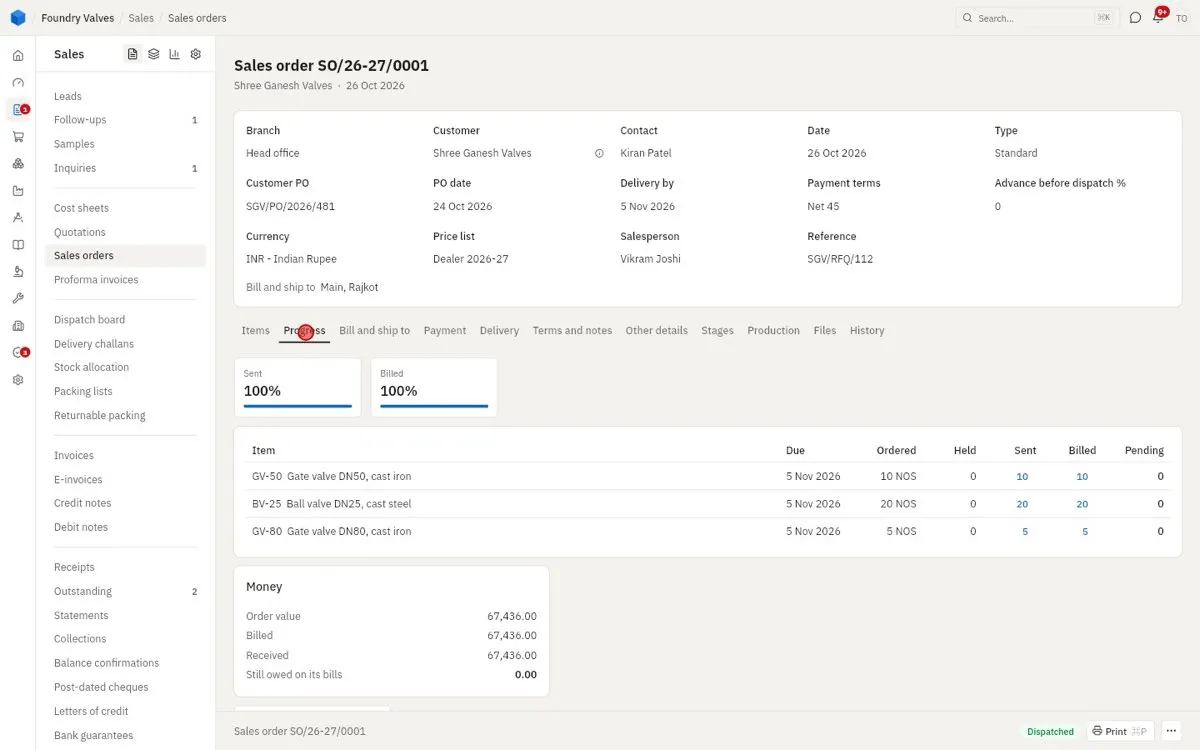
Sales order
Each line shows dispatched, invoiced, pending and stock. Its own tabs: Progress (sent and billed %, each line's due date, the money: order value, billed, received, still owed), Stages (design, approval, inspection steps for a made-to-order job) and Production (how far making each line has got and when it can finish). The others: Bill and ship to · Payment · Delivery · Terms and notes · Other details · Files · History
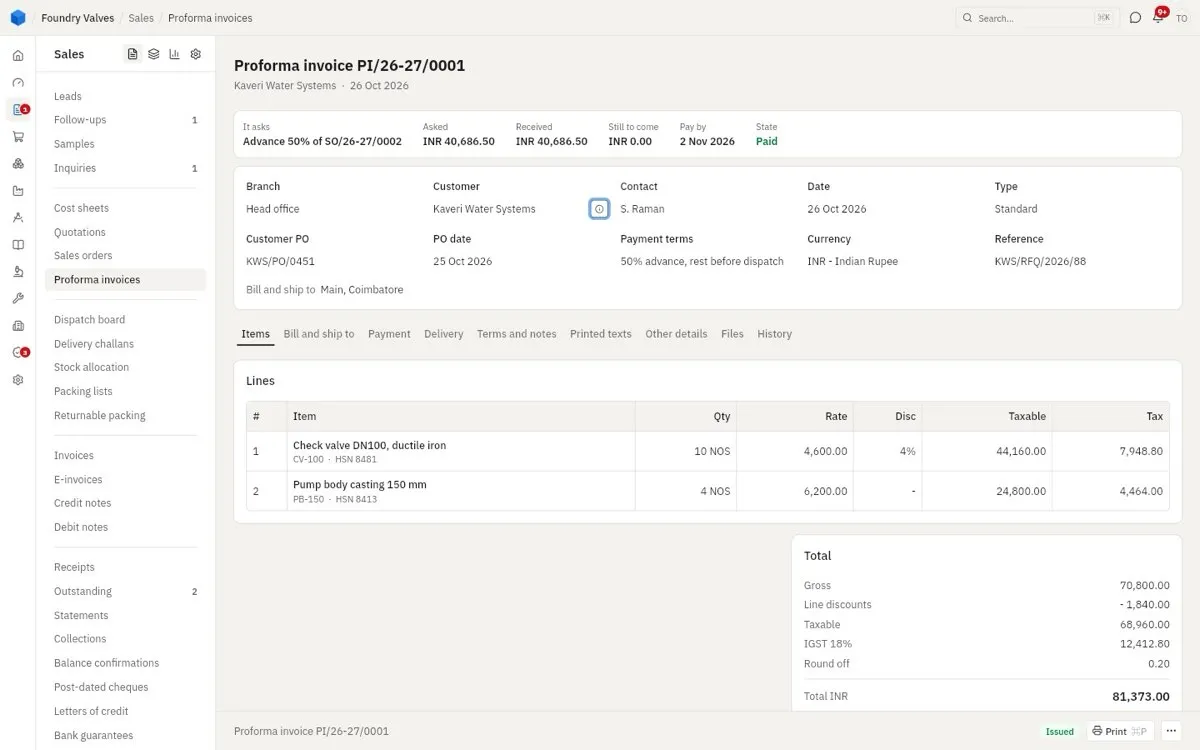
Proforma invoice
The strip above the header says what it asks (an advance of an order), what has come and when it is due. Tabs as the quotation's: Items · Bill and ship to · Payment · Delivery · Terms and notes · Printed texts · Other details · Files · History
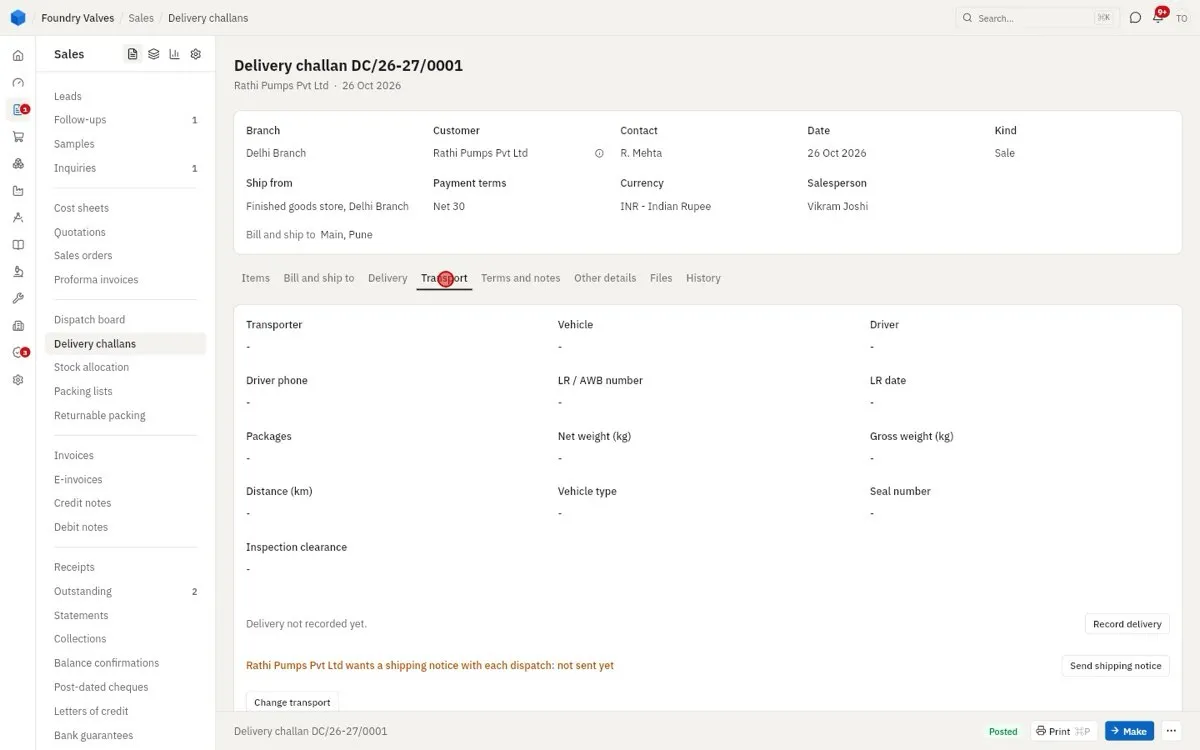
Delivery challan
The header says which store it ships from. Its own tab, Transport: transporter, vehicle, driver, LR number, packages and weights, and Record delivery once the customer signs. The others: Bill and ship to · Delivery · Terms and notes · Other details · Files · History
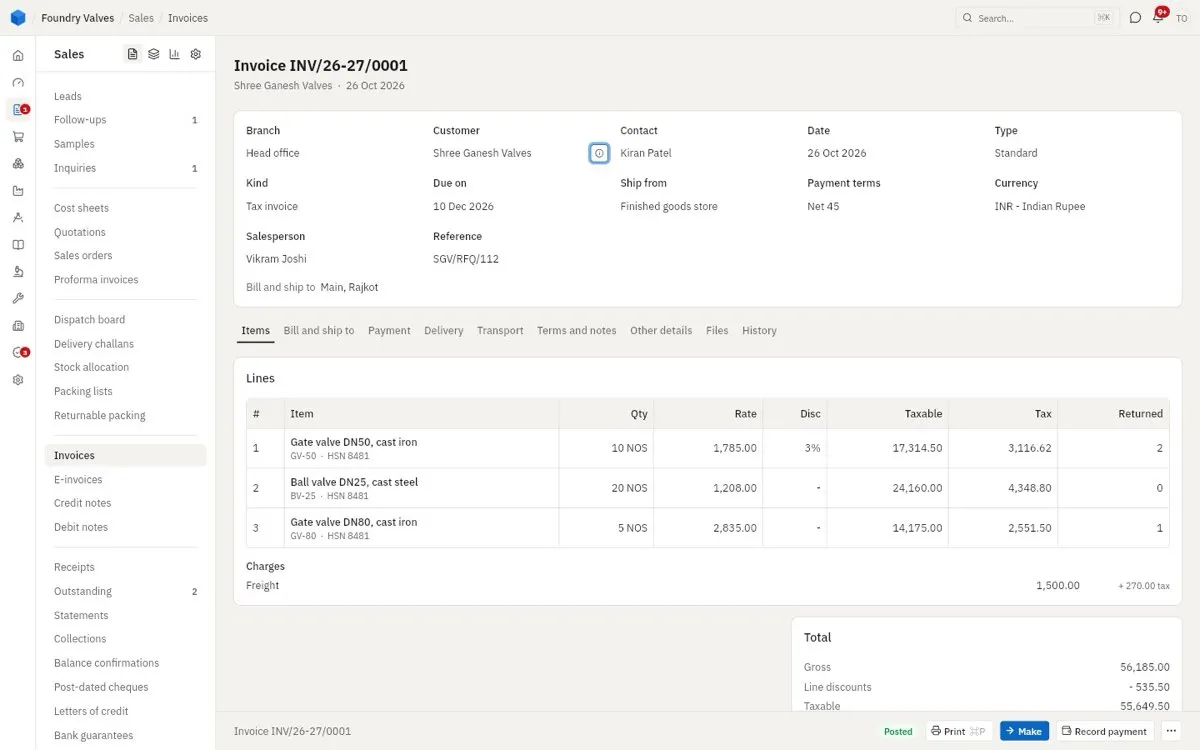
Invoice
Record payment at its foot takes a receipt straight against it; each line shows what has come back. Tabs: Items · Bill and ship to · Payment · Delivery · Transport · Terms and notes · Other details · Files · History
An export's Export tab says how it Goes out: under the LUT / bond, without tax, or with IGST paid. With IGST paid, each line takes the item's IGST, but the buyer owes only the total: the IGST is ours to claim back from customs (the shipping bill is the claim). Posted, the tab shows the IGST refund - paid, refunded, still to come - and Record refund books each one customs credits; the report IGST refunds on exports lists what is still to come.
Credit note and sales return
A return takes goods back into a store, with its reason; its credit note takes the money off what they owe. Credit note: Items · History. Return: Items · History (made from the invoice, made into the credit note).
Receipt
Money received: how (bank, cheque, cash), into which account, the UTR, any TDS they deducted or bank charges; and Set against: the bills (or proforma) it pays. Print gives its receipt voucher.
An advance against an order that carries services owes GST when it comes, before the invoice (goods do not): GST on the advance shows the tax at the order's rates on the services' share, and it comes off as the advance is set against the invoice. Pay back returns money of it not yet set against a bill: a refund voucher, with the tax on what goes back taken off. GSTR-1 shows the advances in table 11A and their adjustment in a later month in 11B.
Customer
Name, code, kind, phone, email and salesperson up top; New quotation and Status (put on hold) at the foot. Tabs:
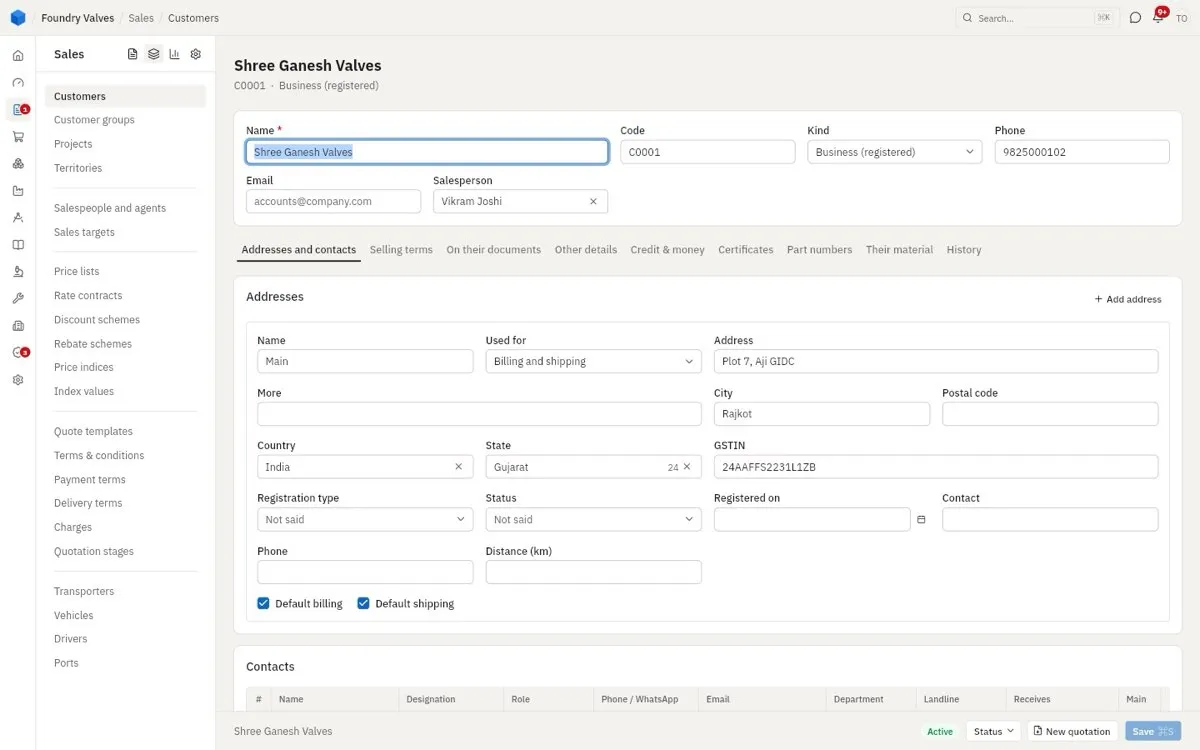
- Addresses and contacts: each address with its state and GSTIN (billing, shipping or both), their contacts and which documents each one receives, their bank accounts
- Selling terms: currency, payment and delivery terms, price list, the plant and store that serve them, transporter, working hours and holidays; Credit: limit, days, interest, and whether going over warns or blocks
- On their documents: what is printed for them, their own terms, a company that is billed for them, their own print layouts
- Other details: legal name, group, territory, industry, where they came from, commission agent
- Credit & money: where they stand - what they owe, open orders, overdue, what is left of their limit - and their unpaid bills
- Certificates: exemption certificates and agreements, with expiry
- Part numbers: their codes for our items, printed on their documents
- Their material: material they sent us to work on (job work)
- Customer logins: their people who may sign in to see their own quotations, orders, dispatches, invoices, what they owe and their statement - nothing else of ours. Give a login copies a link to send them; they choose a password with that email. Take back ends it.
- History: every change to the record, field by field