 S3 Enterprise
20 screens
Settings
The company itself: its plants, its people and what each may do, how documents are numbered and printed, tax and money. Most is set once, at the start - the setup wizard fills much of it. The pictures are the demo company (Foundry Valves) after the test runs, so the names and numbers are made up.
Company
Company
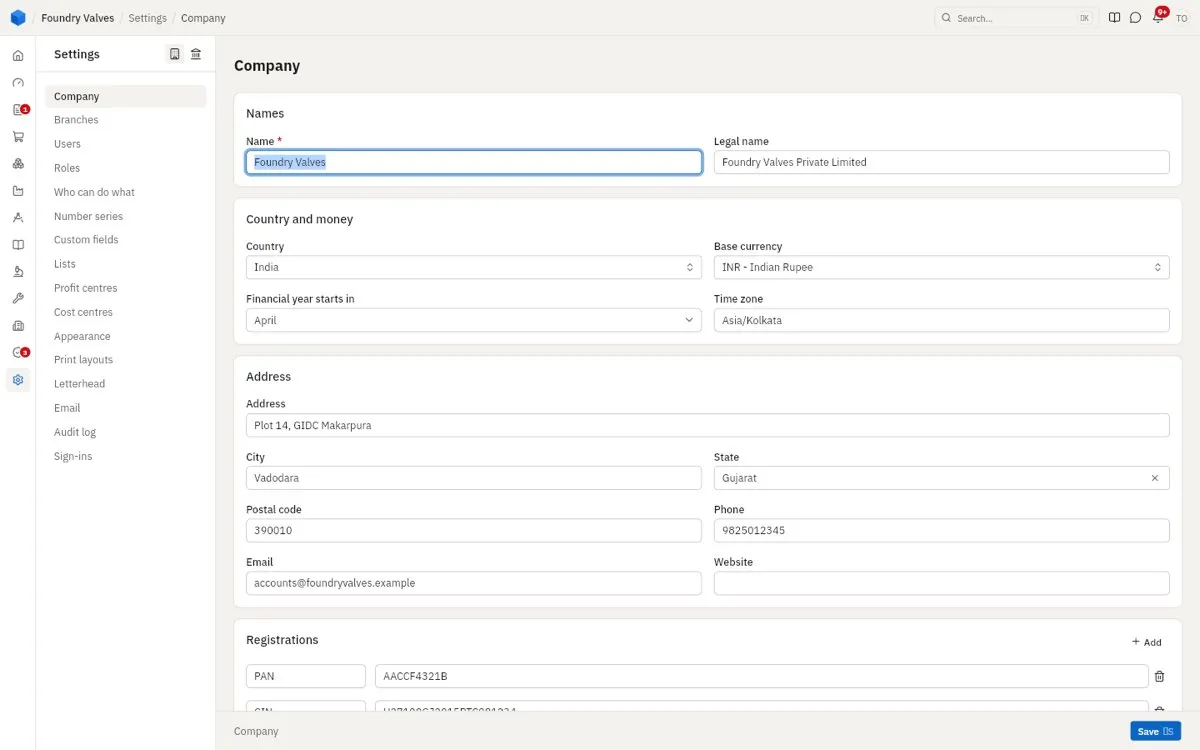
The company's name and legal name, country, currency, the month its financial year starts, its address, and its registrations (PAN, CIN, GSTIN...).
Plants
The company's plants and offices, each in its state with its own GSTIN - a sale between two states charges IGST, within one CGST and SGST. One is the default.
Users
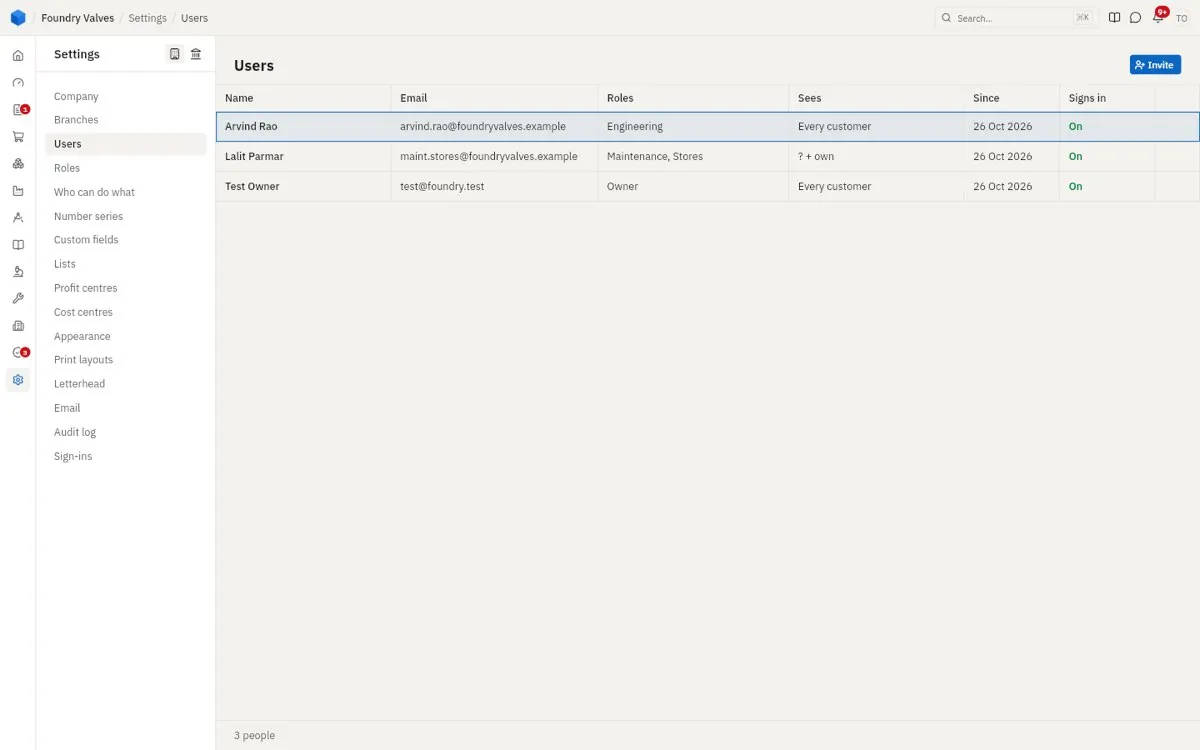
Everyone who signs in: their roles, which customers they see (every one, or their own), since when, and whether they may sign in. Invite sends one a link.
Roles
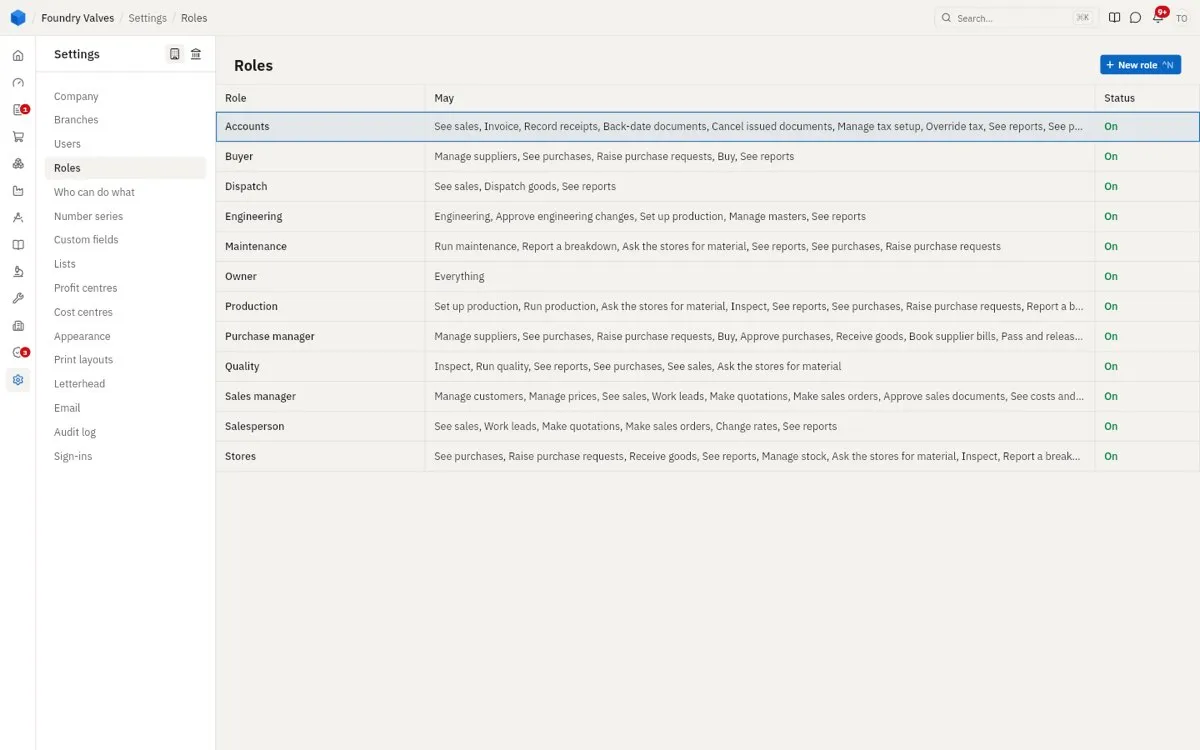
What each kind of person may do - accounts, buyer, dispatch, engineering, owner (everything), production, quality, sales manager, salesperson, stores. A user gets one or more roles.
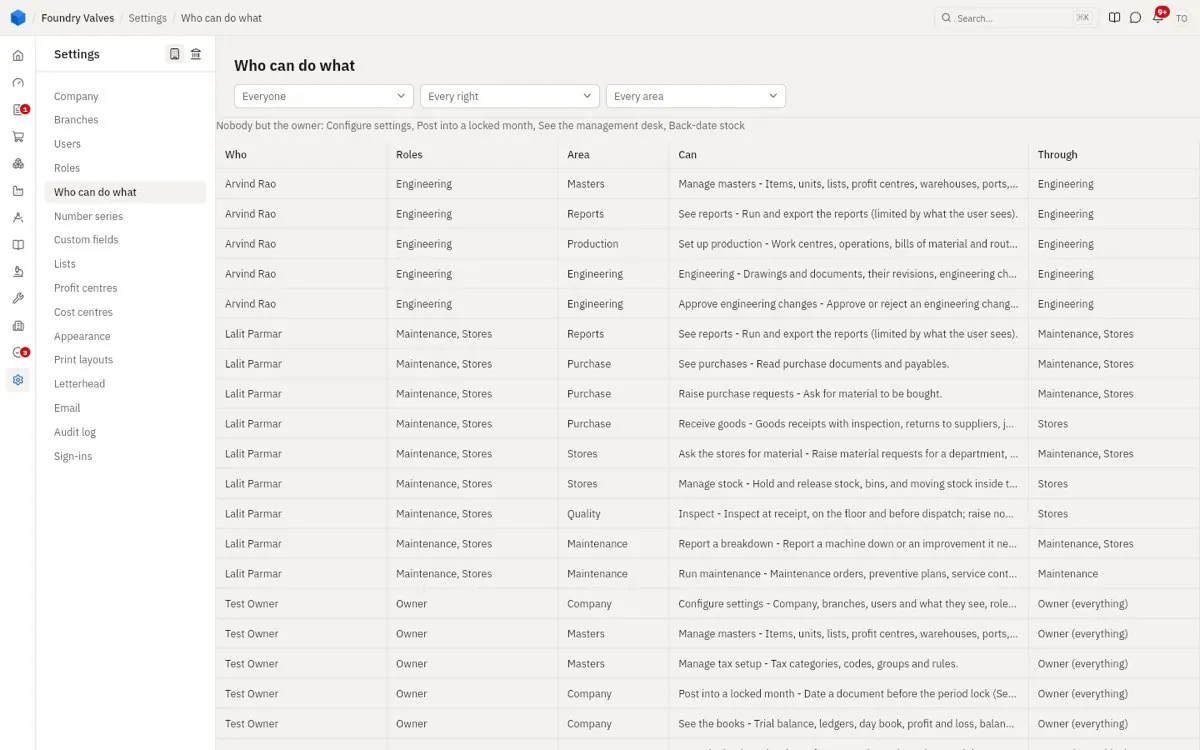
Who can do what
Every right, who has it and through which role - to check that nobody can do what they should not. A few rights only the owner ever has: settings, posting into a locked month, the management desk, back-dating stock.
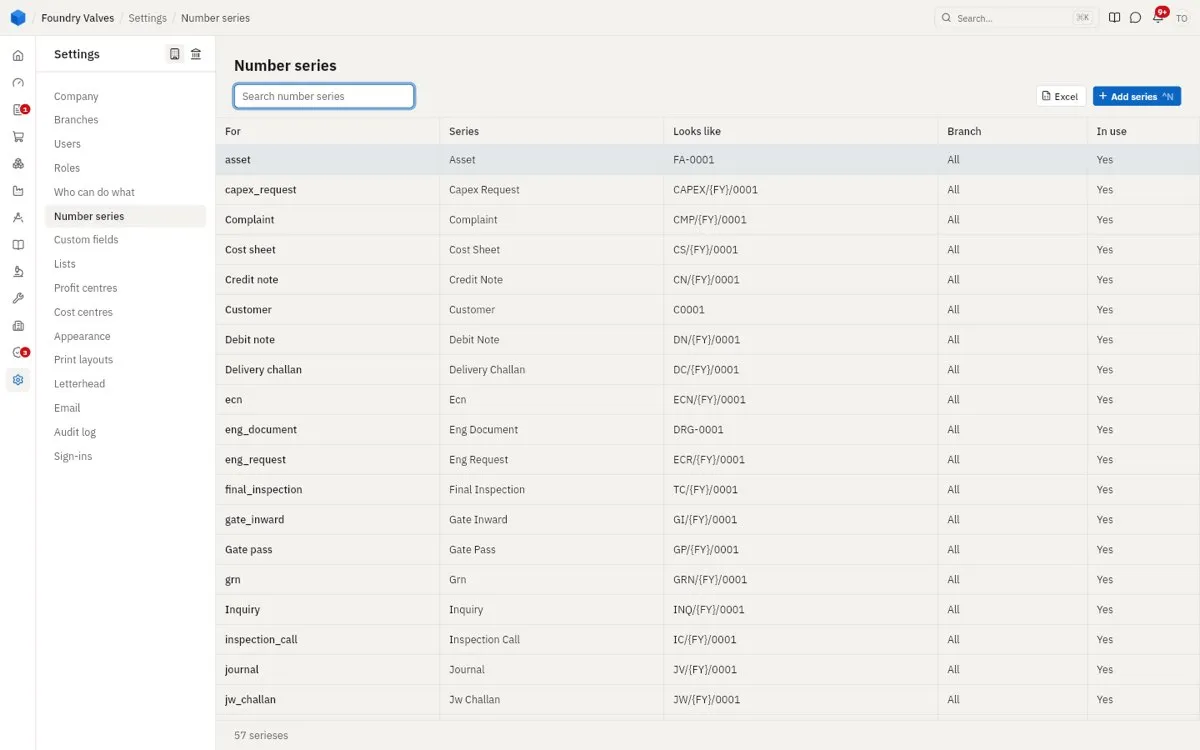
Number series
How each kind of document is numbered (INV/{FY}/0001 makes INV/26-27/0001), for every plant or one, and whether it is in use.
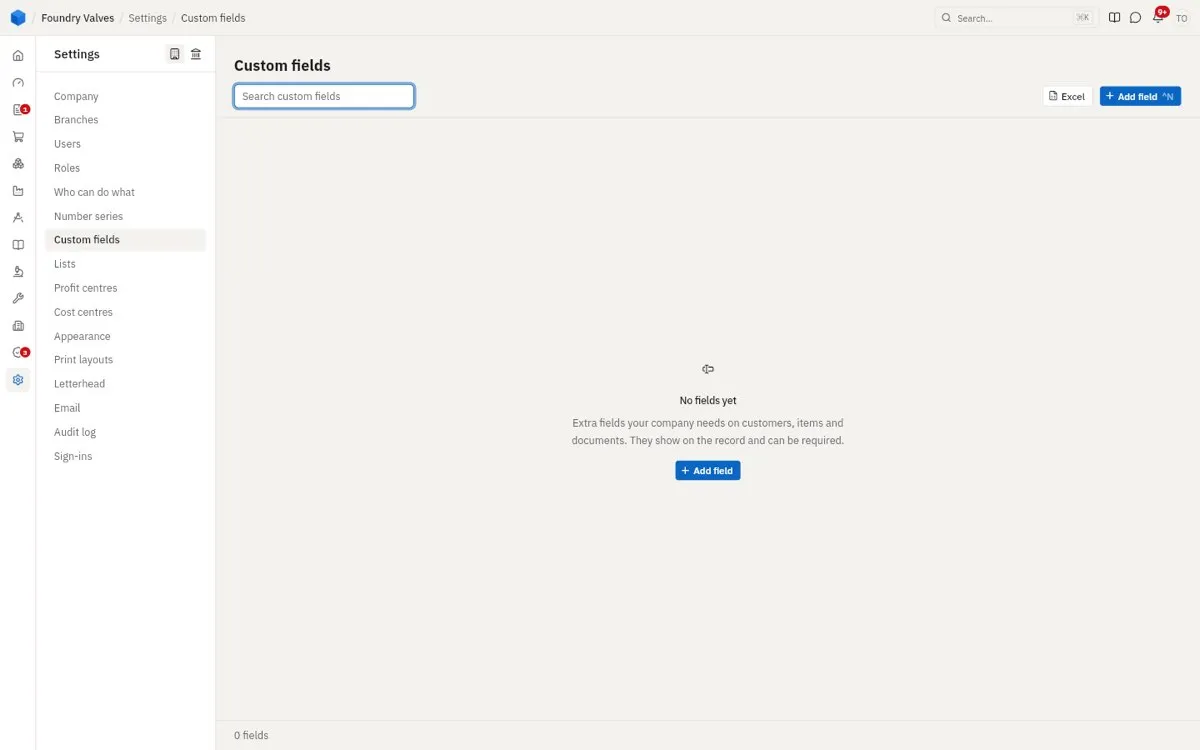
Custom fields
Extra fields the company needs on customers, items and documents. They show on the record and can be required.
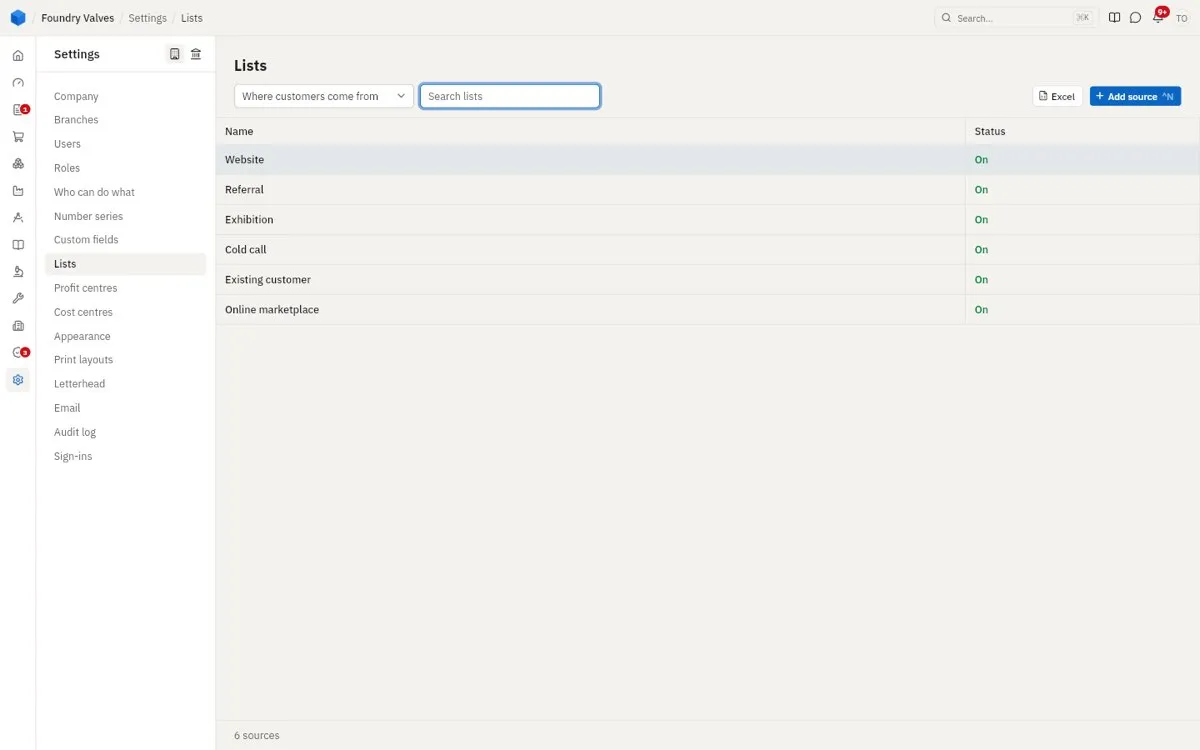
Lists
The company's short lists - where customers come from, industries, reasons, problems - picked from everywhere. The picker at the top chooses the list.
Profit centres
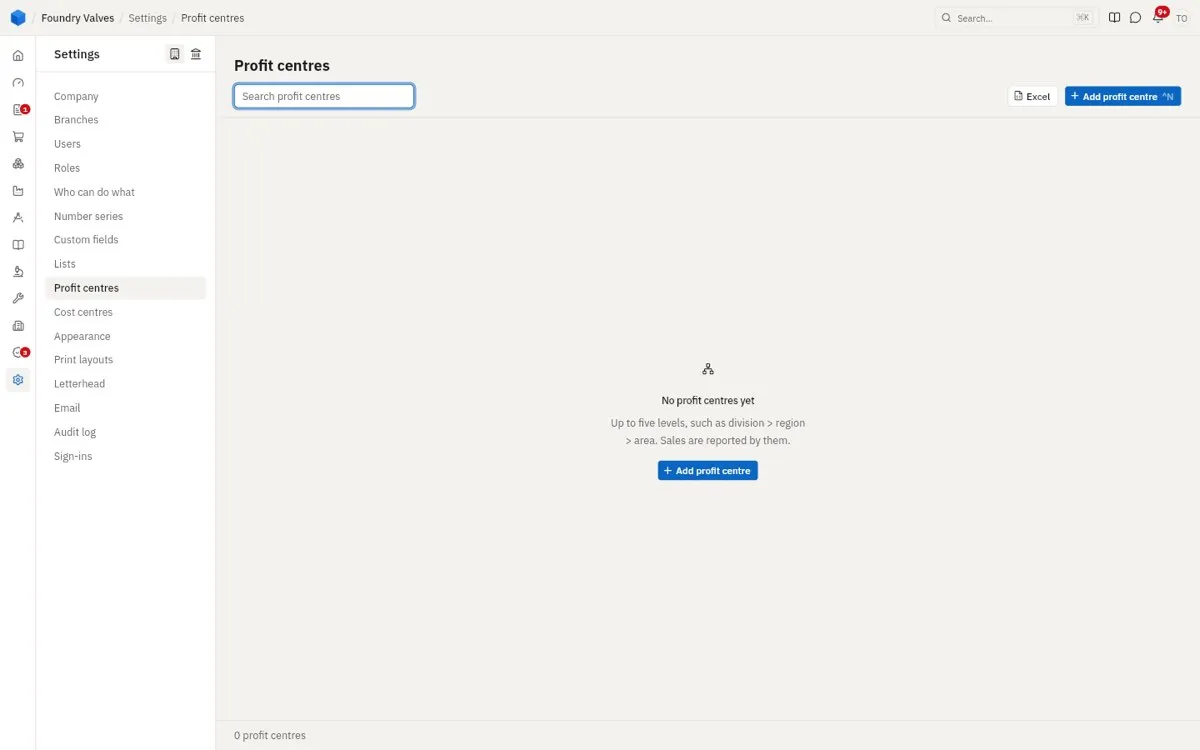
Up to five levels (division, region, area) that sales are reported by.
Cost centres
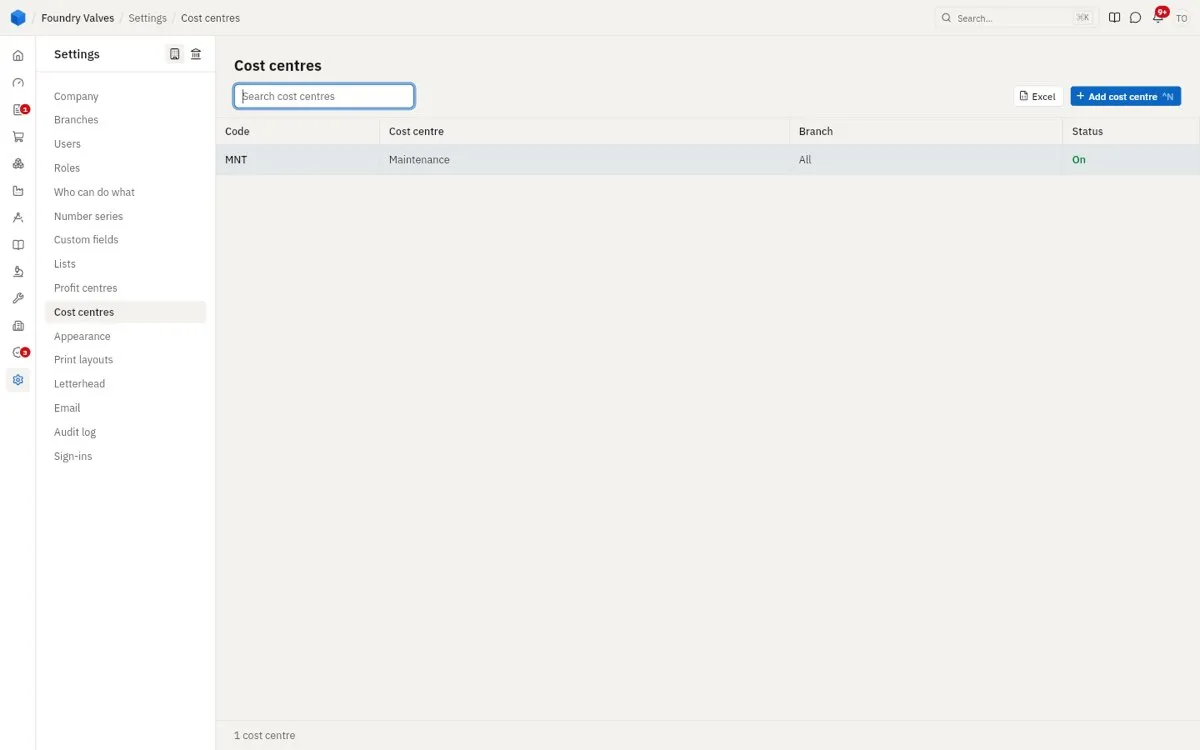
Where costs are booked (maintenance, a department), so each one's spending shows.
Appearance
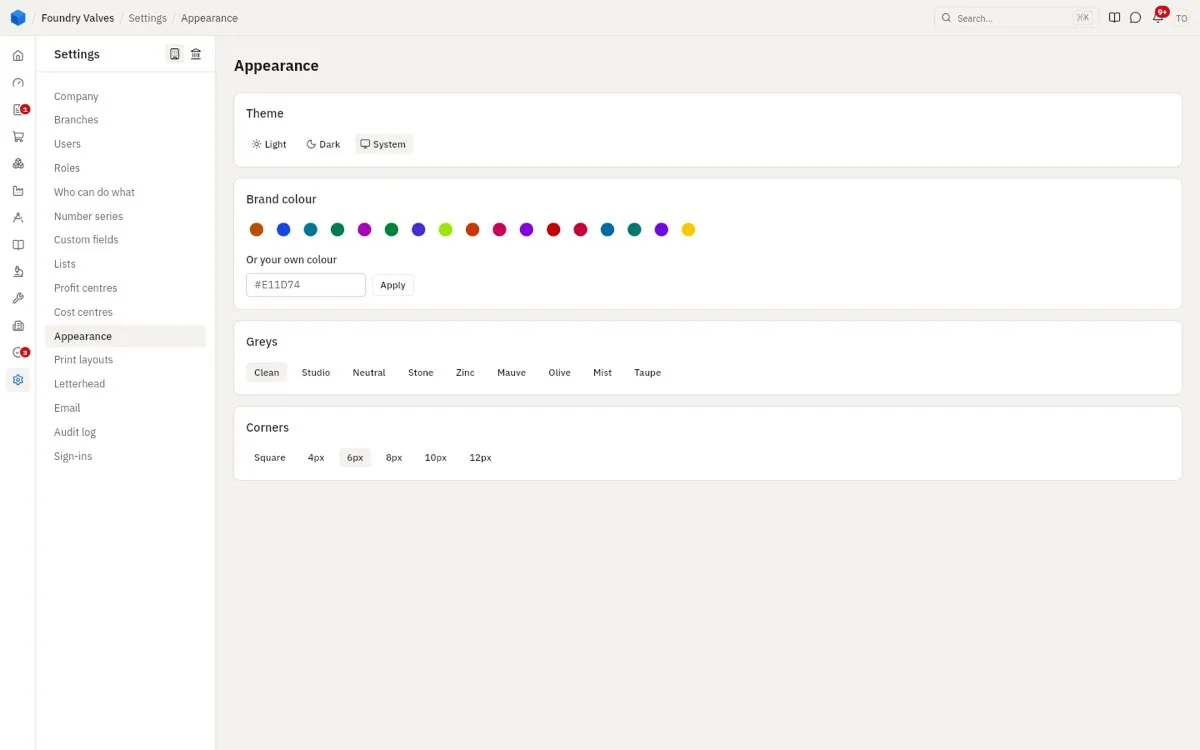
Light or dark, the brand colour, the greys and how round the corners are.
Print layouts
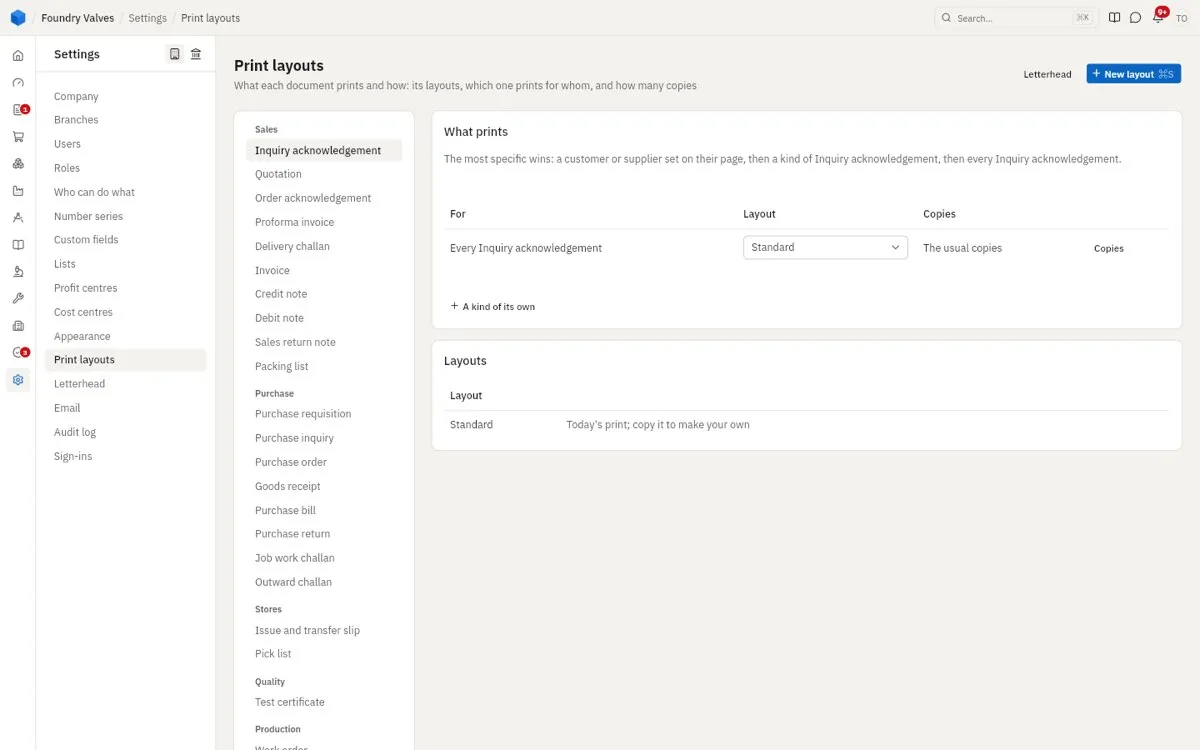
How each document prints and how many copies - a layout for everyone, for a kind, or for one customer or supplier. The most specific wins.
Letterhead
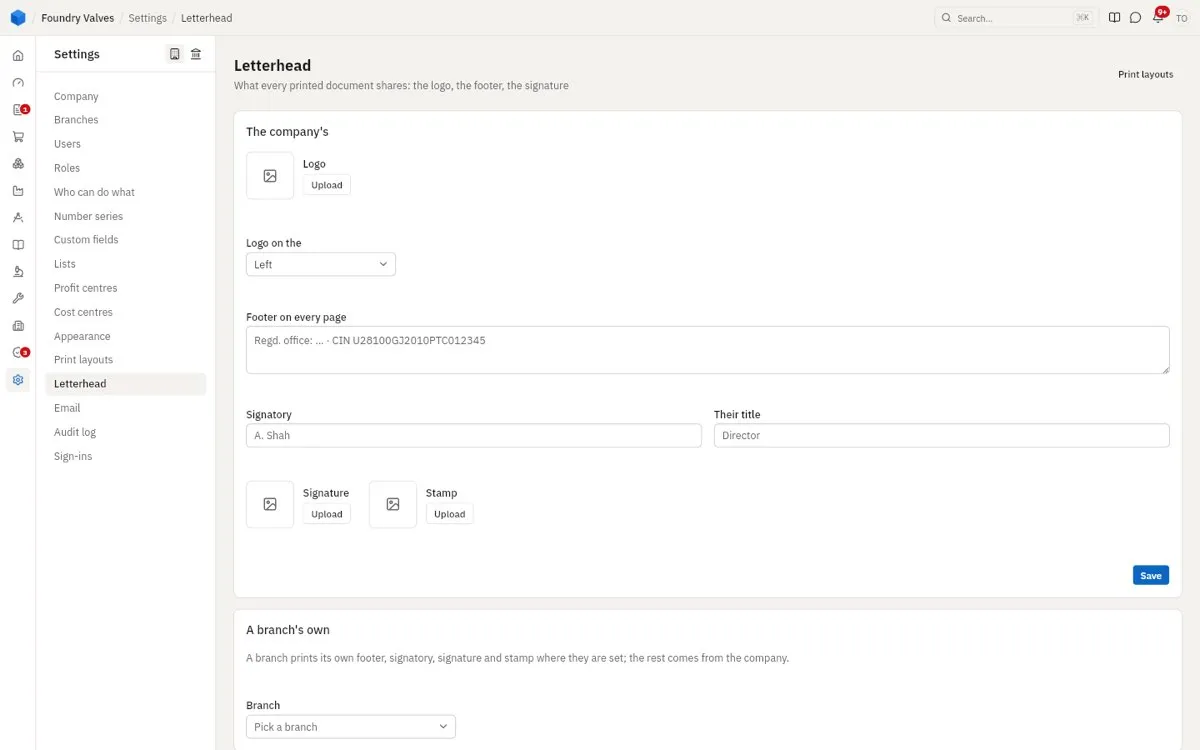
What every printed document shares: the logo, the footer, the signatory, signature and stamp - and a plant's own.
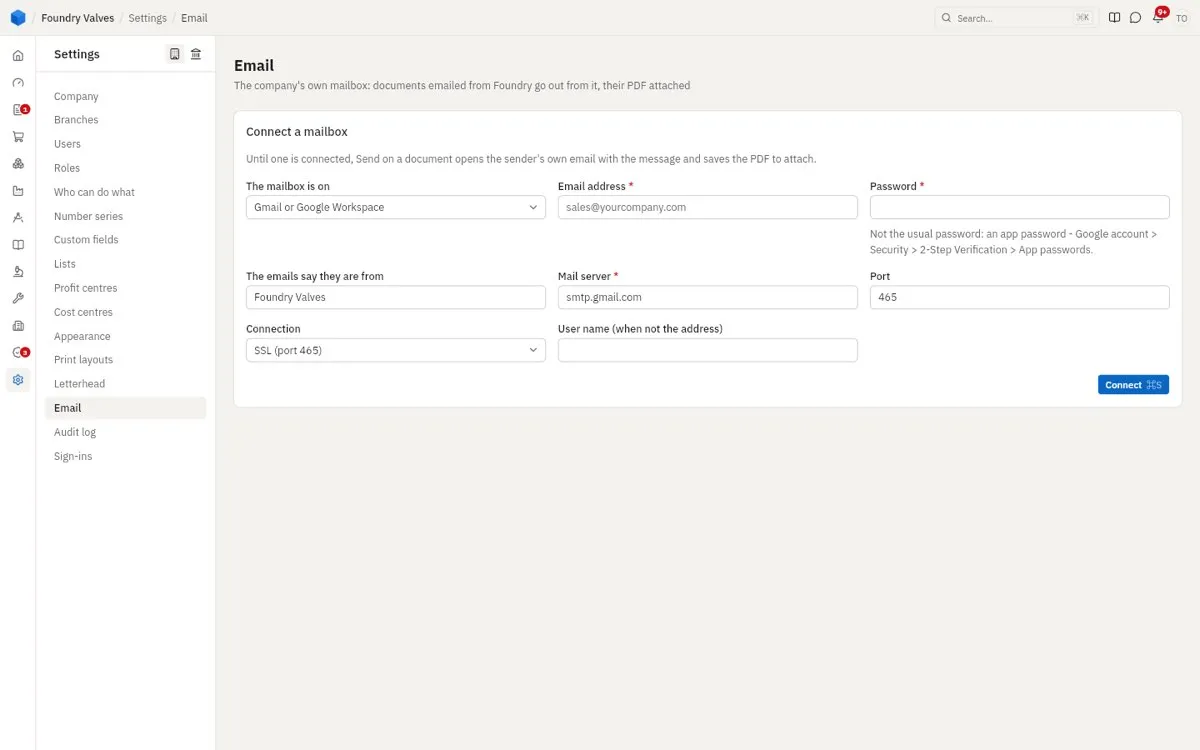
The company's mailbox, so documents emailed from Foundry go from it with their PDF attached. Until one is connected, Send opens the sender's own email with the PDF saved to attach.
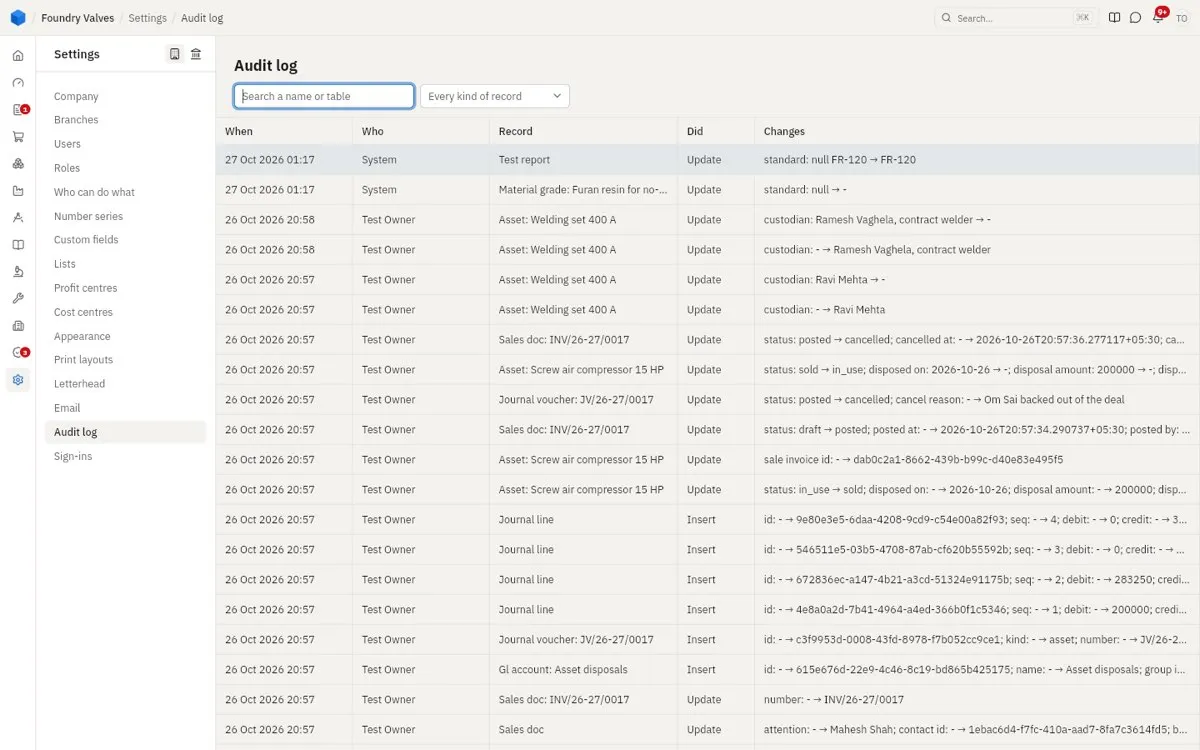
Audit log
Every change to every record: when, who, what record, what was done, each field from what to what.
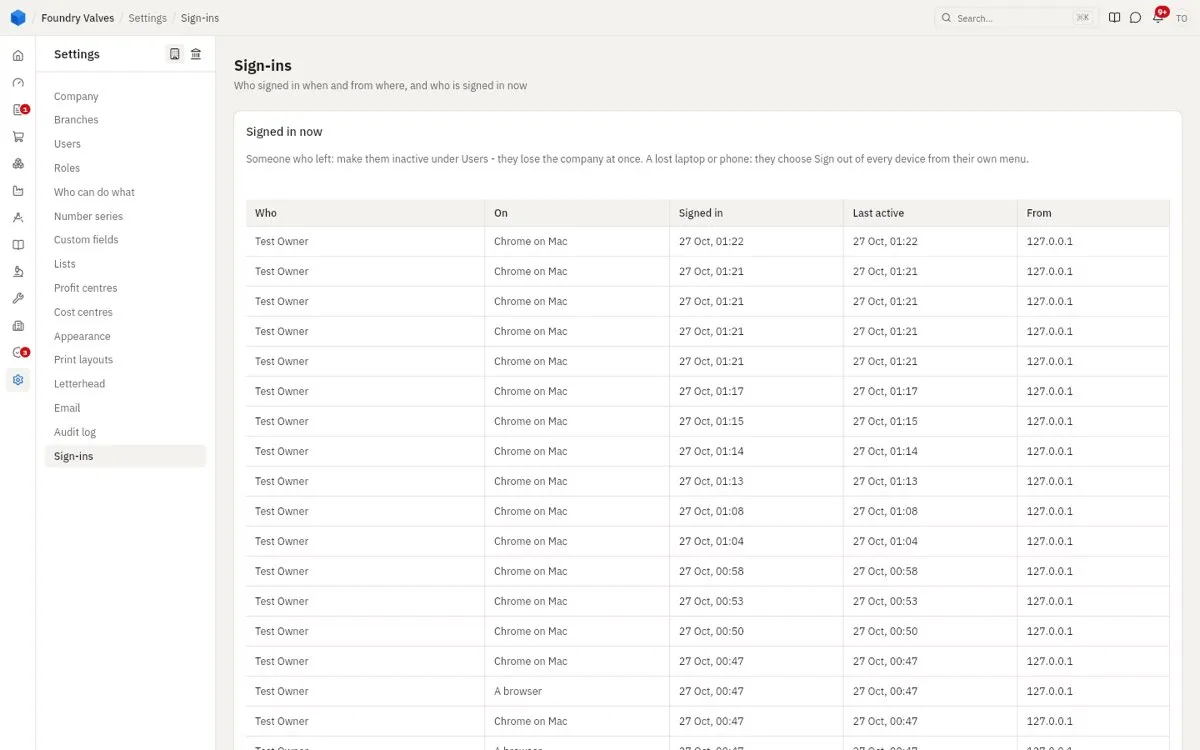
Sign-ins
Who signed in when and from where, and who is signed in now. Someone who left: make them inactive under Users.
Tax and money
Tax setup
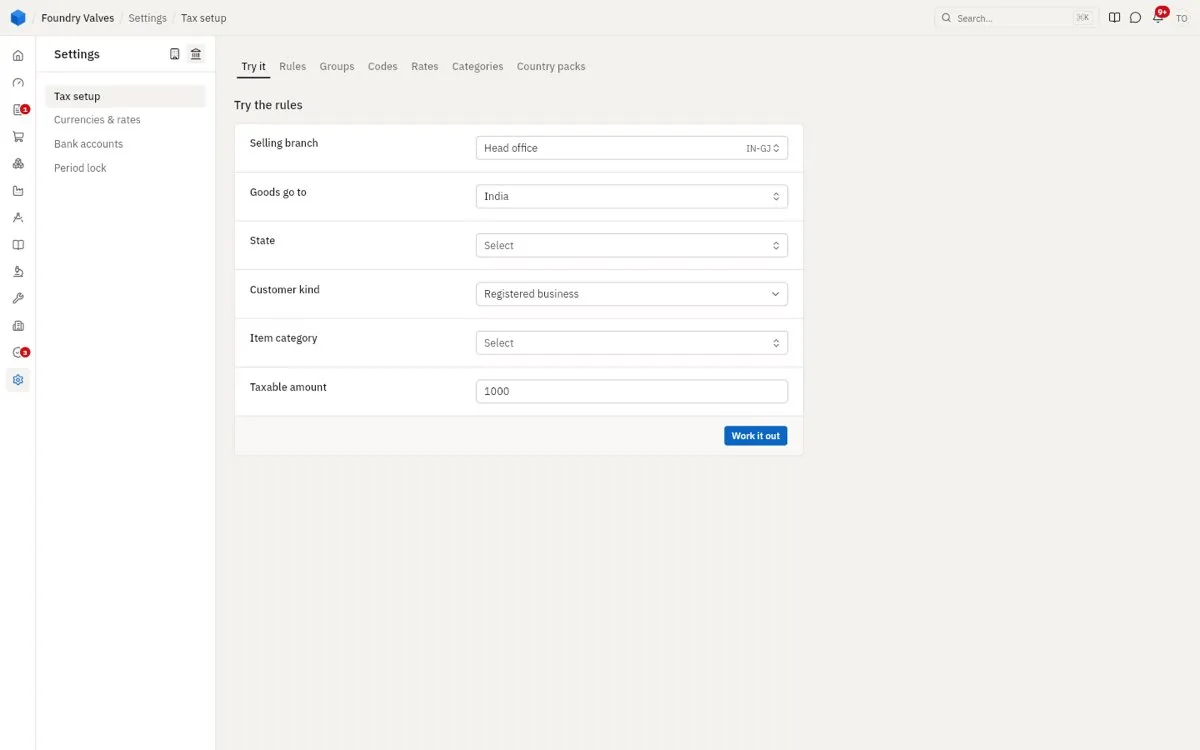
How tax is worked out: rules, groups, codes, rates and categories, ready for India (country packs). Try it shows what a sale would be charged - from this plant, to this state, this kind of customer, this item.
Currencies & rates
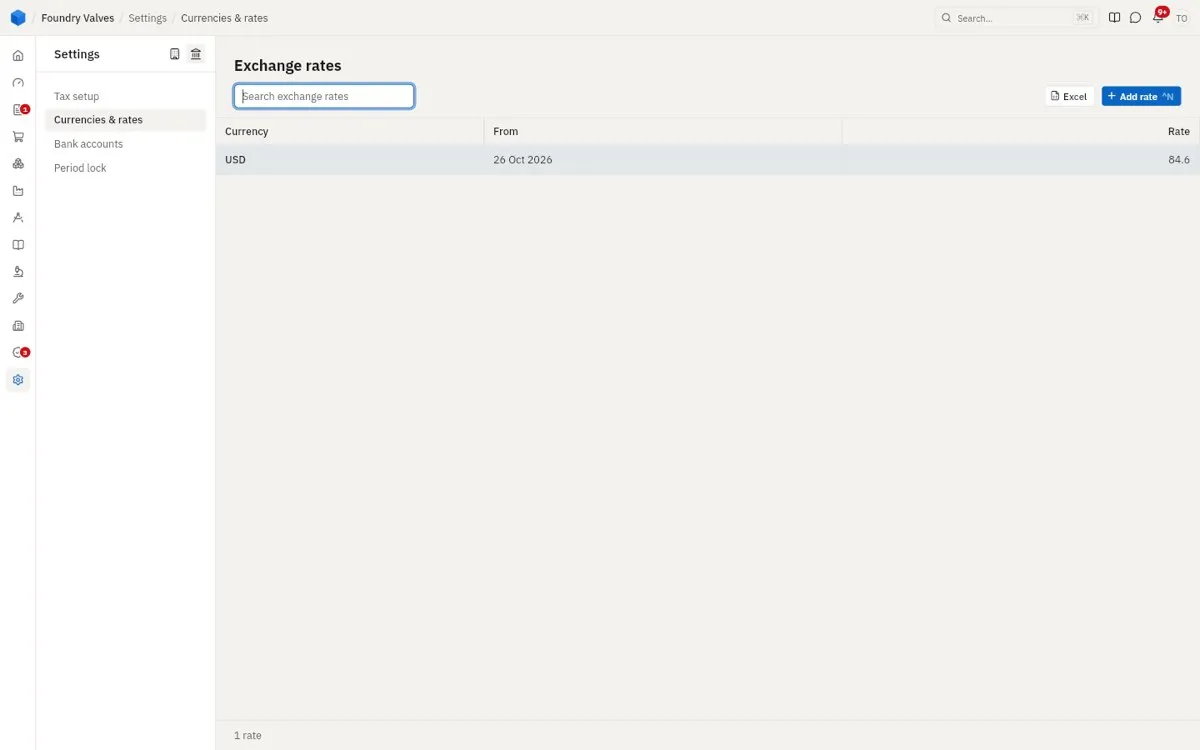
Exchange rates by date, for documents in other currencies.
Bank accounts
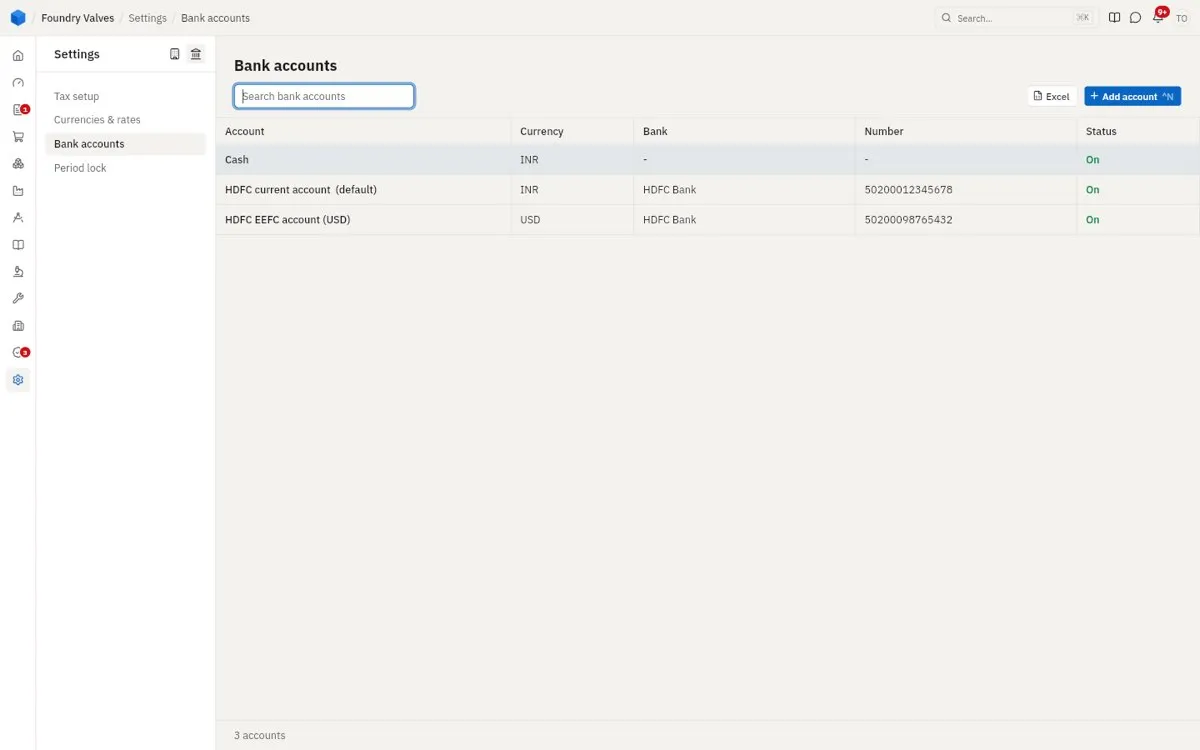
The company's own bank accounts and cash, each in its currency, one the default - printed on invoices and used for receipts and payments.
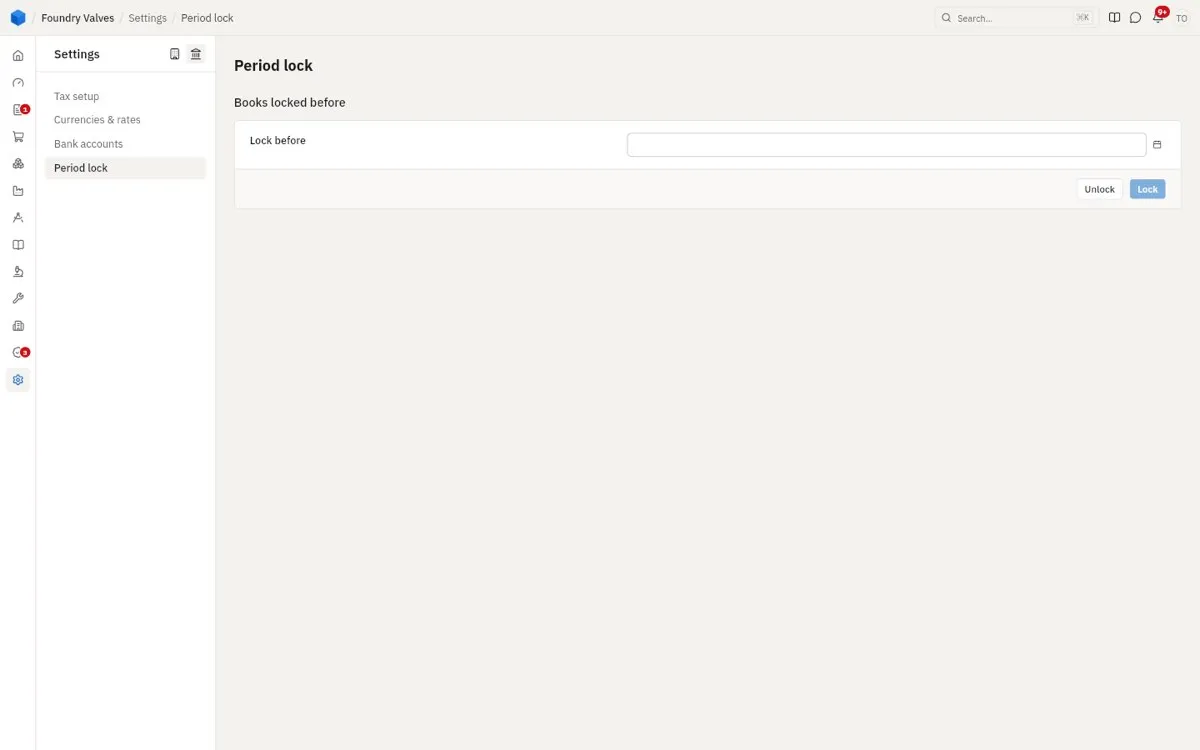
Period lock
Books locked before a date: nothing can be posted into a closed month without the owner's right to.