 S3 Enterprise
40 screens
Purchase
Every page in the Purchase menu, what it is for, and where it leads; then the main records, tab by tab. The pictures are the demo company (Foundry Valves) after the test runs, so the names and numbers are made up. For the story of one purchase from start to finish, read How a purchase works first.
The menu works as Sales' does: the icons at its top switch between the work, masters, reports and settings; every list has search, filters, New (Ctrl+N), and its count and total at the foot.
The path a purchase takes
A requisition can also come straight from what sales orders are short of, or from reorder levels; and a purchase order can be called off a purchase contract. The goods receipt lives in Items (the stores receive the goods), the inspection in Quality.
The work
Requirement - what we need
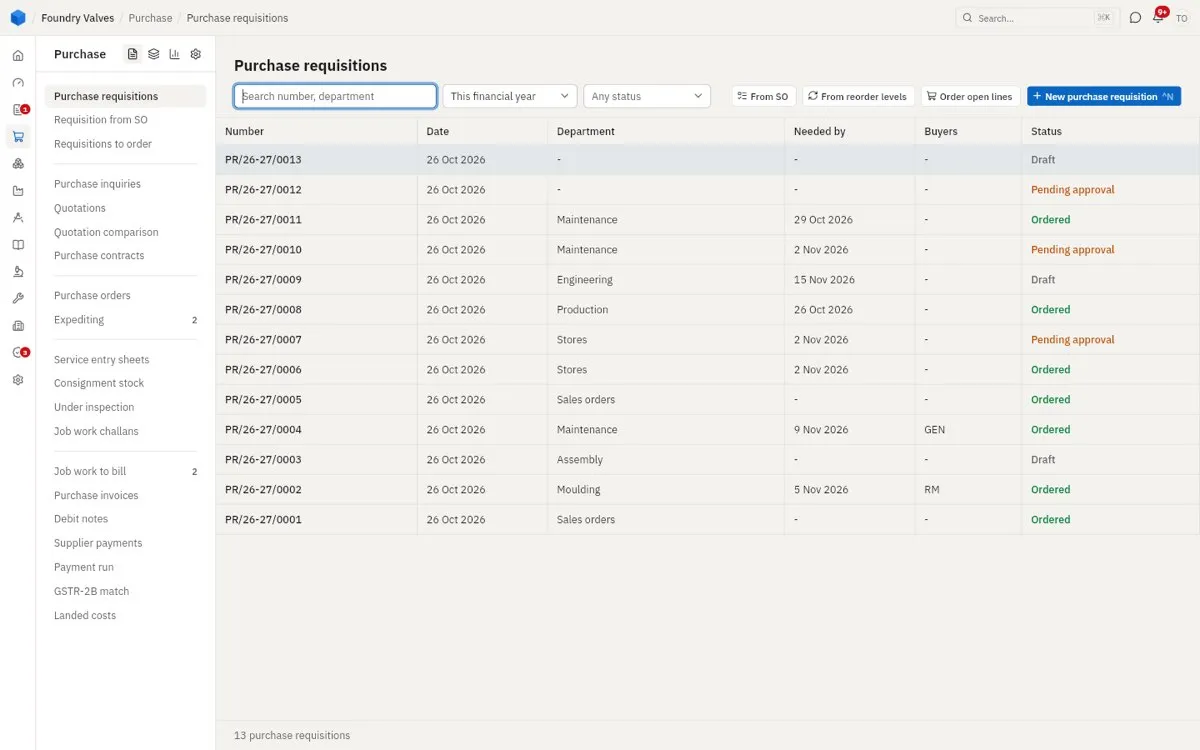
Purchase requisitions
Someone inside the company asks for something: these items, this many, by this date, for this department. It is not an order yet - nobody outside sees it. It may need a manager's approval (Pending approval). The buttons at the top make one for you: From SO (what open sales orders are short of), From reorder levels (what has fallen below its minimum). Order open lines turns approved lines into orders.
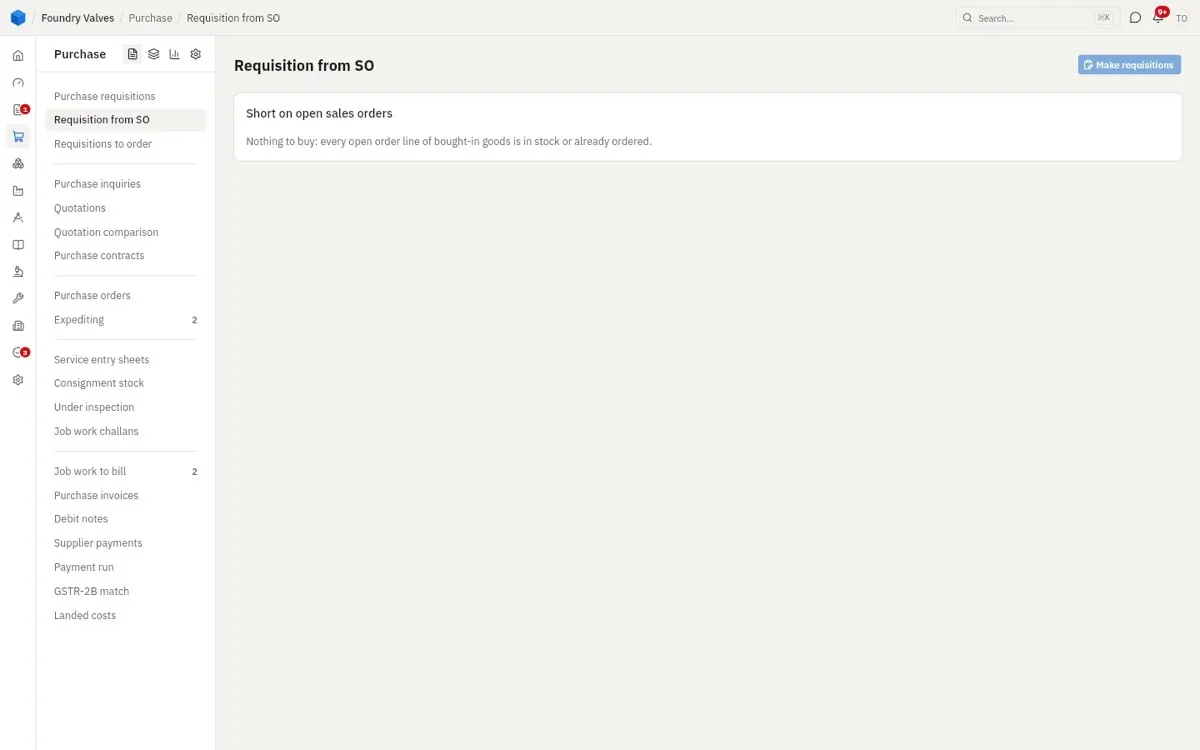
Requisition from SO
Every open sales order line of bought-in goods that is neither in stock nor already ordered, ready to become a requisition in one press.
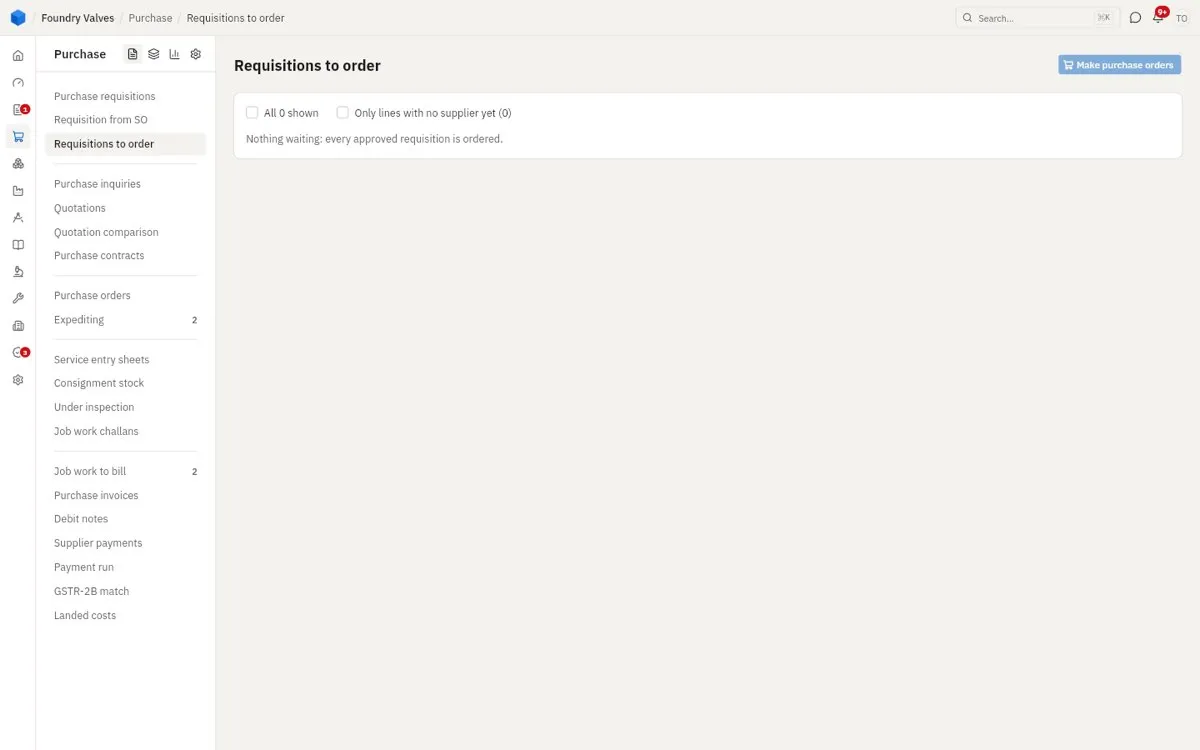
Requisitions to order
Every approved requisition line not ordered yet, so the buyer can pick lines, give them a supplier and Make purchase orders.
Sourcing - who to buy from, at what price
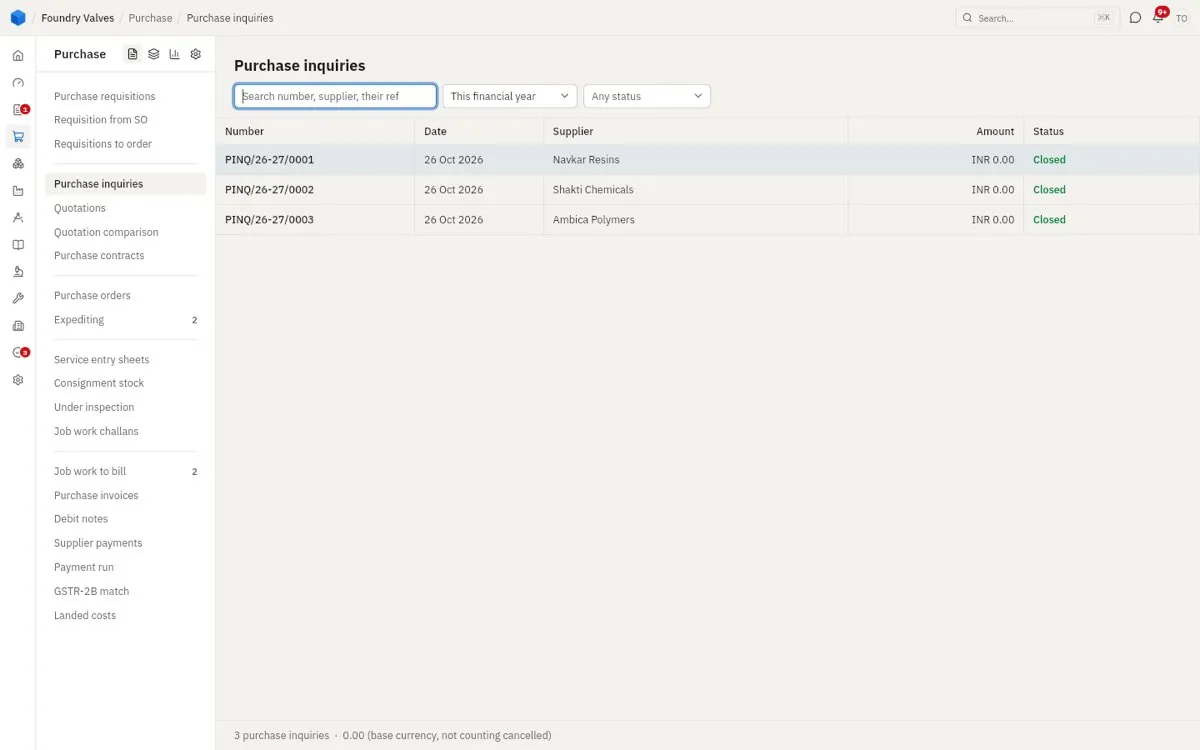
Purchase inquiries
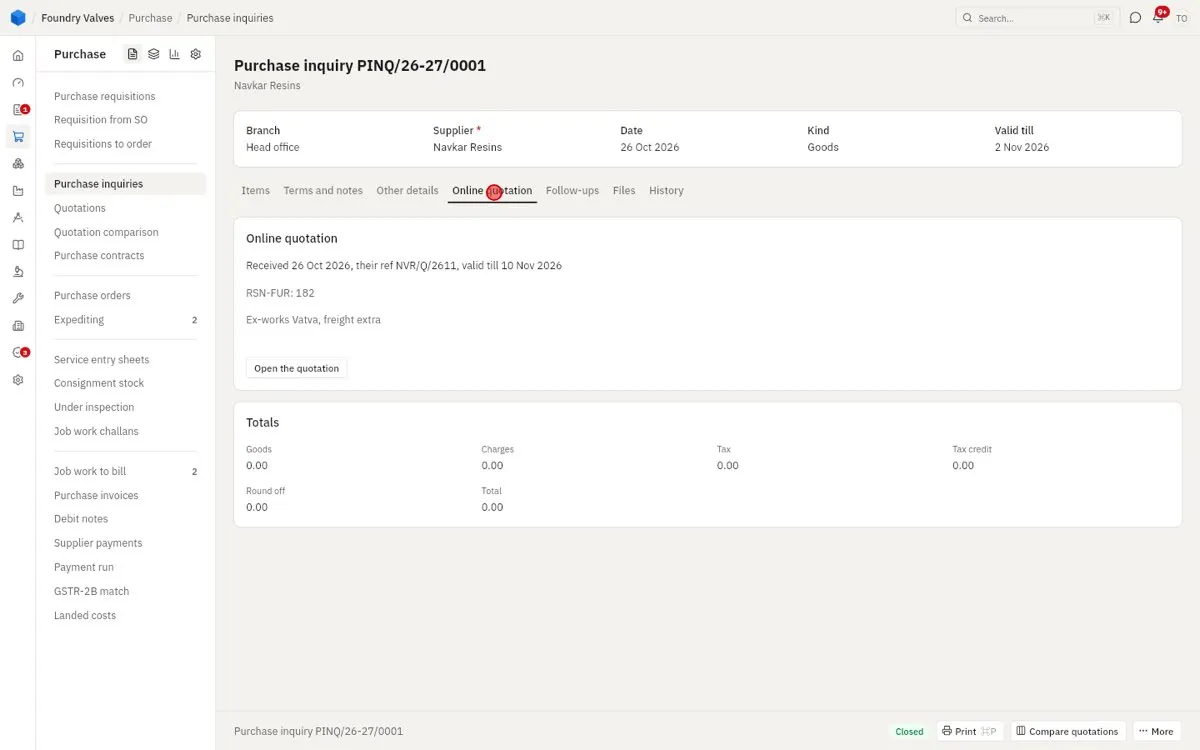
"Please quote us for these" sent to one or more suppliers. A supplier can answer online, through a link, and their quotation comes in by itself. Closed means its answers are in.
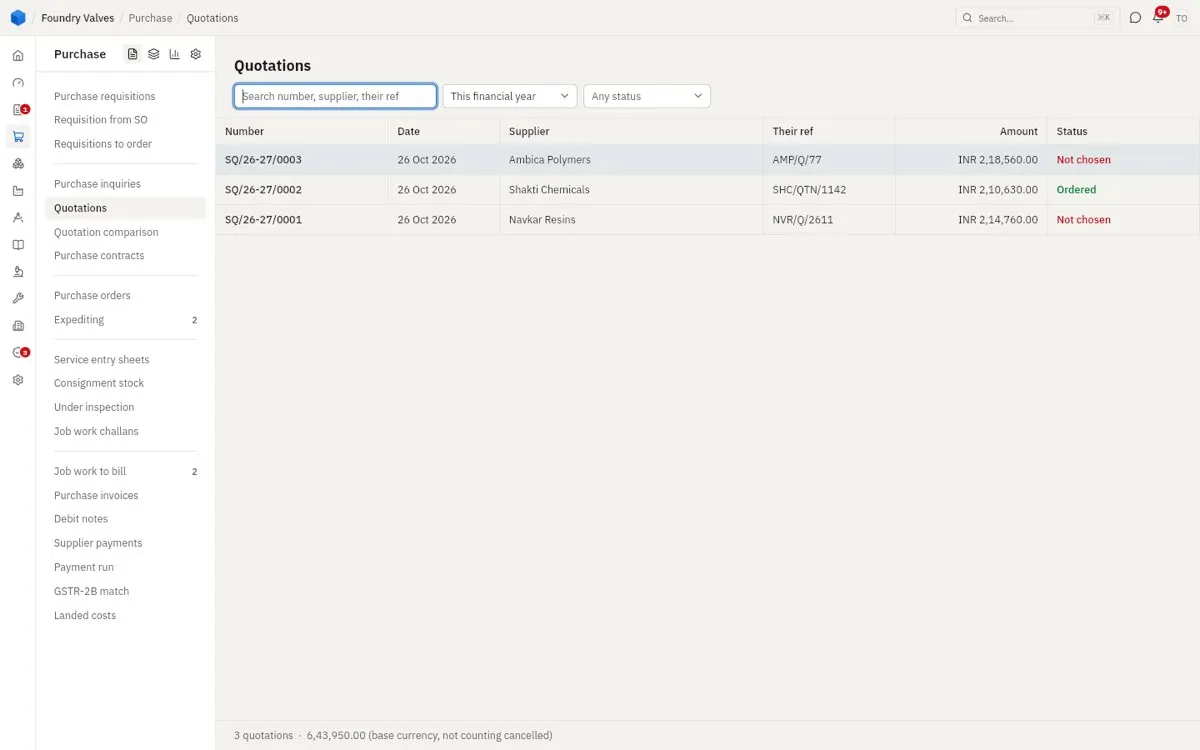
Quotations
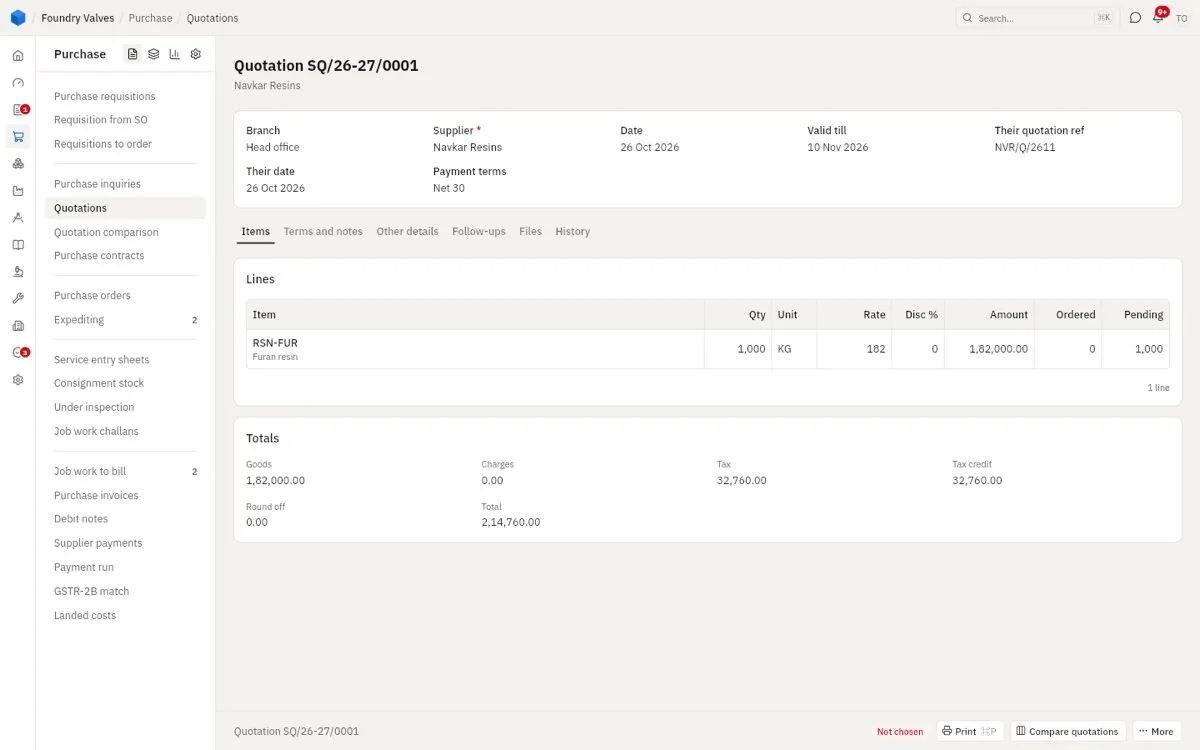
Suppliers' prices against our inquiry, as they quoted them. Ordered is the one we chose; Not chosen the rest.
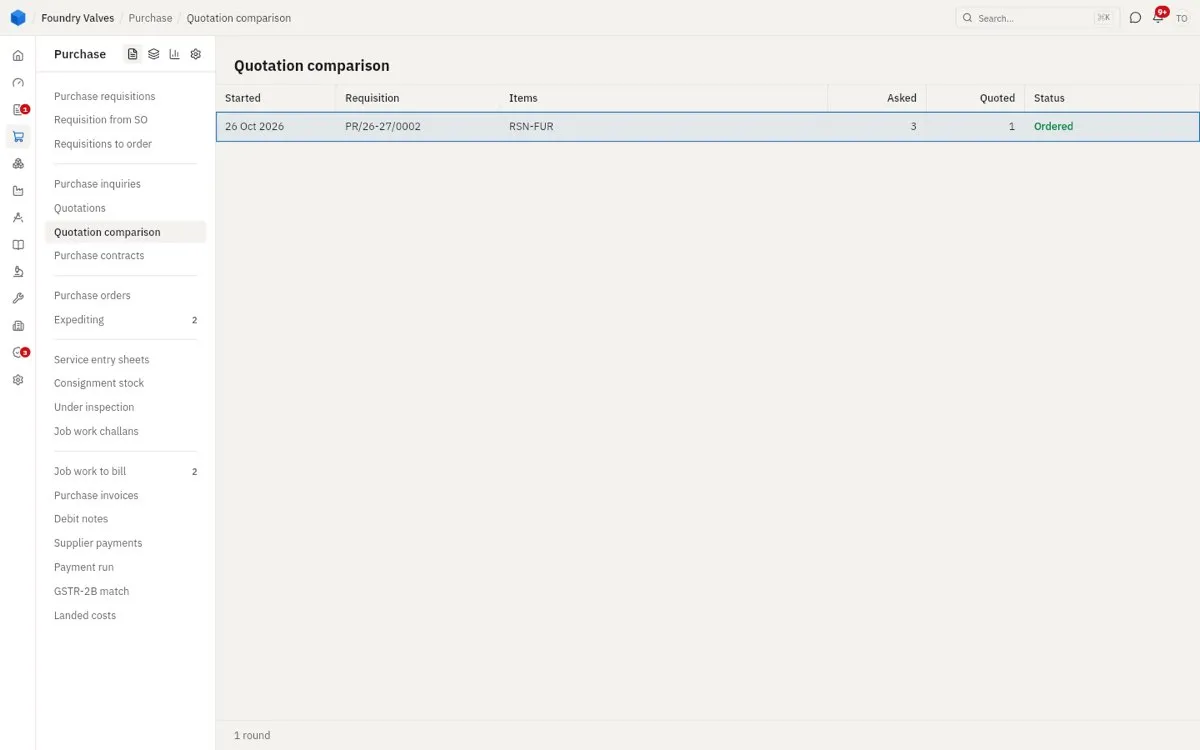
Quotation comparison
The quotations for one need side by side, landed (with freight, tax credit and terms counted) so the cheapest real price shows. Pick the winner and it becomes the order; the others are told no.
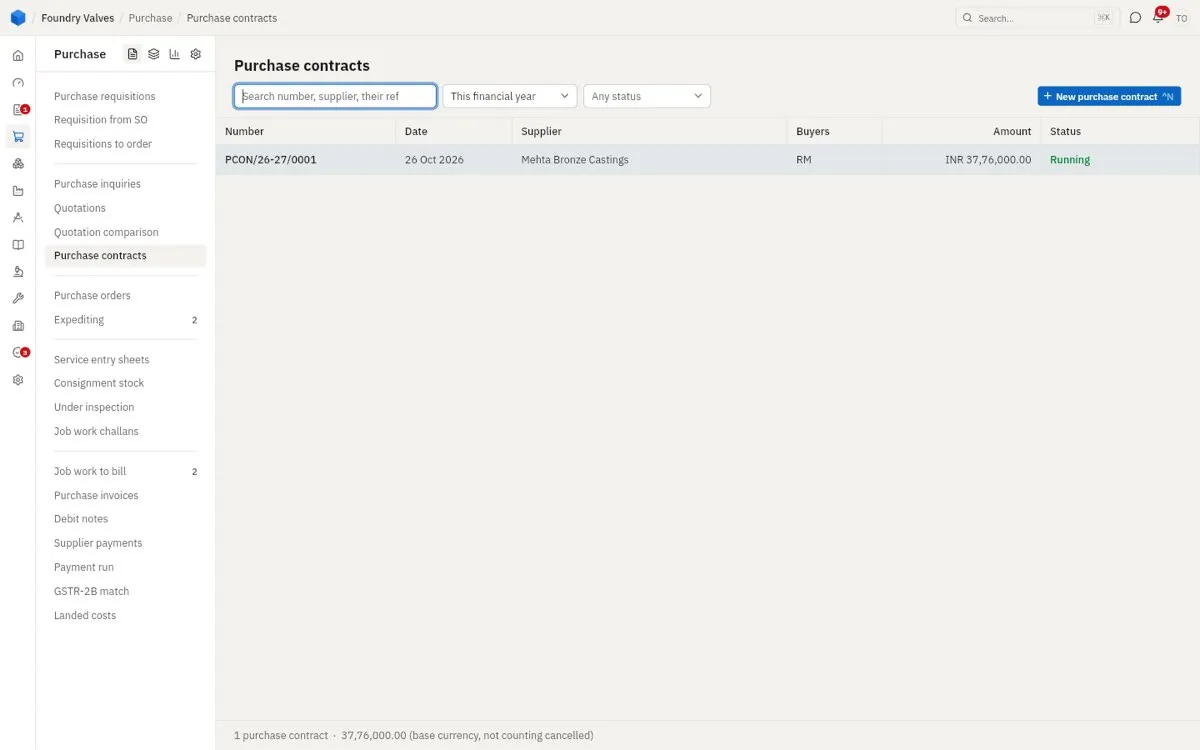
Purchase contracts
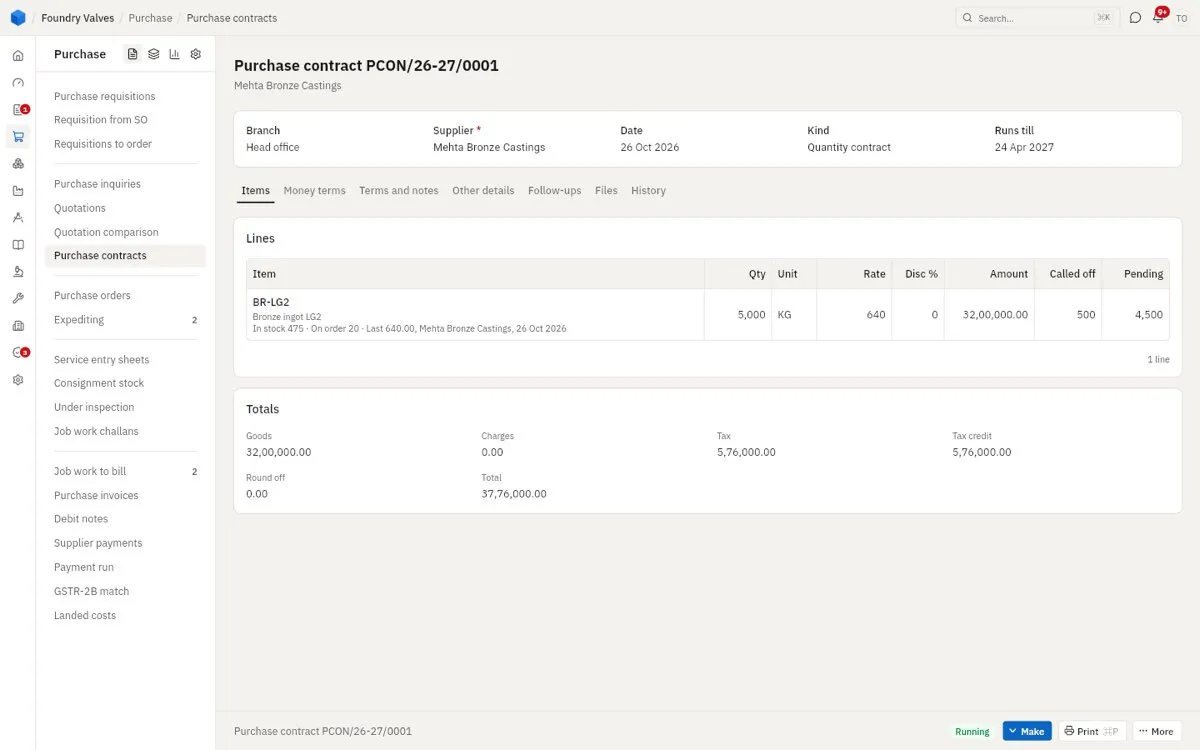
A rate agreed with a supplier for a period - by quantity or by value. Orders call off against it until it runs out or ends.
Ordering
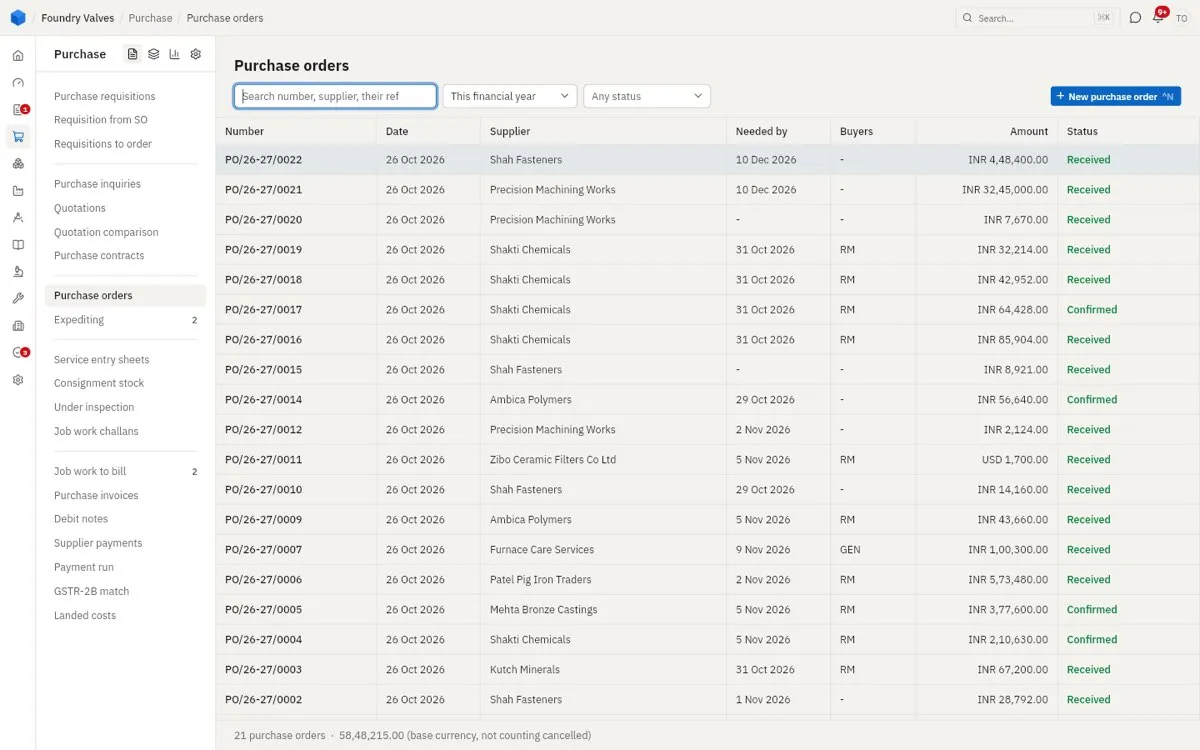
Purchase orders
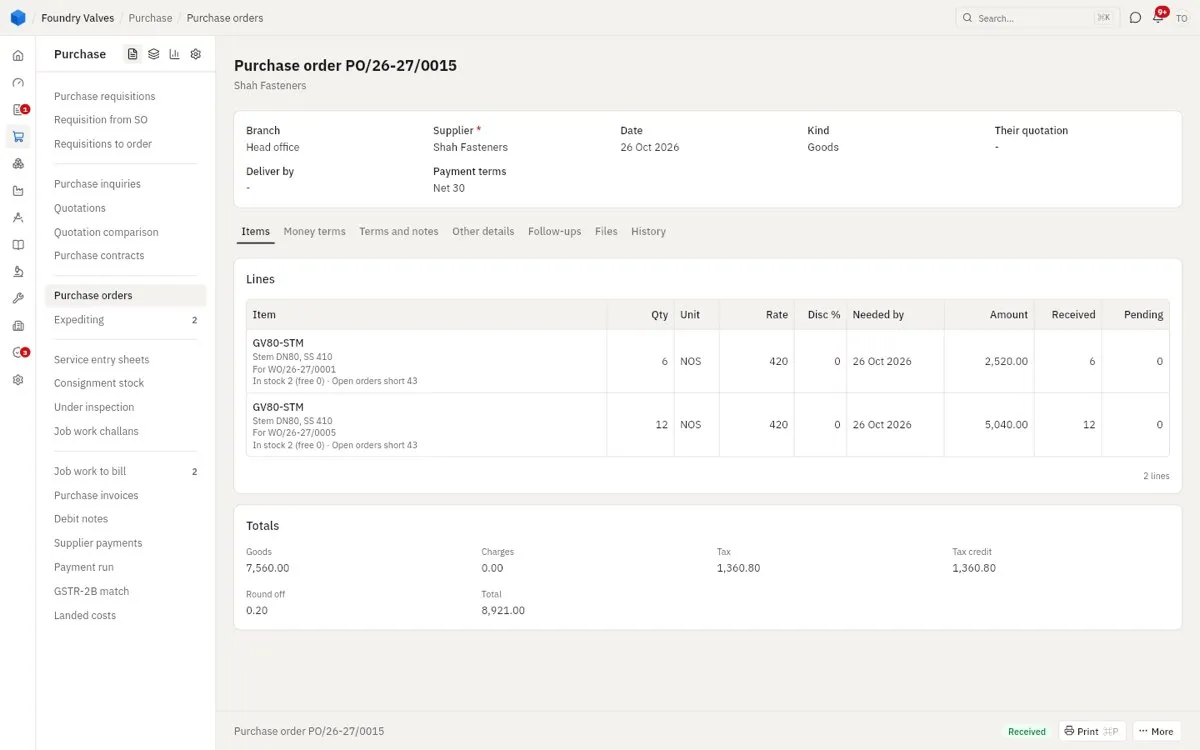
What we have asked a supplier to send: items, quantities, rates, by when. It goes to them by email from the app. Its status shows how far it is: Confirmed, Received (all in), Completed (billed too). An order over the approval limit waits for the purchase manager first.
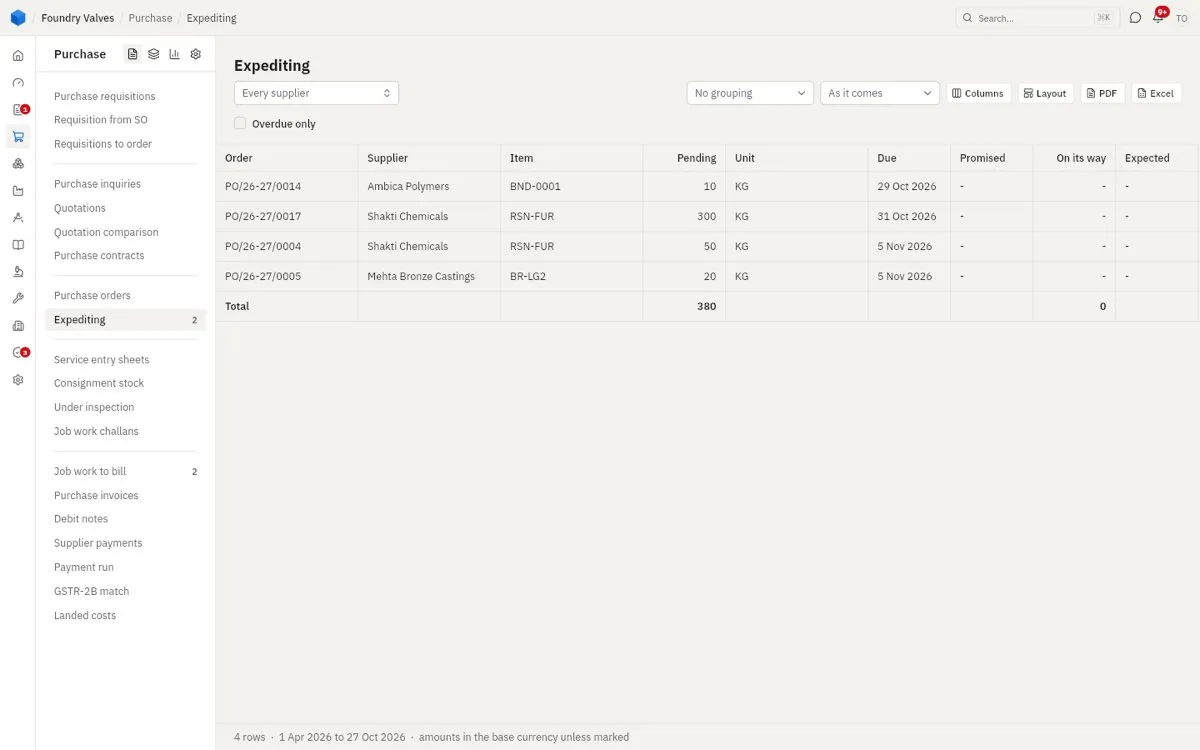
Expediting
Every order line still to come, with its due date, what the supplier promised, and what is on its way - so the buyer knows who to chase. Overdue only narrows it to the late ones.
Receiving
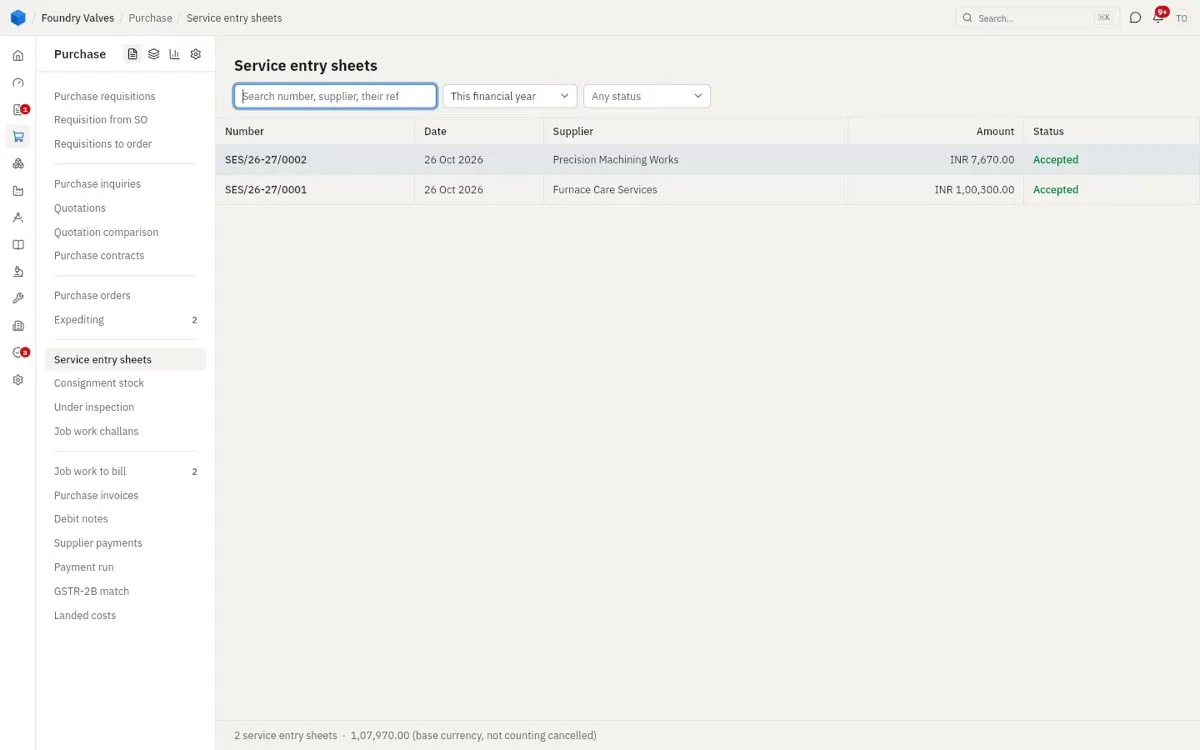
Service entry sheets
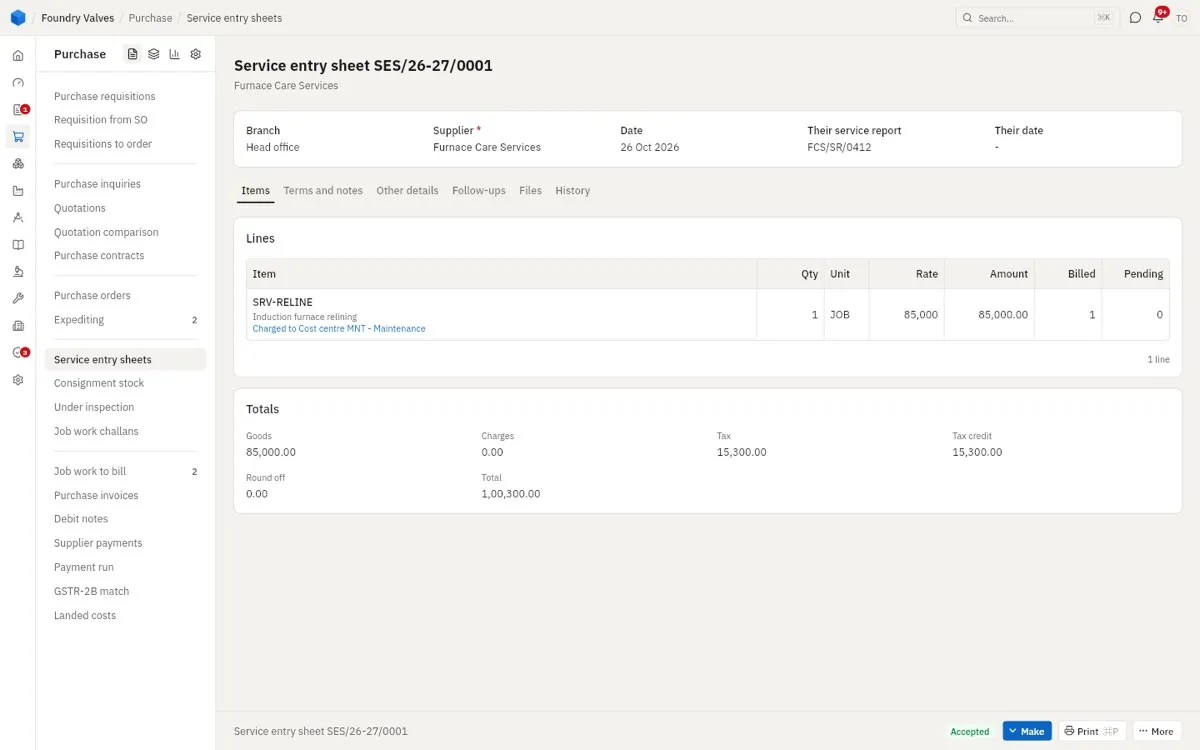
For a service, not goods (a repair, an AMC visit, transport): we confirm the work was done, against the order, so the supplier's bill can be passed. It is the goods receipt of a service.
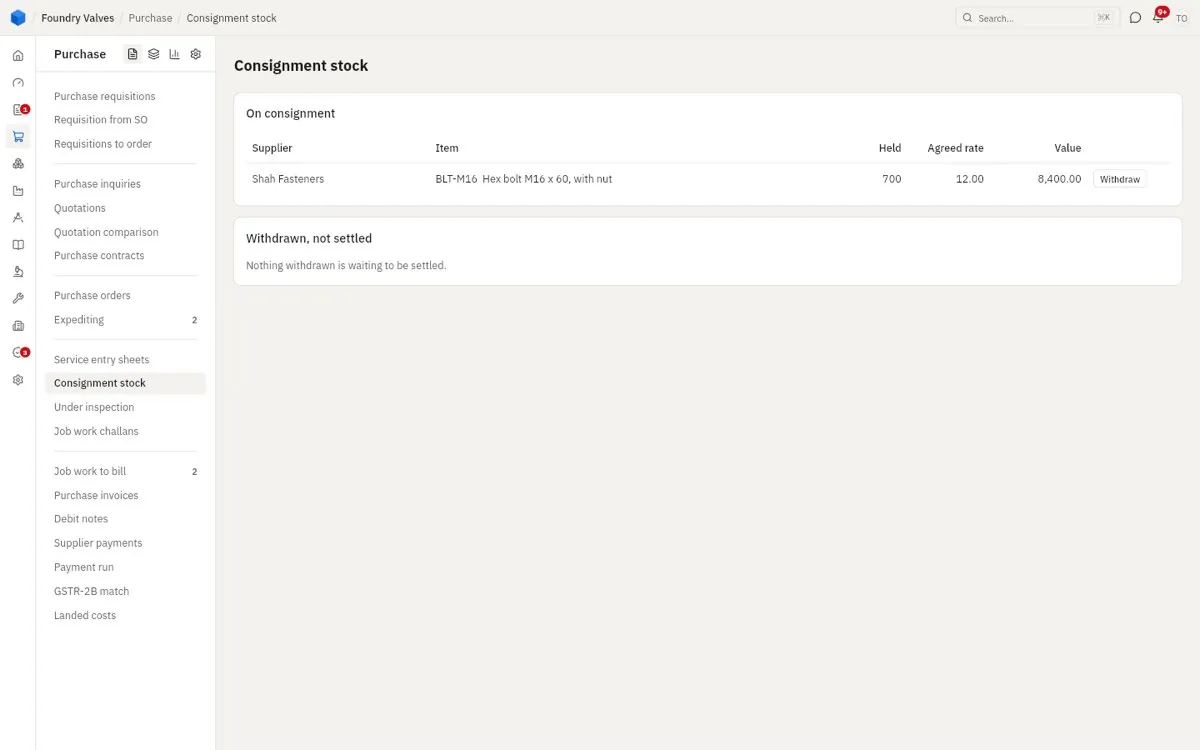
Consignment stock
A supplier's goods kept in our store but still theirs. We pay only for what we take out (Withdraw); what we have withdrawn and not yet been billed for is listed under it.
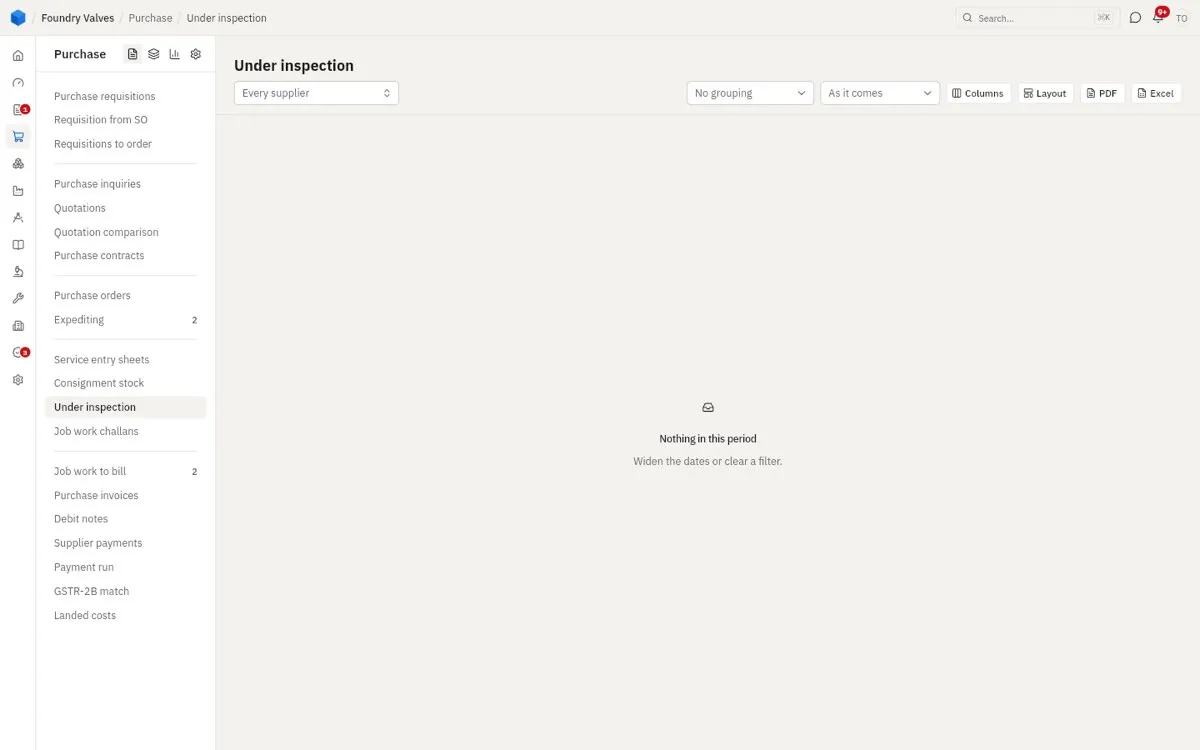
Under inspection
Goods received but held until quality checks them. Empty here means nothing is waiting. (Quality's menu has the same page.)
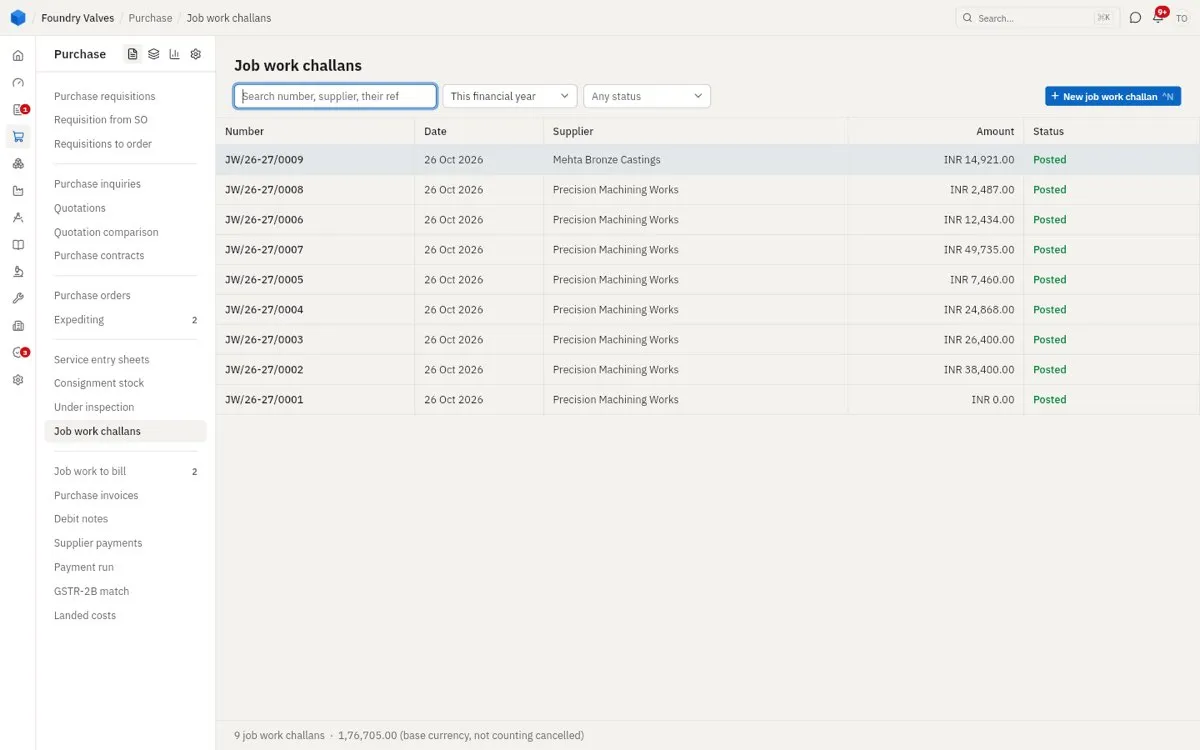
Job work challans
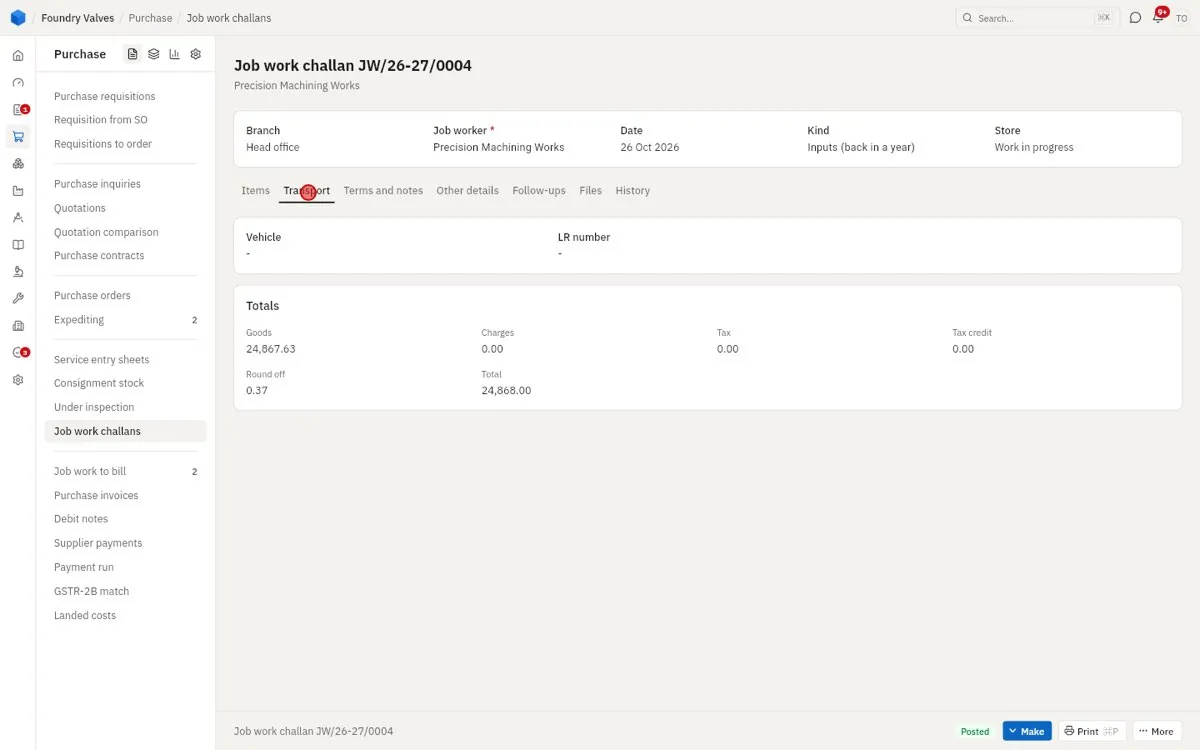
Our material sent to an outside workshop to be processed (machined, plated, heat-treated) - it stays ours while it is there. It must come back within a year by GST rules.
Accounts - bills and payments
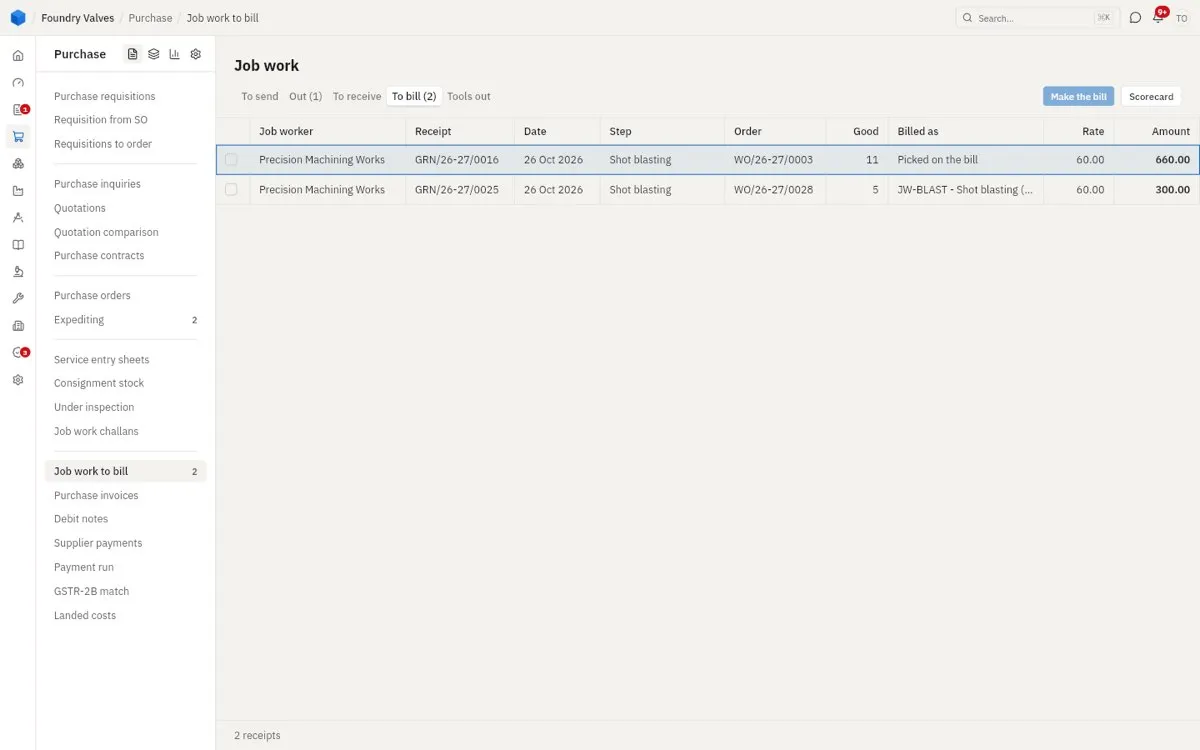
Job work to bill
What job workers sent back and has not been billed: each receipt's good pieces at the agreed rate. Make the bill turns them into the job worker's invoice. The tabs show what is to send, out, to receive and to bill.
Purchase invoices
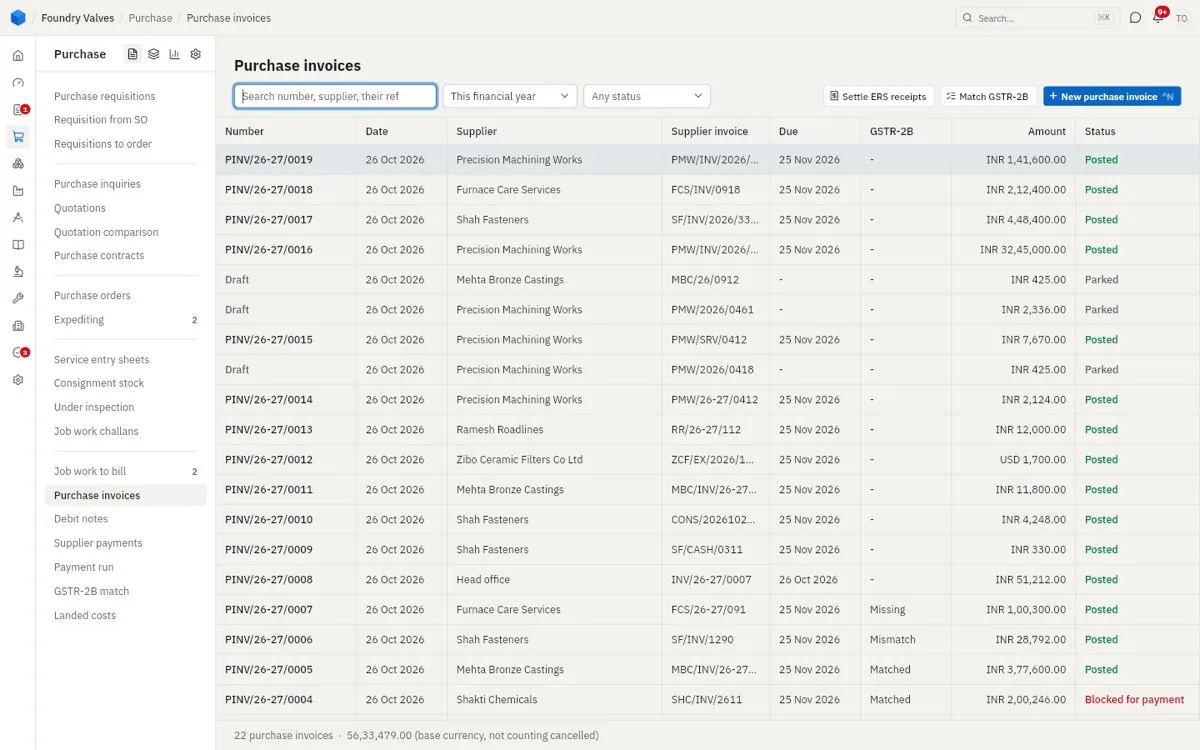
The supplier's bill, entered against the order and the goods receipt. The app checks the three agree (rate, quantity, total). One that does not is Blocked for payment until someone releases it; Parked is entered but not posted. GSTR-2B shows whether the supplier has filed it with GST. Settle ERS receipts bills receipts for suppliers who do not send invoices.
Debit notes
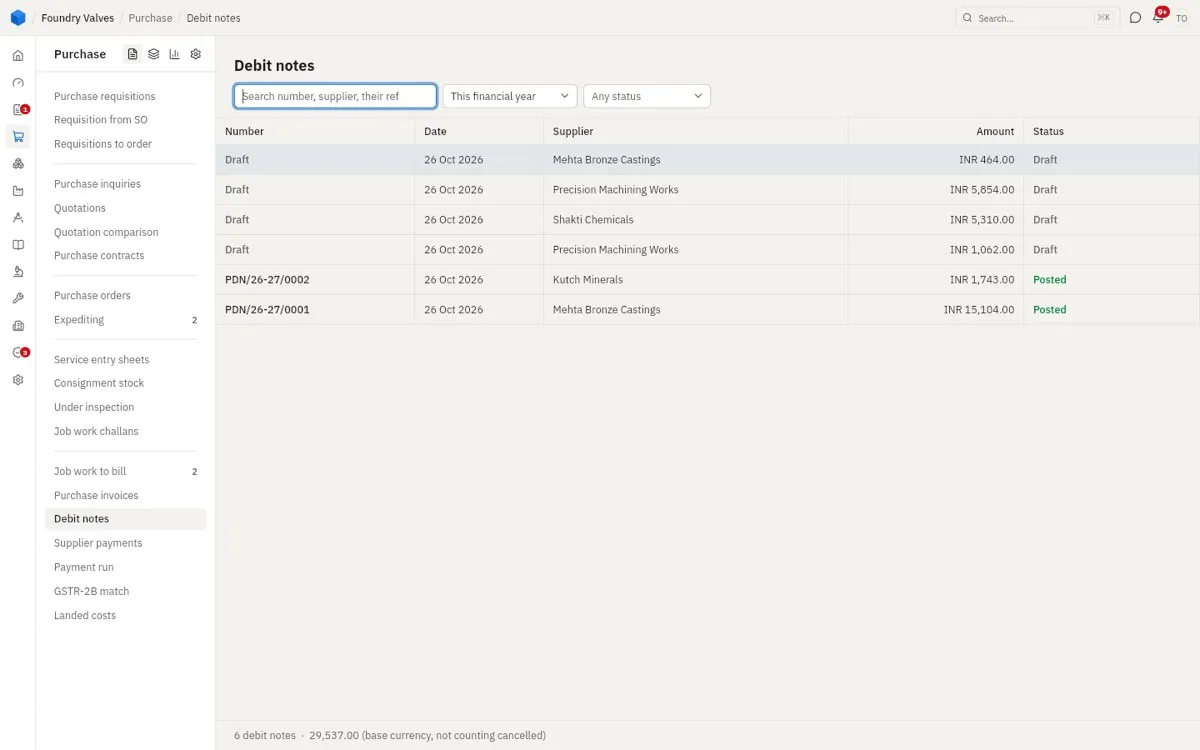
Lowers what we owe a supplier: goods sent back, a rate they over-charged, a shortage.
Supplier payments
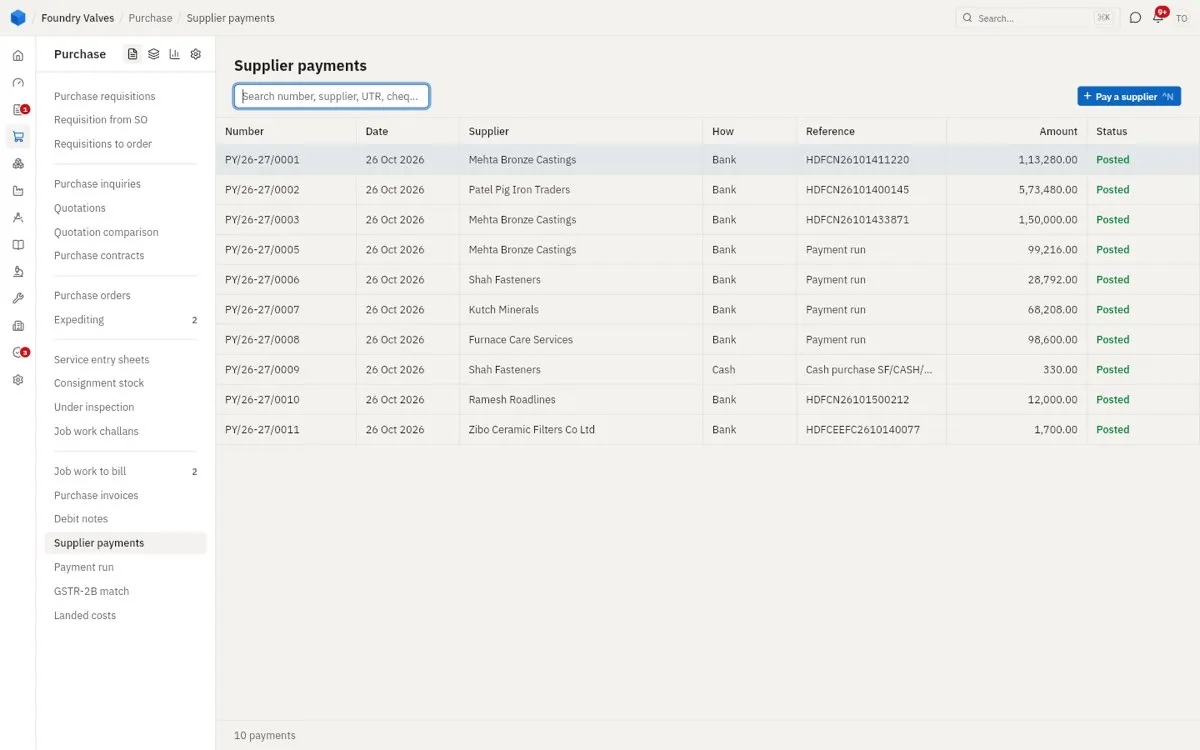
Money paid to suppliers, by bank or cash, set against their bills. An advance before the bill is one too.
Payment run
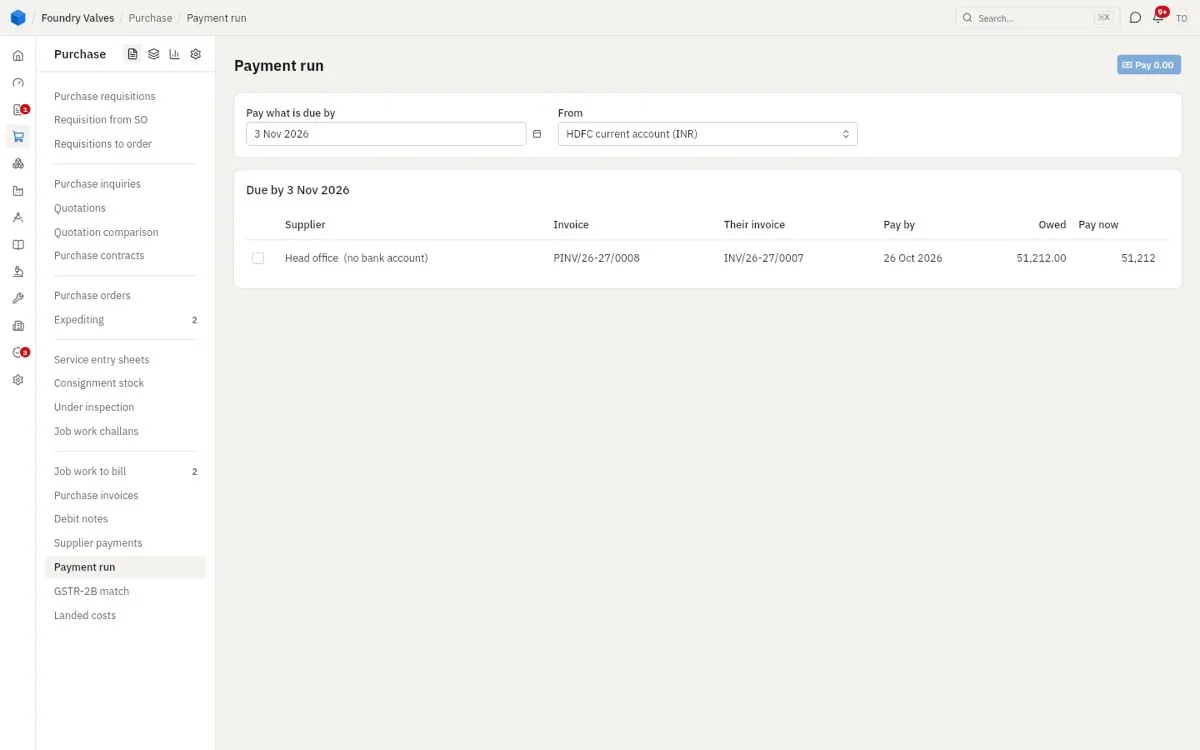
Everything due by a date, from one bank account: tick what to pay, Pay, and the app makes every payment and the bank's upload file at once.
GSTR-2B match
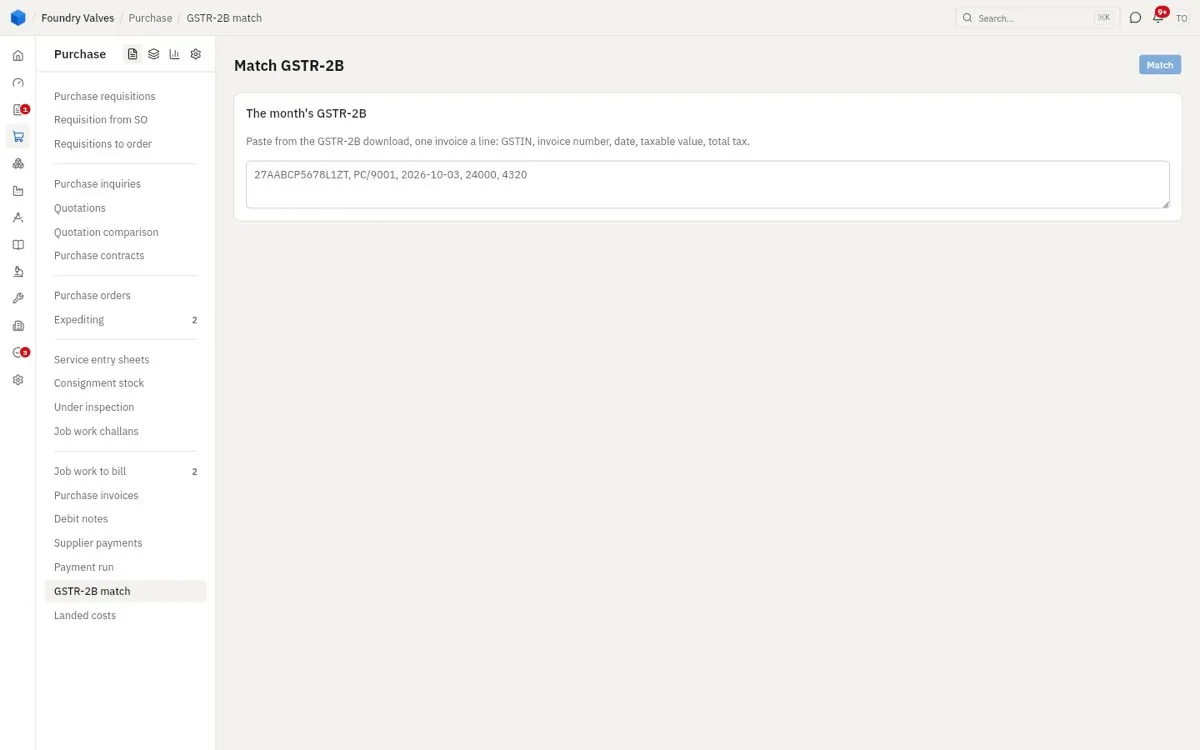
Paste the month's GSTR-2B (what suppliers filed with GST) and the app matches it to our bills - so we claim tax credit only on bills the supplier has filed.
Landed costs
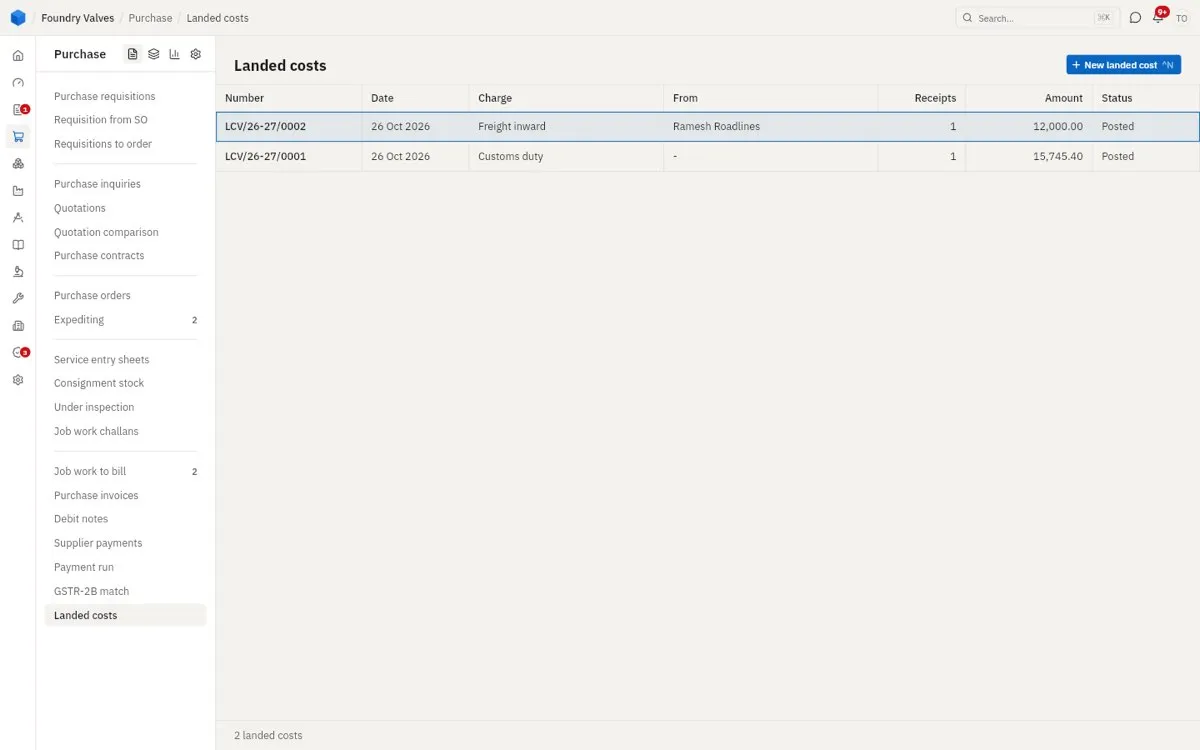
Freight, customs duty, insurance paid on goods after they came in, spread onto those goods' cost so stock is valued at what it really cost.
Masters
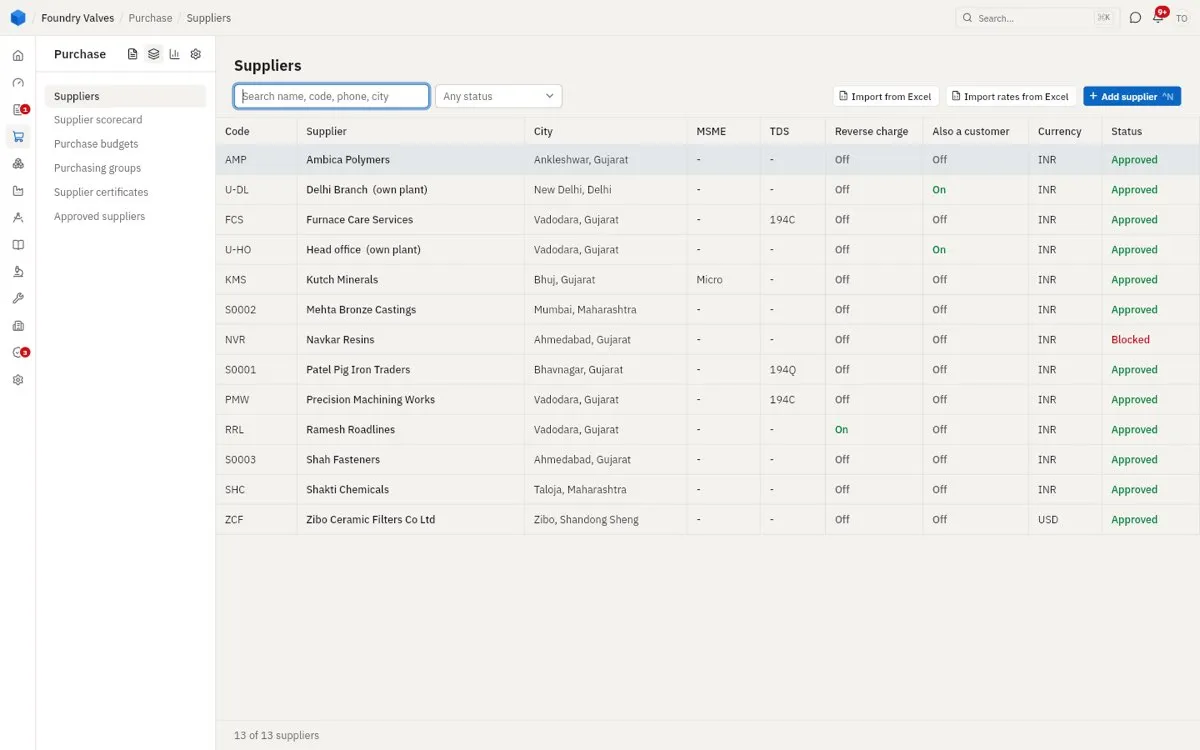
Suppliers
Everyone we buy from. MSME (a micro or small supplier's bills fall due within 15 days, 45 by agreement), TDS (the tax we deduct when paying them), Reverse charge (we pay their GST), Also a customer. Status: Approved, On trial, Blocked (no new order can name them).
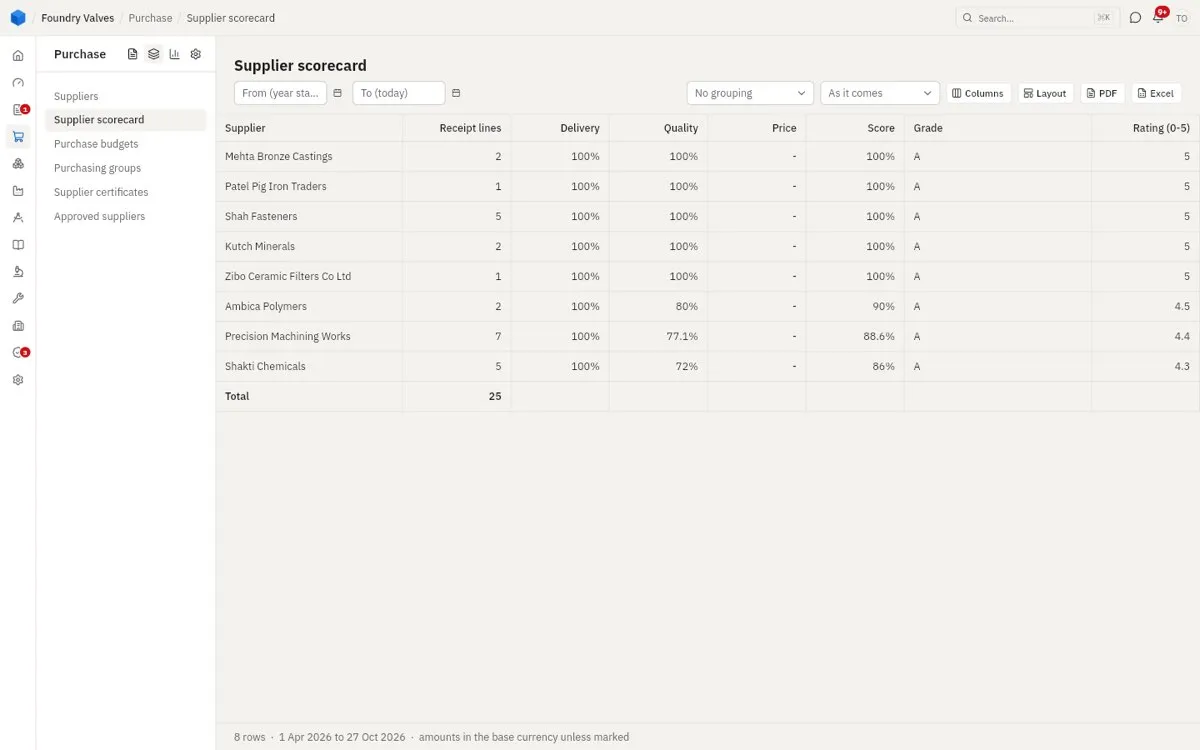
Supplier scorecard
How each supplier did, from their receipts: delivery on time, quality passed, price - one score, a grade and a rating out of 5.
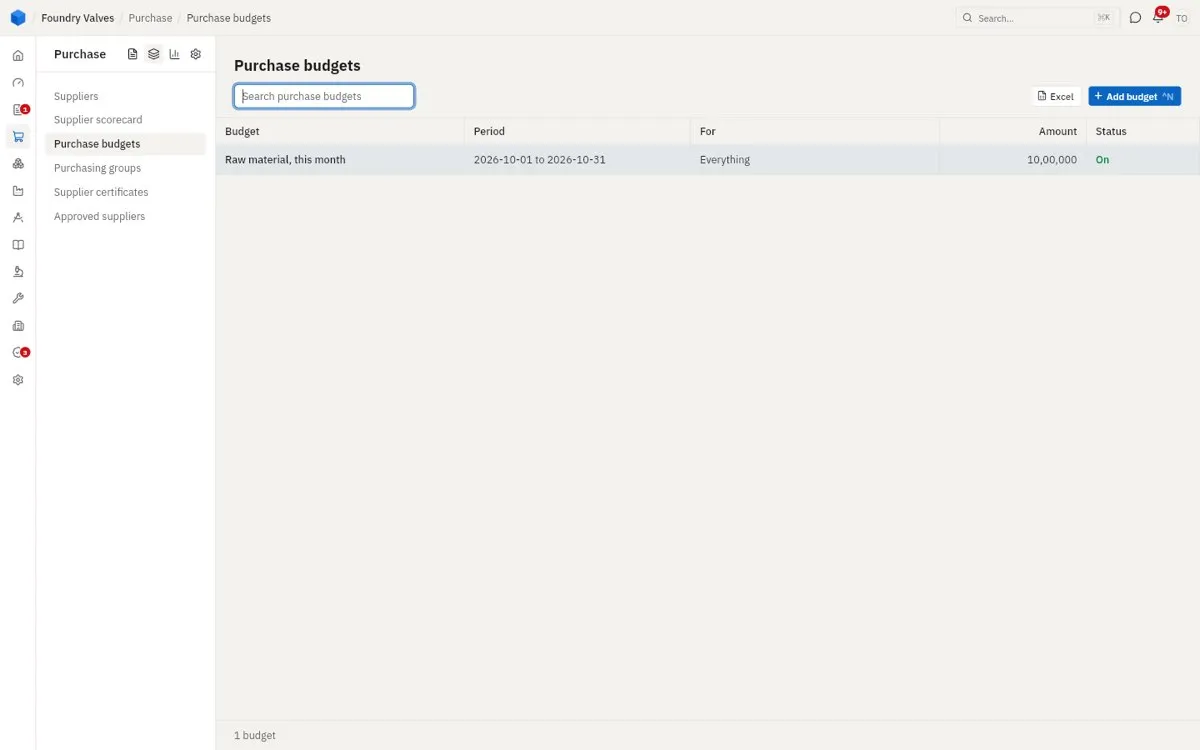
Purchase budgets
How much may be bought in a period (raw material this month: ₹10 lakh). An order past it warns, waits for approval or is blocked - the budget says which.
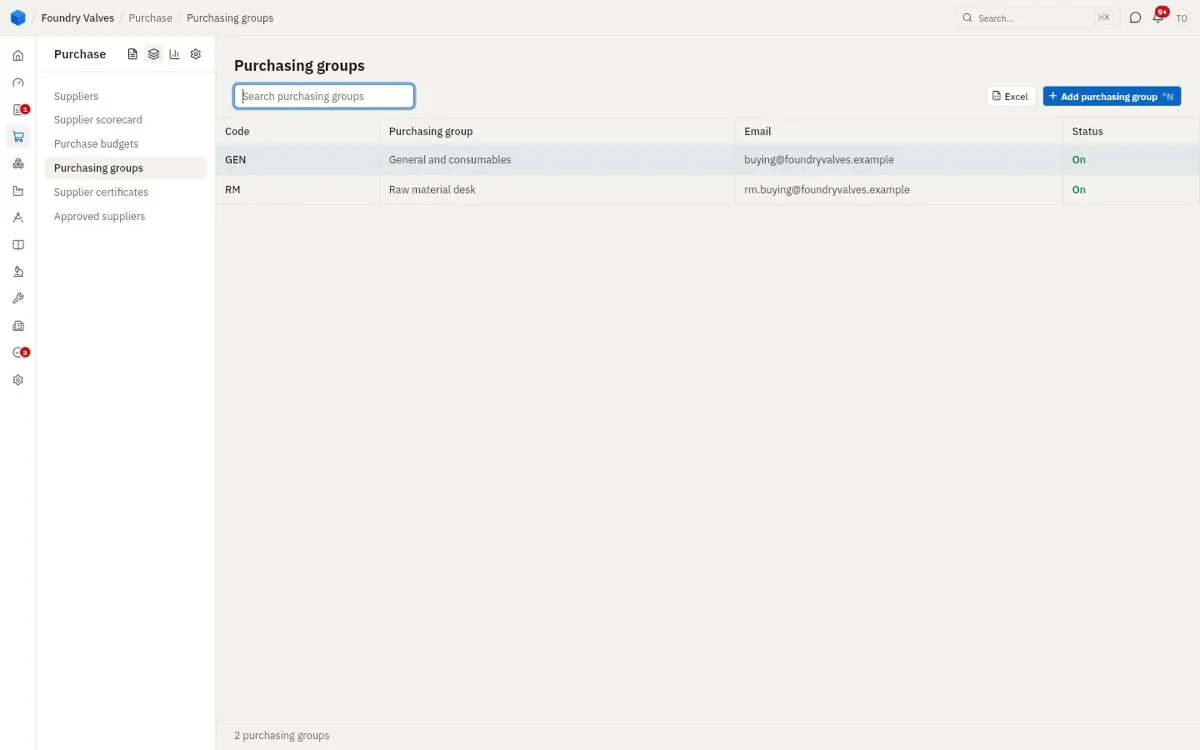
Purchasing groups
Buyer desks (raw material, general consumables), each with its own email, so each order goes to and from the right desk.
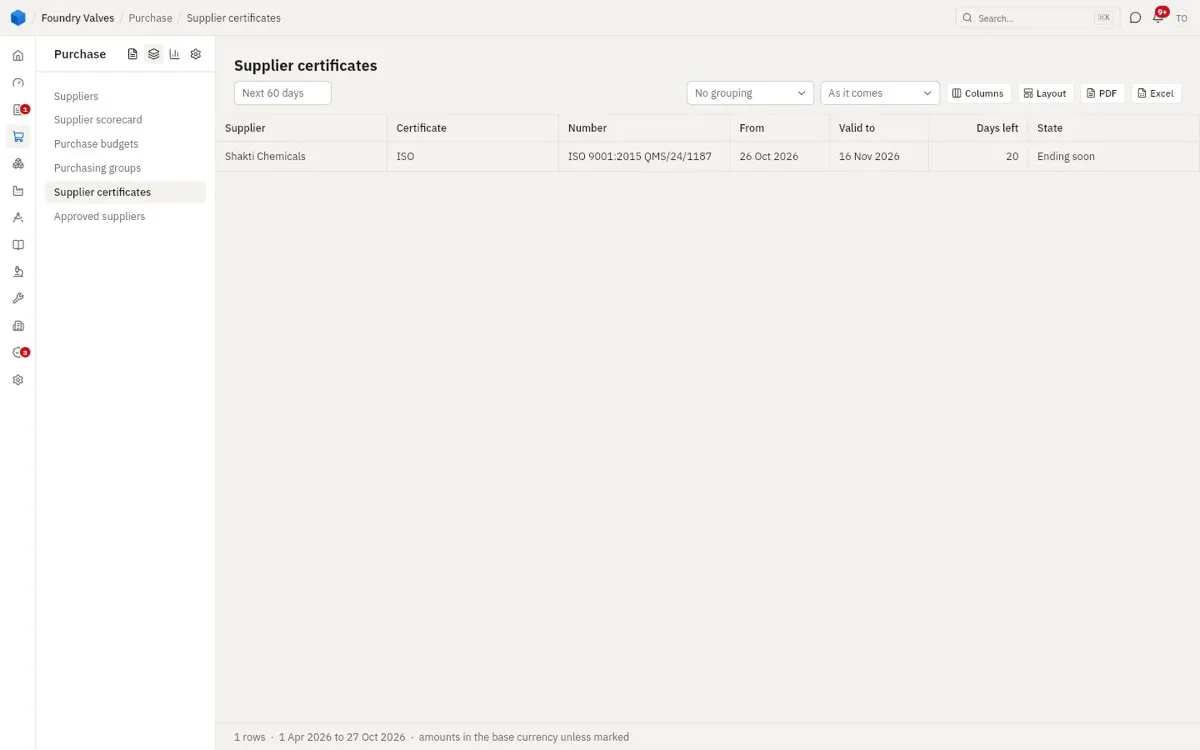
Supplier certificates
Suppliers' ISO and other certificates, with the days left before each runs out.
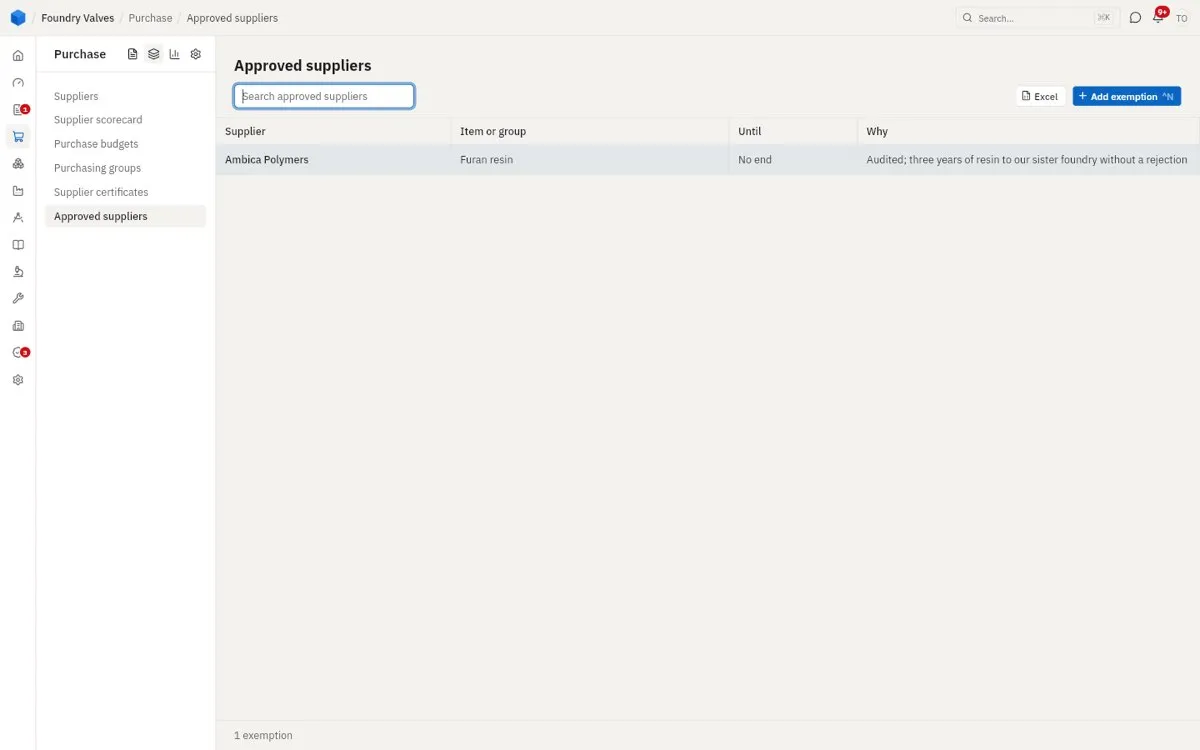
Approved suppliers
A supplier trusted for an item or group, and why - their goods of that item skip incoming inspection.
Reports
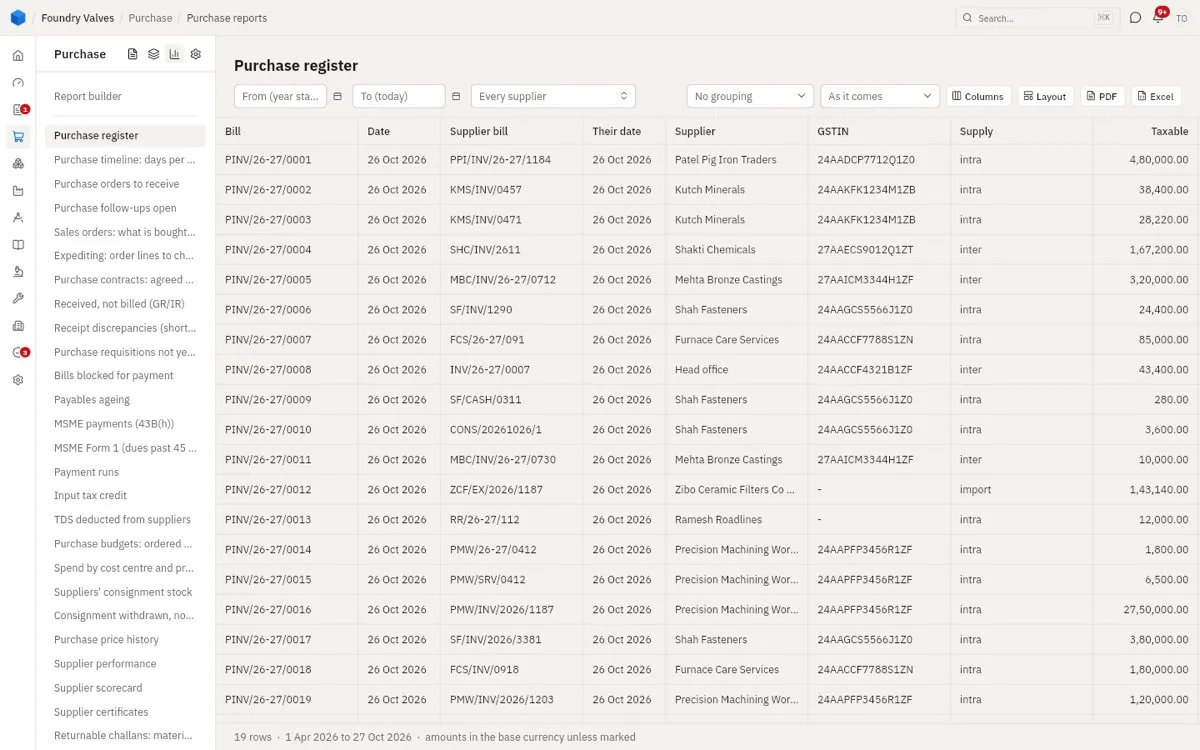
Purchase reports
Every purchase report, down the left: the purchase register (each bill with its GSTIN, supply and tax), orders pending, receipts, price history, supplier performance and the rest. Each filters, groups and goes to PDF or Excel.
Settings
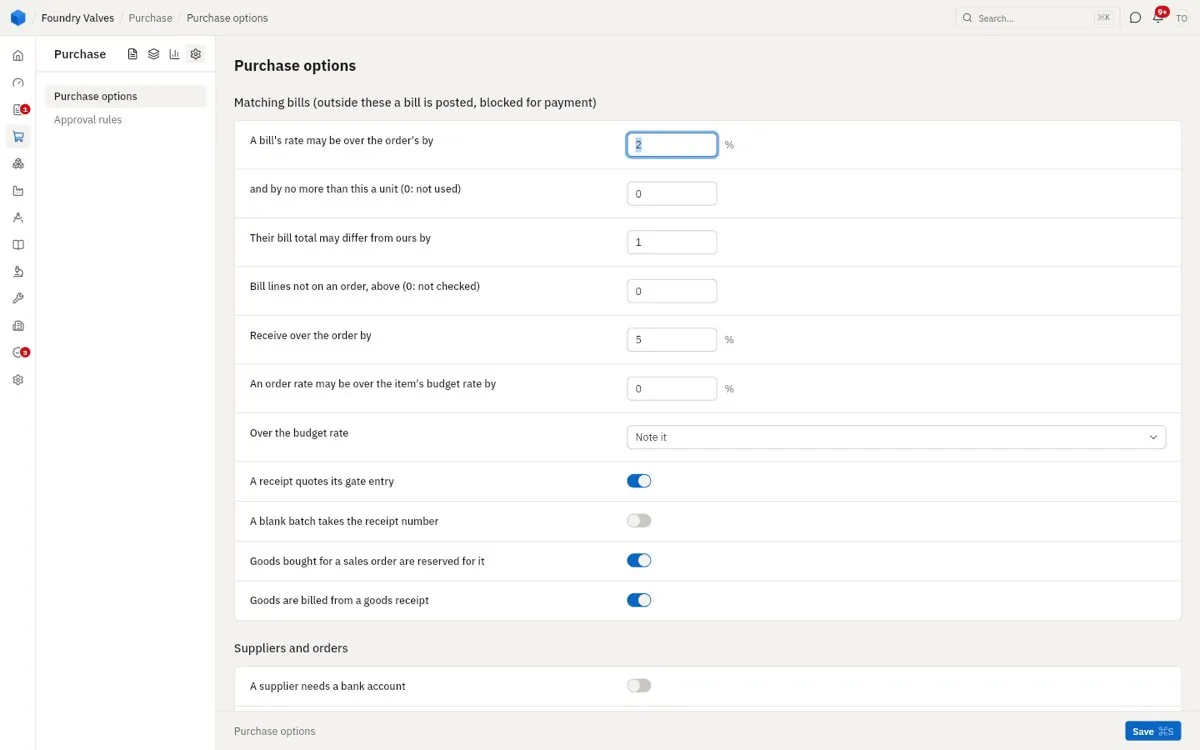
Purchase options
How strictly bills are matched (how far a bill's rate may be over the order's before it is blocked), how much over the order may be received, whether a receipt needs a gate entry, whether goods bought for a sales order are held for it, whether a supplier needs a bank account.
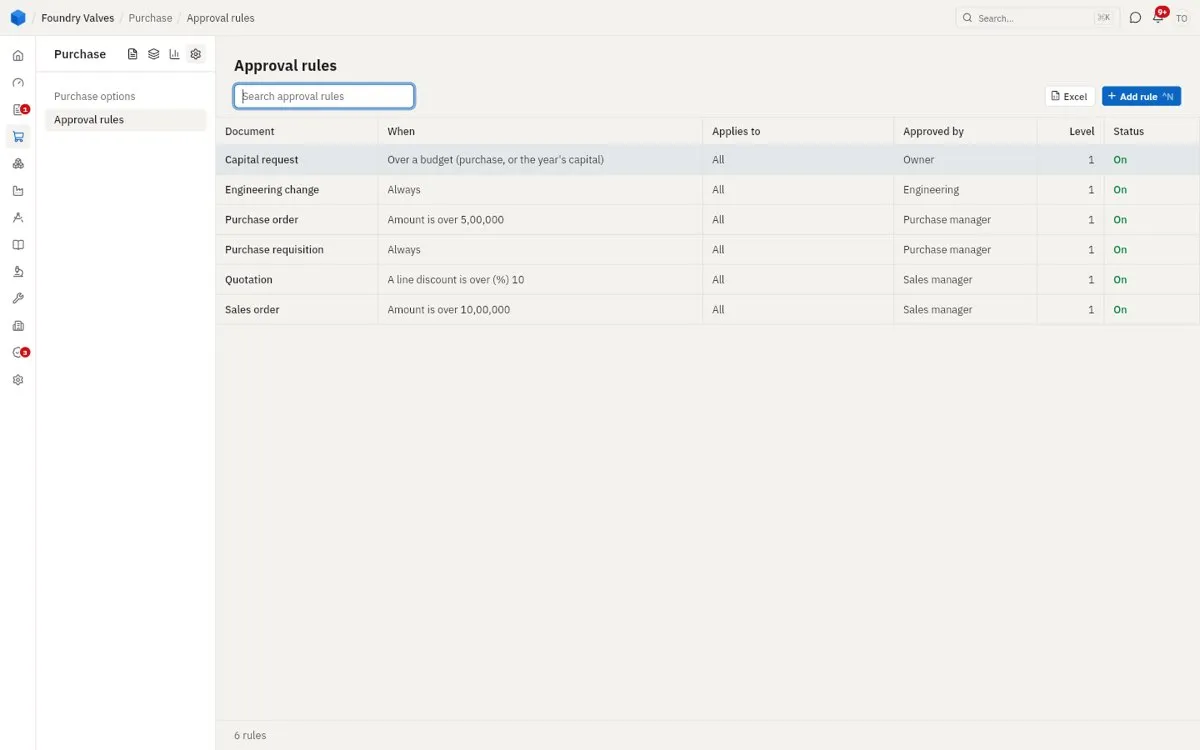
Approval rules
The same list as Sales': what needs whose OK - a purchase order over ₹5 lakh, every requisition.
The main records, tab by tab
Every purchase document opens the same way: the header up top (plant, supplier, date, kind and its own few fields), the tabs, and the totals card (goods, charges, tax, tax credit, total). At its foot: the status, Make (the next document), Print and More (copy, cancel, amend). These tabs are on most of them:
| Tab | Holds |
|---|---|
| Items | The lines: item, quantity, rate, discount, needed by, and how much is received / pending; charges under them |
| Money terms | How it is billed, reverse charge, TDS, the payment terms |
| Terms and notes | What is printed above and below the lines; a note that is not printed |
| Other details | Buyers' group, category, priority, our reference |
| Follow-ups | Calls and tasks to chase it, with the day each is due |
| Files | Their quotation, drawings, test certificates |
| History | What it was made from and into, and every step |
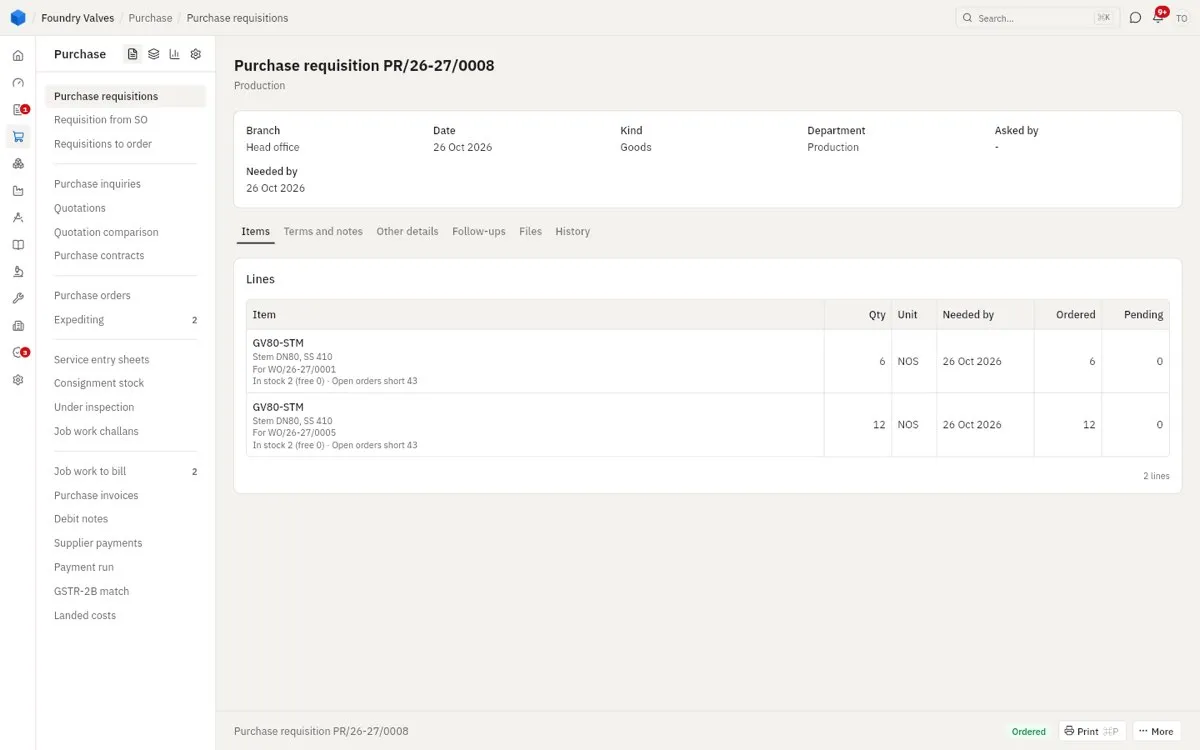
Purchase requisition
Each line shows what it is for (the work order that needs it), what is in stock and free, and how much is ordered against it. Tabs: Items · Terms and notes · Other details · Follow-ups · Files · History
Purchase inquiry
Its own tab, Online quotation: what the supplier answered through the link, with Open the quotation. Compare quotations at its foot. The others: Terms and notes · Other details · Follow-ups · Files · History
Supplier quotation
Their rates, valid till, their reference. Tabs: Items · Terms and notes · Other details · Follow-ups · Files · History
Purchase contract
The kind (by quantity or value) and till when it runs; Make calls off an order against it. Tabs: Items · Money terms · Terms and notes · Other details · Follow-ups · Files · History (the orders called off it)
Purchase order
Each line: what it is for, the rate, needed by, received and pending. Tabs: Items · Money terms · Terms and notes · Other details · Follow-ups · Files · History
Service entry sheet
The service done, against its order line. Tabs: Items · History
Job work challan
The job worker, what went out and from which store, and the kind (inputs back within a year, or capital goods within three). Its own tab, Transport. History shows the receipt it came back on: History
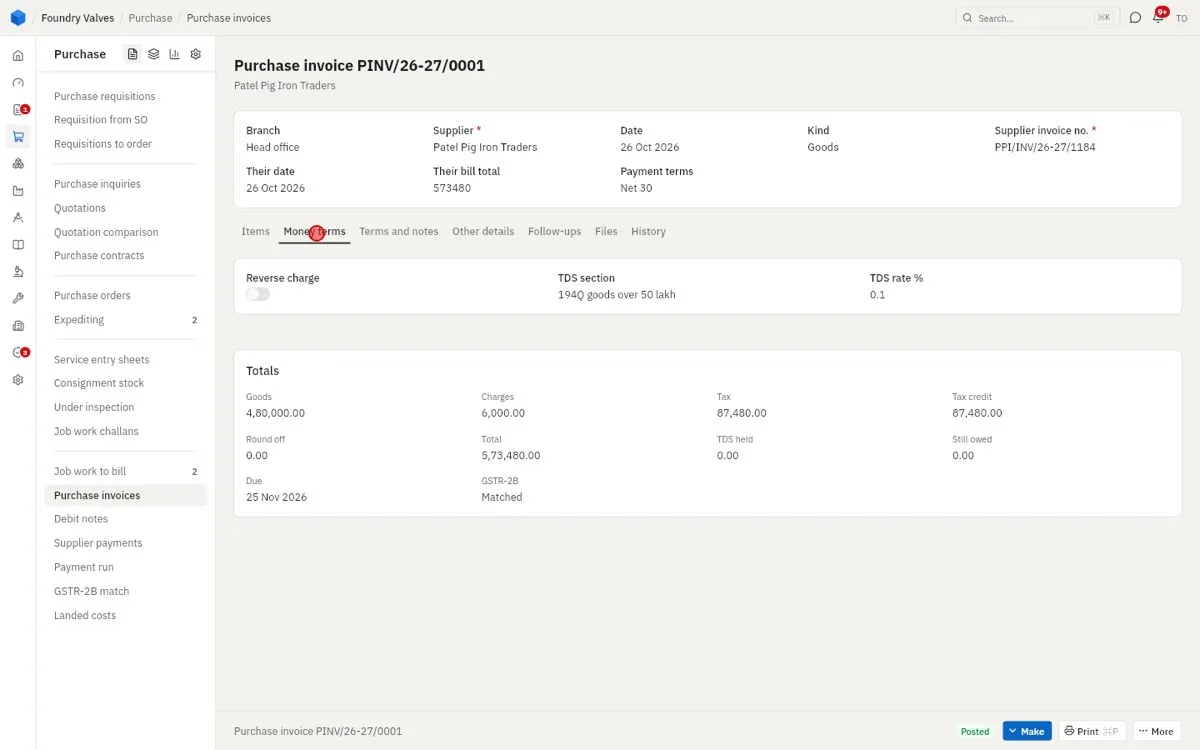
Purchase invoice
Their invoice number, date and their total (checked against ours); each line's tax credit; charges with how they are spread onto the goods (by value or quantity) and whether they go into cost. The totals show TDS held, still owed, the due date and the GSTR-2B match. Money terms has the TDS section and rate. The others: Terms and notes · Other details · Follow-ups · Files · History
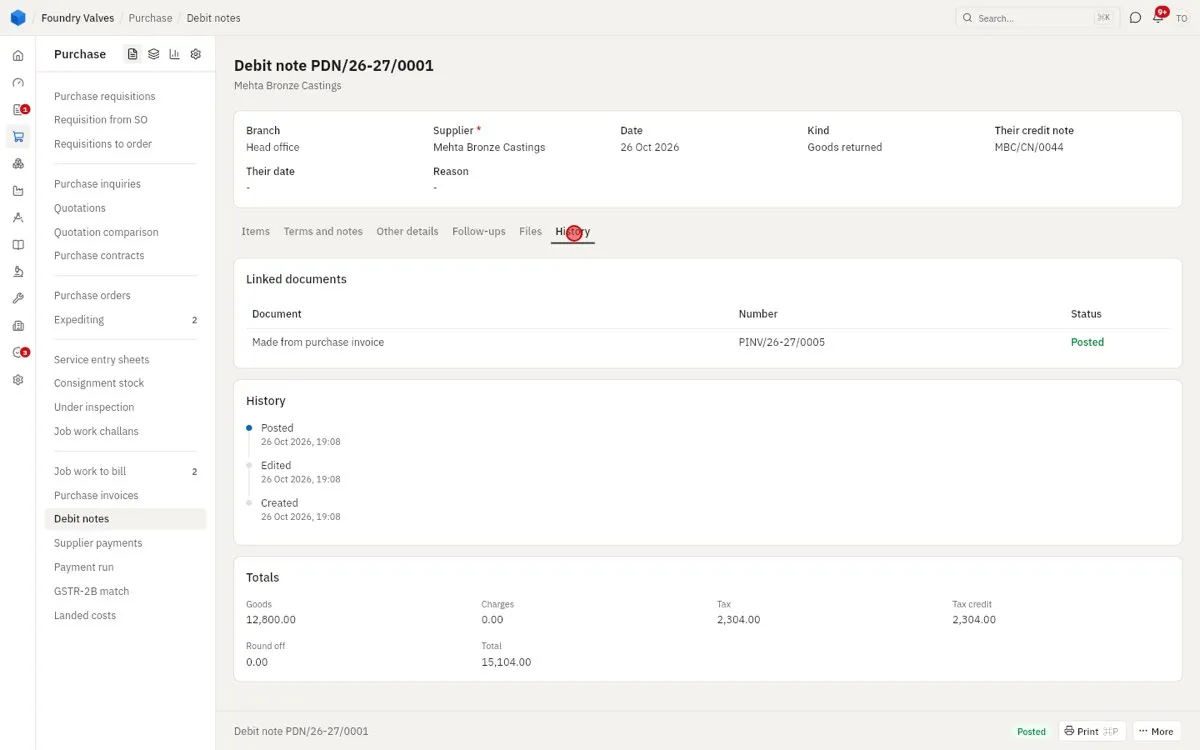
Debit note
The kind (goods returned, rate difference), their credit note number, the reason. Its History shows the invoice it was made from.
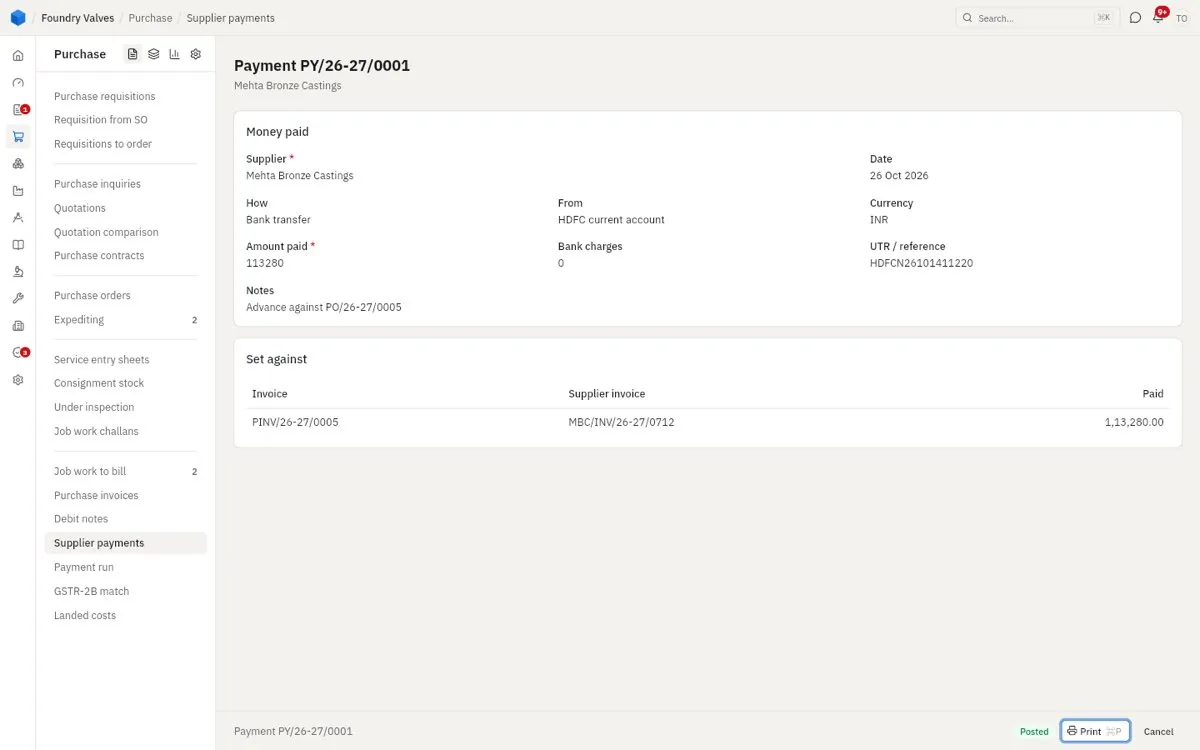
Supplier payment
How it was paid, from which account, the UTR; and Set against: the invoices it pays.
Supplier
Name, code, status (Approved, On trial, Blocked), phone and email up top. Tabs:
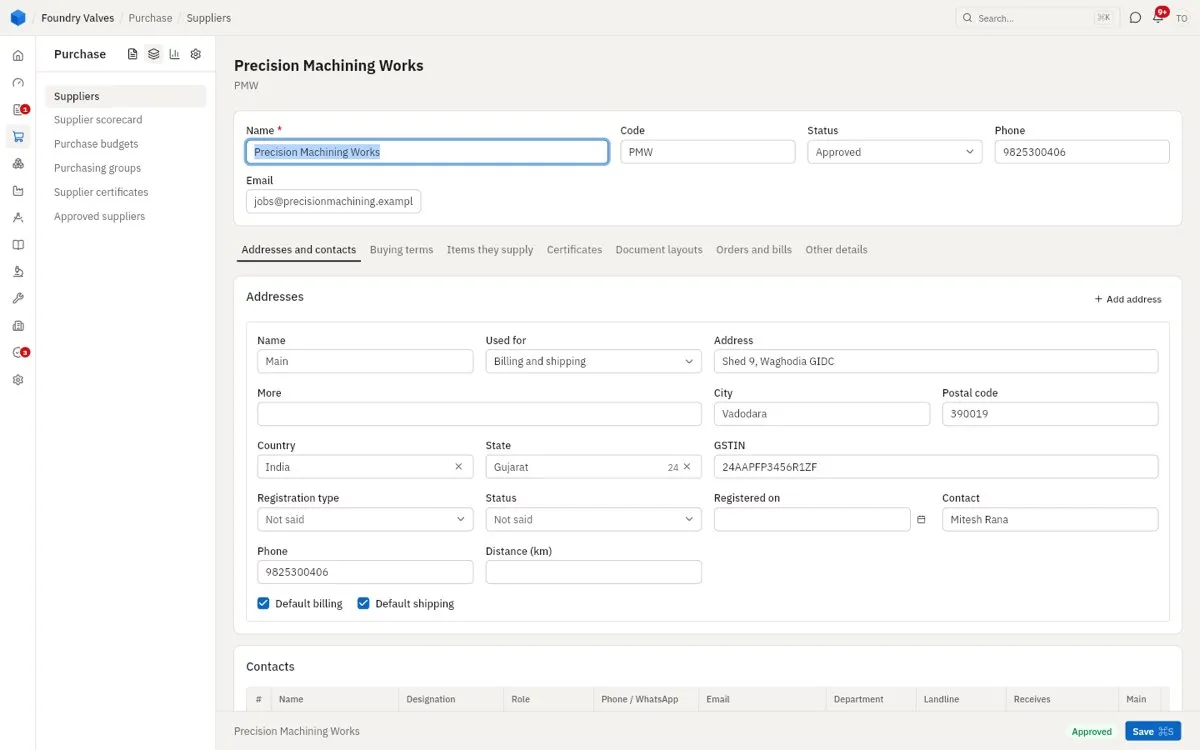
- Addresses and contacts: each address with its state and GSTIN, their contacts, their bank accounts
- Buying terms: currency, payment terms, reverse charge, ERS (we bill from our receipts), MSME, TDS section and rate
- Items they supply: each item with their rate - an approved one fills the rate on our orders
- Certificates: certificates and agreements, with expiry
- Document layouts: what each of their documents prints with
- Orders and bills: every order and invoice with them
- Other details: legal name, website, rating, notes